
How to Photograph the Milky Way in 2026: Guide, Settings & Tips
Photographing the Milky Way in 2026: Camera settings, calculating exposure time, visibility, best spots, focus & editing – explained step by step.


I have been photographing the Milky Way for more than ten years. In this big photography tutorial on Milky Way photography you get a simple, step-by-step guide to photographing the Milky Way. Alongside the right camera settings, you also get lens tips and learn how to edit your Milky Way photos. There is also a calculator for the best exposure time and a planner. I hope you enjoy reading it and trying it out!
I get it if you don’t feel like reading endlessly long astrophotography tutorials. Even so, I recommend reading the whole article, because it will teach you how to take even better photos of the Milky Way and get more out of my “basic recipe for Milky Way photography”. Here you’ll learn how to choose the right moment for these shots and I’ll pass on a good amount of Milky Way photography know-how to you. And completely free of charge. Why do I do this? Well, the Milky Way and astronomy have fascinated me since my childhood more than 30 years ago. Today I look back on hundreds of hours spent with my camera under the Milky Way. The fascination has stayed, and I want to help other stargazers take better photos of the Milky Way.
In Brief: The Most Important Settings for Great Milky Way Photos
Photograph the Milky Way on a clear, moonless night in the darkest location you can find. Use a fast (ultra-)wide-angle lens at its widest aperture, high ISO and around 10 to 25 seconds of exposure.
- Camera: DSLR or mirrorless with manual controls
- Lens: wide-angle 14-35mm (full frame) or 10-16mm (APS-C)
- Aperture: f/2.8 or faster (ideally f/1.4-f/2.0)
- ISO: 1600-6400 (3200 as a guide)
- Exposure time: 10-25s using the 500-rule / NPF rule
- Focus: manual, via Live View on a bright star
- Format: RAW – the look is created in editing
- Stability: a sturdy tripod + remote release or 2-second timer
- Timing: new moon, galactic centre visible (Feb-Oct)
- Location: low light pollution, Bortle 1-4
Useful Tools for Milky Way Photography
Right at the start I’m giving you a few handy calculators that make photographing the Milky Way easier and help you plan your trips under the night sky.
Can You Photograph the Milky Way Tonight?
How much is the moon spoiling your Milky Way photos? Is there a window for good shots? Find out quickly with my moon planner for Milky Way photos:
Exposure Time Calculator
Quickly work out the ideal exposure time for your camera and lens combination here:
What to expect in this Milky Way photography tutorial
How to Best Find and Photograph the Milky Way Today
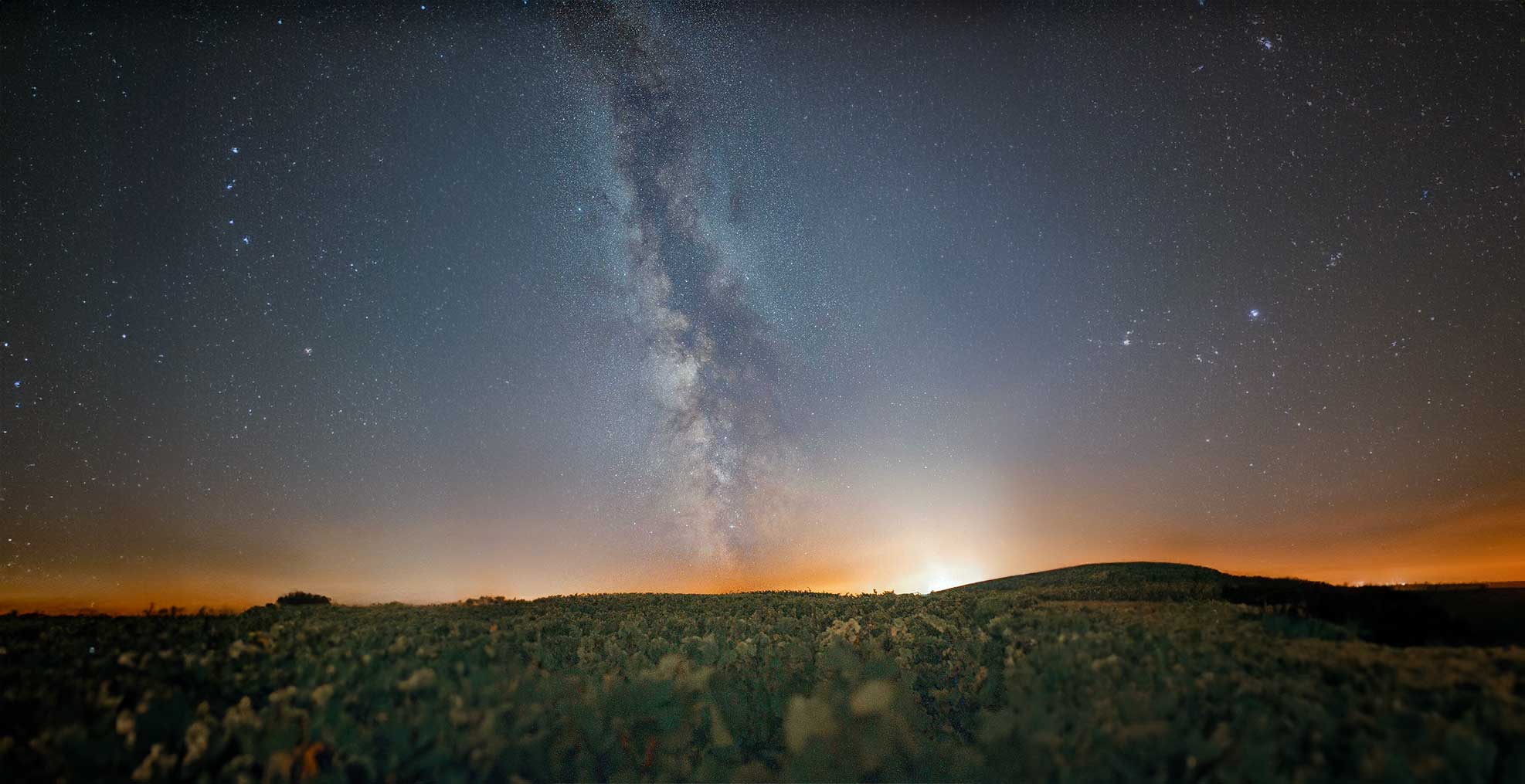
First you have to find the Milky Way before you can photograph it. Simple astronomy apps help here, and you can plan your shoot with them too. At our latitudes you’ll find the Milky Way in summer roughly towards the south to west. In winter you’ll find the Milky Way in the west to north.
The bright centre of the Milky Way (in the constellation Sagittarius) is only visible from Germany for part of the year, and always low in the south. The table shows month by month whether and when a shot is worthwhile – for central Germany (about 50° N), with times in local time including daylight saving. Always shoot on a moonless night around new moon.
| Month | Core visible? | Best window (local time) | Direction | Altitude in window* | New moon 2026 (approx.) | Rating |
|---|---|---|---|---|---|---|
| January | Practically no – the core only rises at dawn | – | Southeast (horizon) | < 3° | Jan 18 | not practical |
| February | Very marginal, just before dawn low in the southeast | approx. 05:45-06:30 | Southeast | 3-6° | Feb 17 | only for the patient |
| March | Yes – start of the season, in the hours before sunrise | approx. 04:30-05:45 | Southeast | 5-9° | March 19 | limited |
| April | Yes – the core climbs, longer window before dawn | approx. 03:00-05:00 | Southeast → South | 8-11° | April 17 | good |
| May | Yes – good window in the second half of the night | approx. 01:30-04:00 | Southeast → South | 9-12° | May 16 | good (from mid-May no astronomical night in the north) |
| June | Core well placed, but no astronomical darkness across large parts of Germany | approx. 00:30-02:30 | South | 10-12° | June 15 | twilight sky only (the Alps are better) |
| July | Yes – the core culminates in the south at its highest point of the year; astronomical night returns from about July 20-25 | approx. 23:30-02:00 | South | 11-13° | July 14 | very good (from the last third of July) |
| August | Yes – the best month in practice: full darkness, pleasant times, Perseids around Aug 12 | approx. 21:30-00:30 | South → Southwest | 10-12° | Aug 12 | very good |
| September | Yes – good early-evening window right after twilight, the core sinks steadily | approx. 20:30-22:30 | Southwest | 6-9° | Sept 11 | good (start/middle of the month) |
| October | Only in early October shortly after dark, low in the southwest – then the season ends | approx. 19:30-20:30 (first week only) | Southwest (horizon) | 3-6° | Oct 10 | end of season |
| November | No – the core is in the sky during the day | – | – | – | Nov 9 | not visible |
| December | No – the core is in the sky during the day | – | – | – | Dec 9 | not visible |
* Altitude of the galactic centre above the horizon during the given window, for about 50° N. From Germany the core never climbs much higher than around 13°, so a clear view to the south is essential. Times are guide values including daylight saving and shift by up to ~1 hour depending on location and date. New moon dates are approximate – for precise planning use PhotoPills, Stellarium or my calculator.
You’ll only see the Milky Way with your own eyes if you’re in an area free of light pollution and your eyes have already adjusted to the dark for half an hour. The longer your eyes can adapt to the darkness, the better. Only then will you see the faint band of the Milky Way with your own eyes! By the way, this process is called adaptation, and it’s fascinating what happens in the eye!
For your night-time photo tour under the stars I recommend bringing a star map so you can find your way around. The star map can happily be a digital app on your smartphone. That way you’ll find stars and the Milky Way faster and have more fun photographing the night sky. If you want to use a star-map app for astrophotography, I recommend switching on night mode on your phone so the blue display doesn’t disturb your eyes’ adaptation.
Good Star-Map Apps
There are quite a few good star-map apps in the Android and iOS app stores. For astrophotography I especially recommend these three apps:
- Photopills: With this app you can plan your Milky Way shot down to the second at any location. On site you can even overlay the Milky Way in VR mode to see where it will be at a given time. I use this app a lot, and it’s also one of the best planning apps for landscape photographers.
- Stellarium Plus: A real-time star map with a huge catalogue of stars and deep-sky objects, and the Milky Way too. That makes it great for planning astrophotography.
- Star Walk 2: Star Walk is an alternative to Stellarium and sends you a notification for special astronomy events. Here too you can locate the Milky Way very quickly.
Even though these three star-map apps cost a few euros, I really do recommend them. They let you find out in an instant whether the Milky Way will fall within your desired frame. Stellarium is also available as free software for Windows, OS X and Linux, and as an online app. Stellarium is perfect for planning astrophotos or a photo trip to the Milky Way!
There are also plenty of free star-map apps. Unfortunately they’re often very limited in features and plastered with ads. So rather spend the few euros on a proper star-map app. That way you also support the developers’ good work.
The Right Camera Gear for Photographing the Milky Way
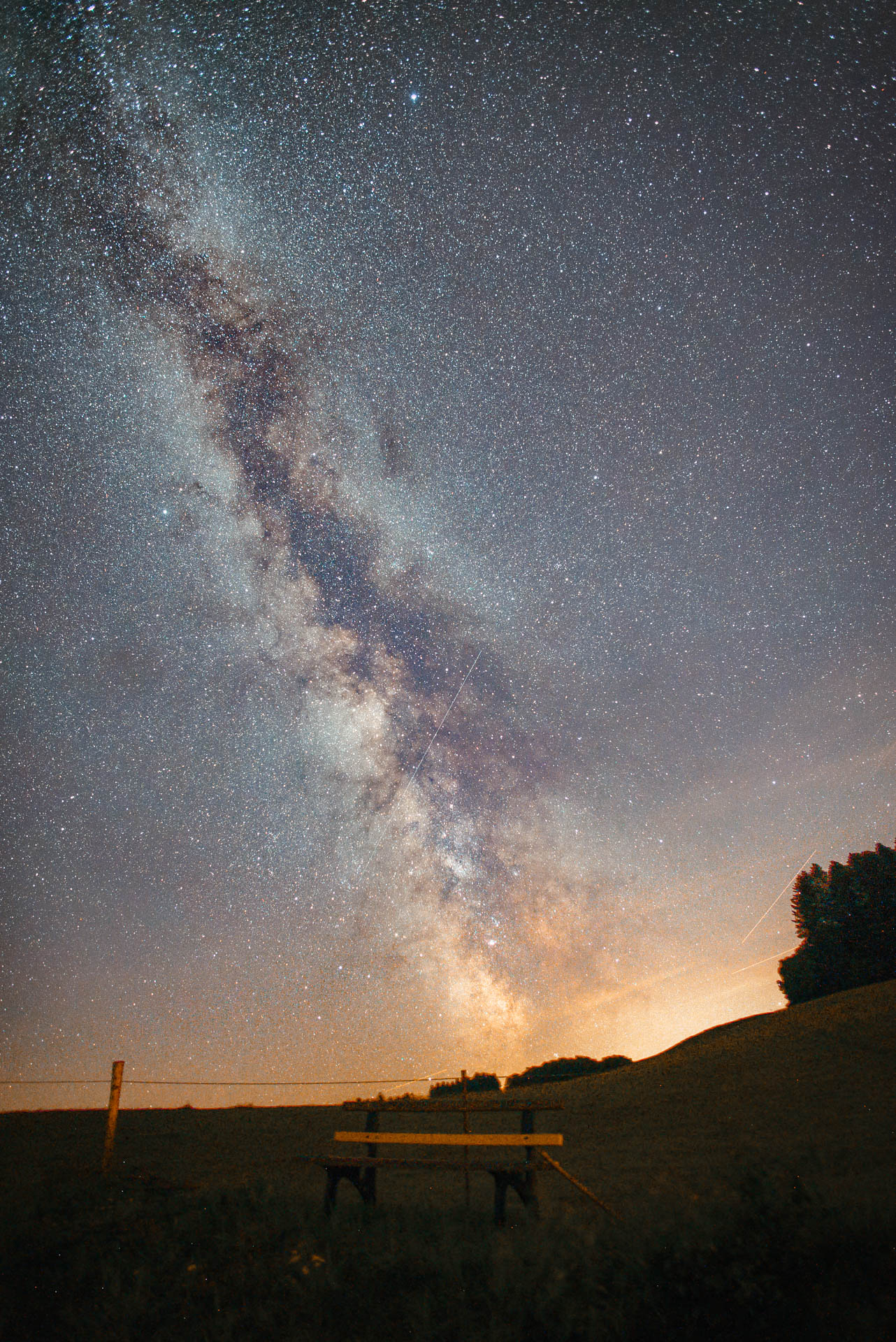
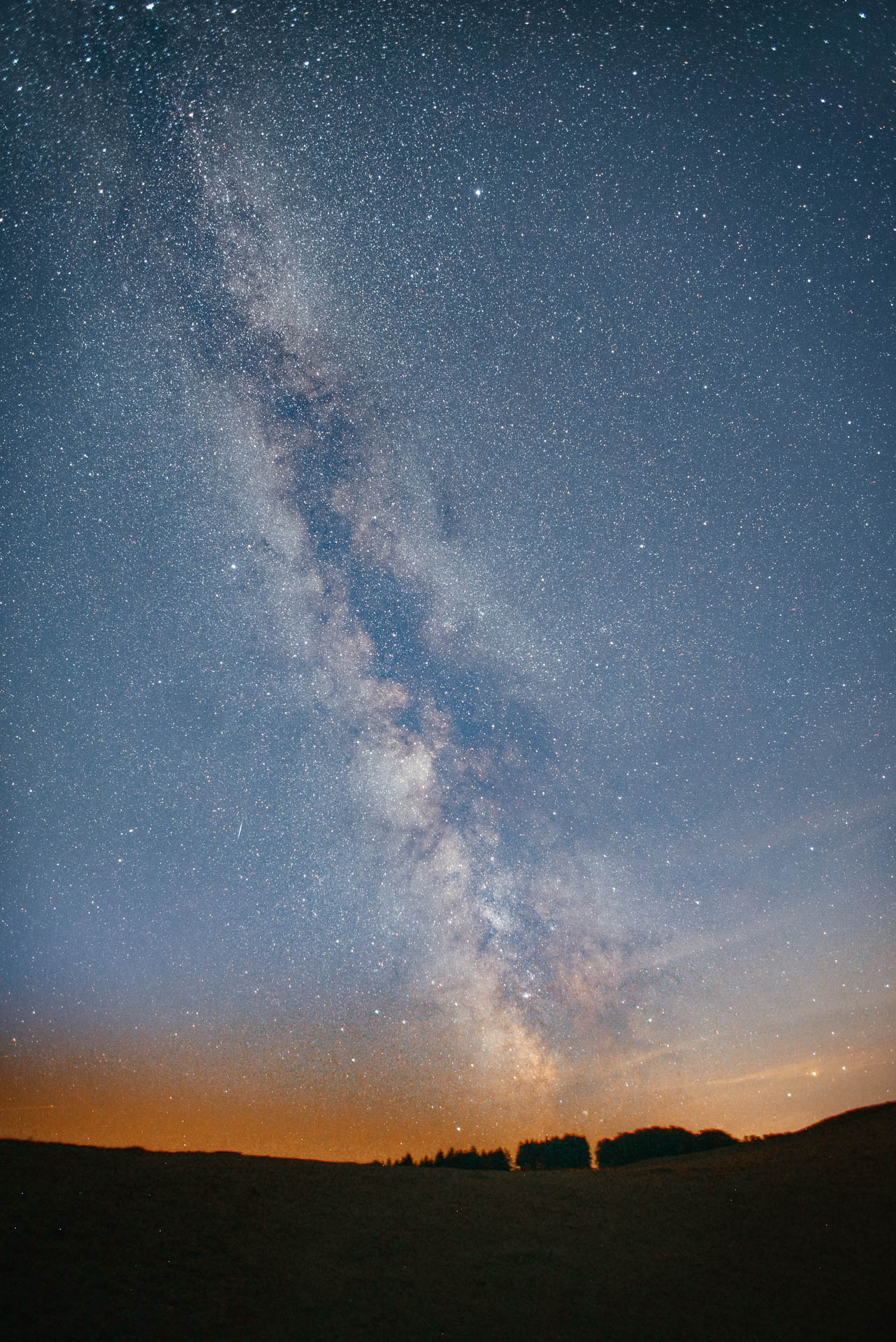
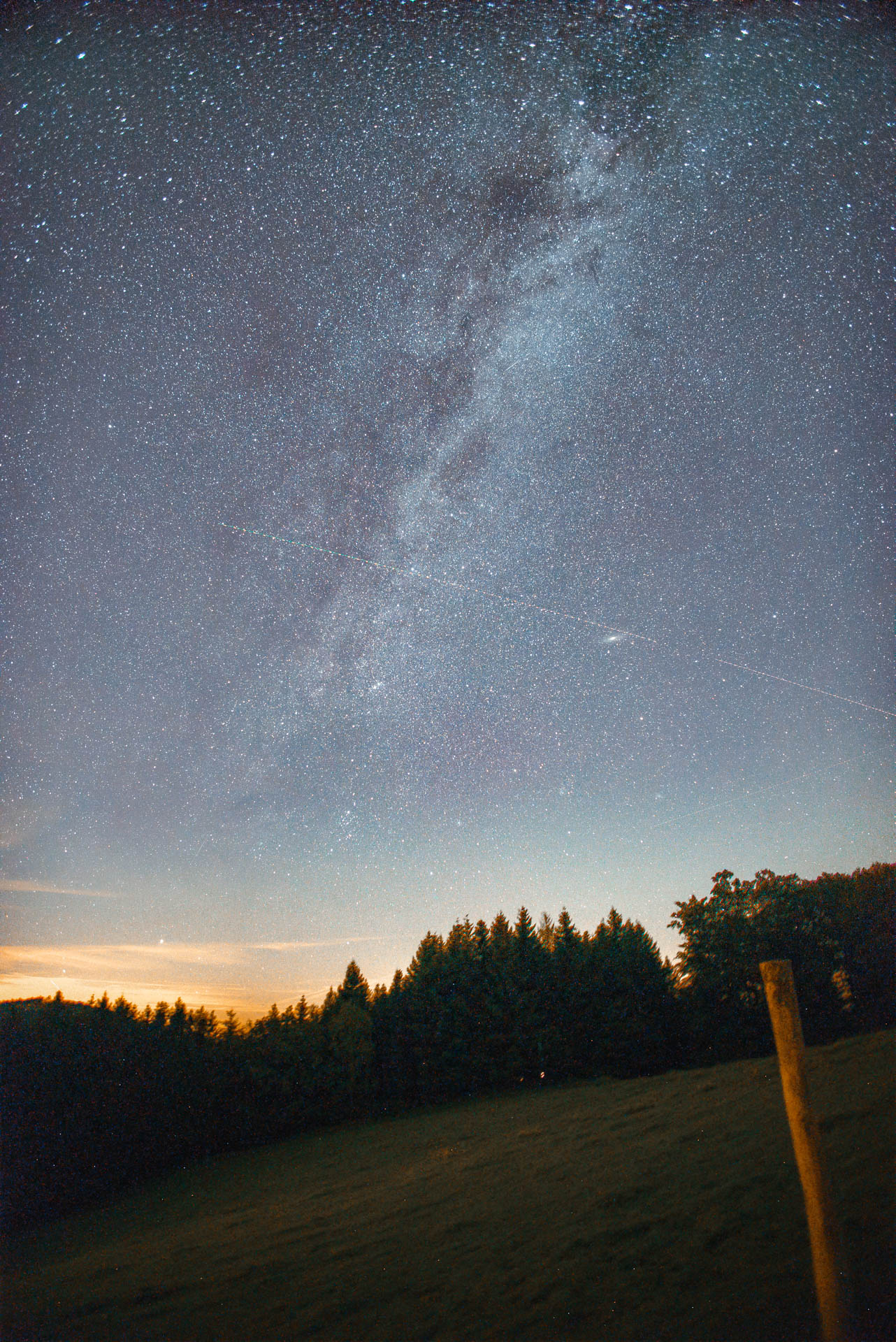
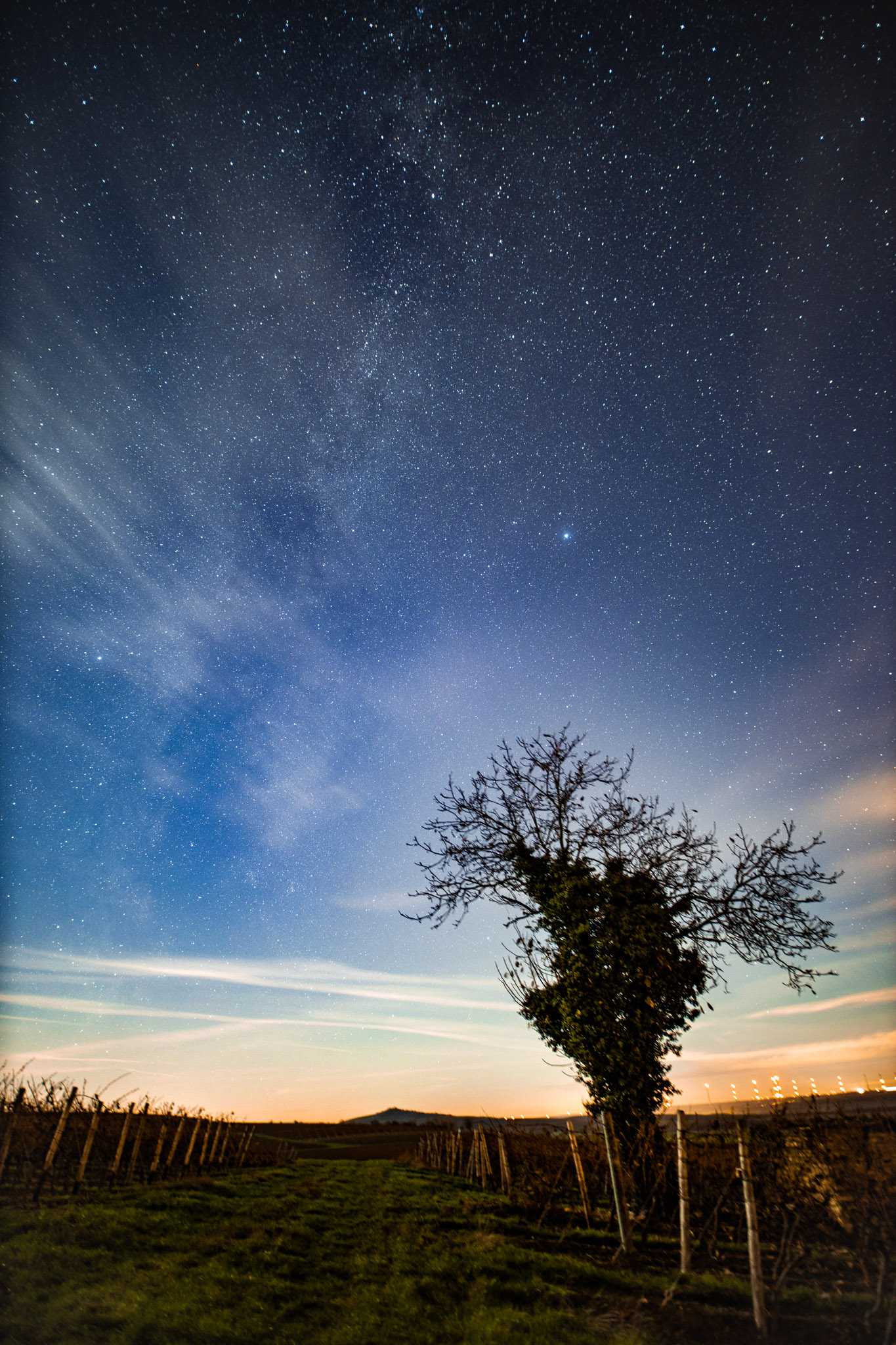
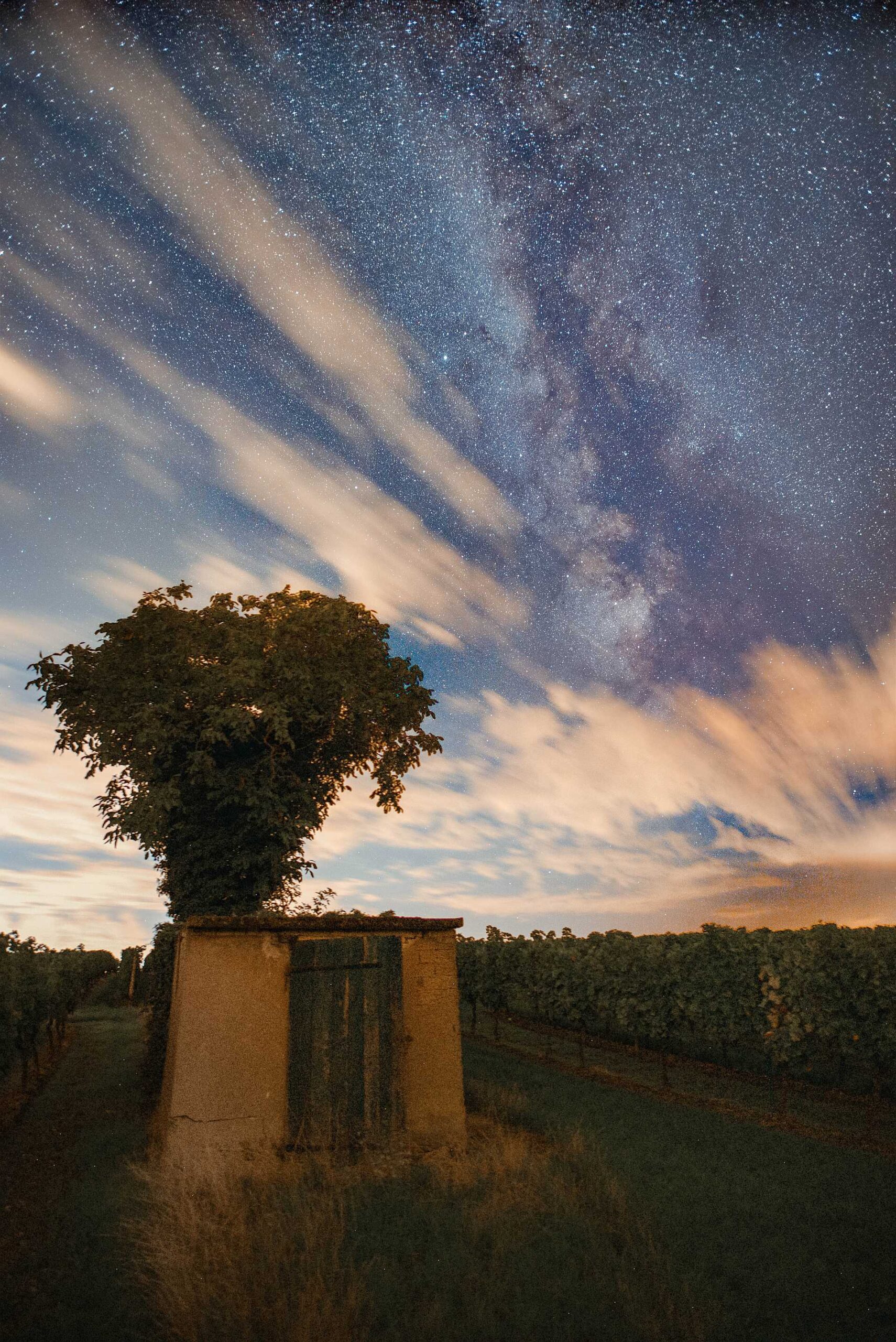
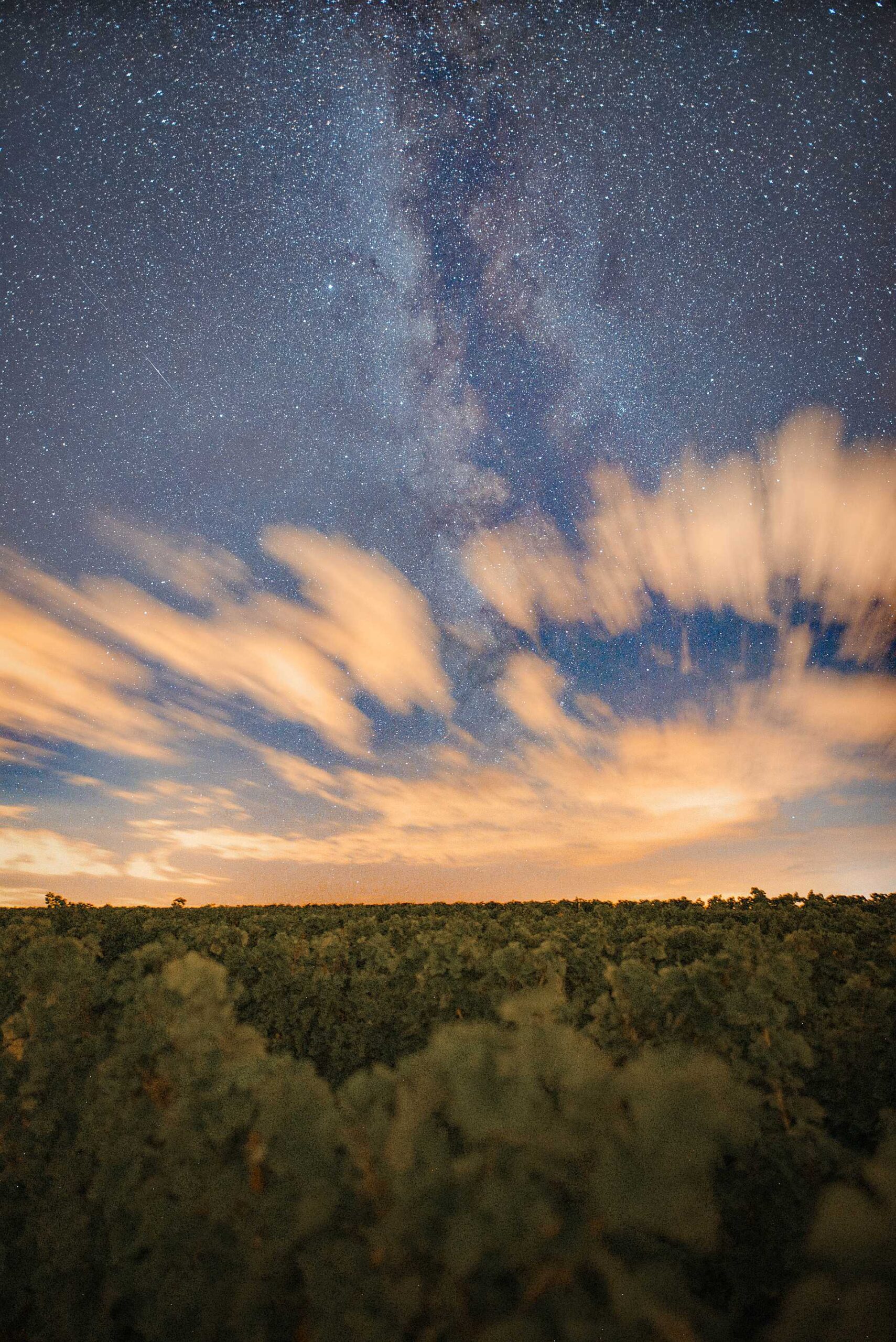
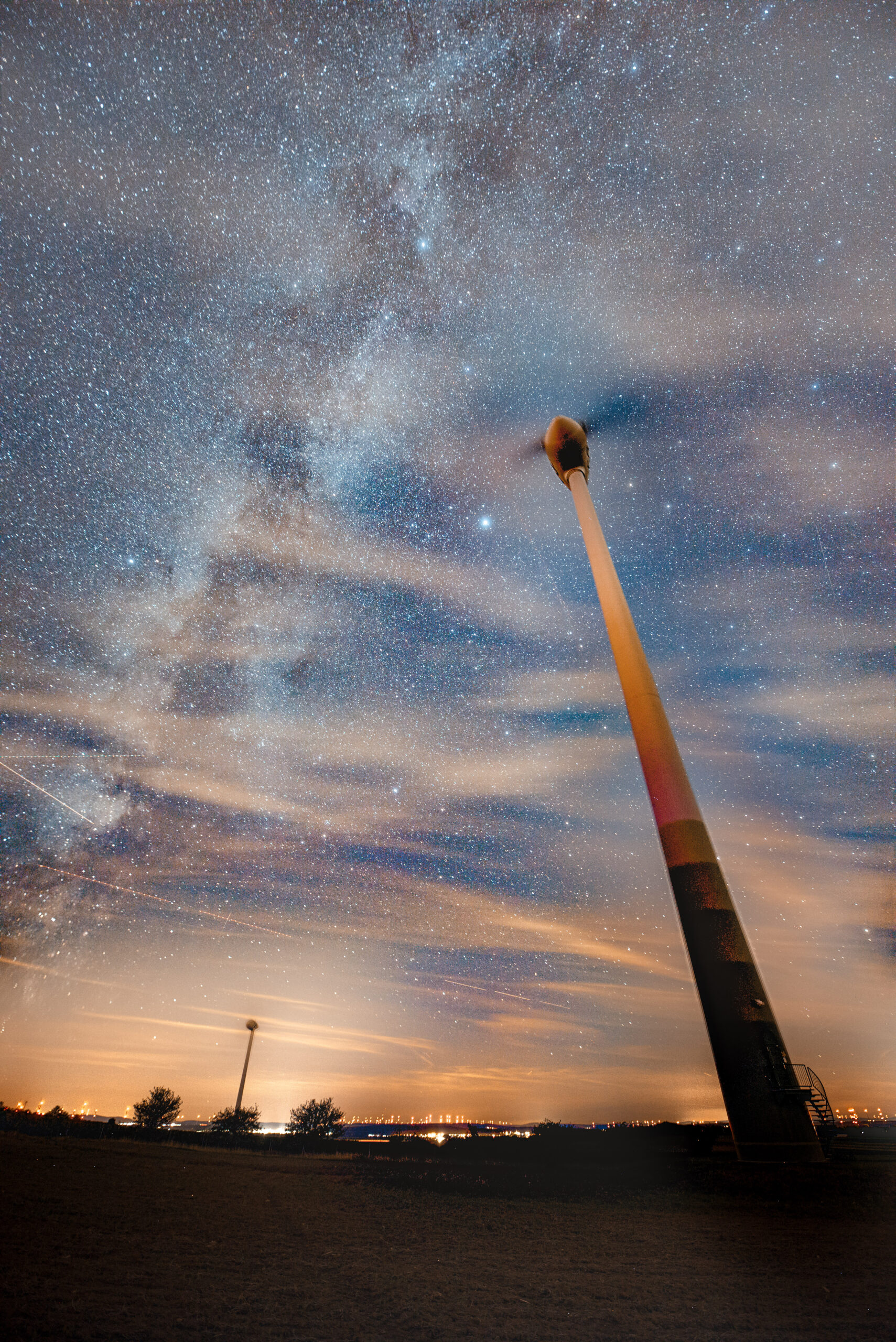
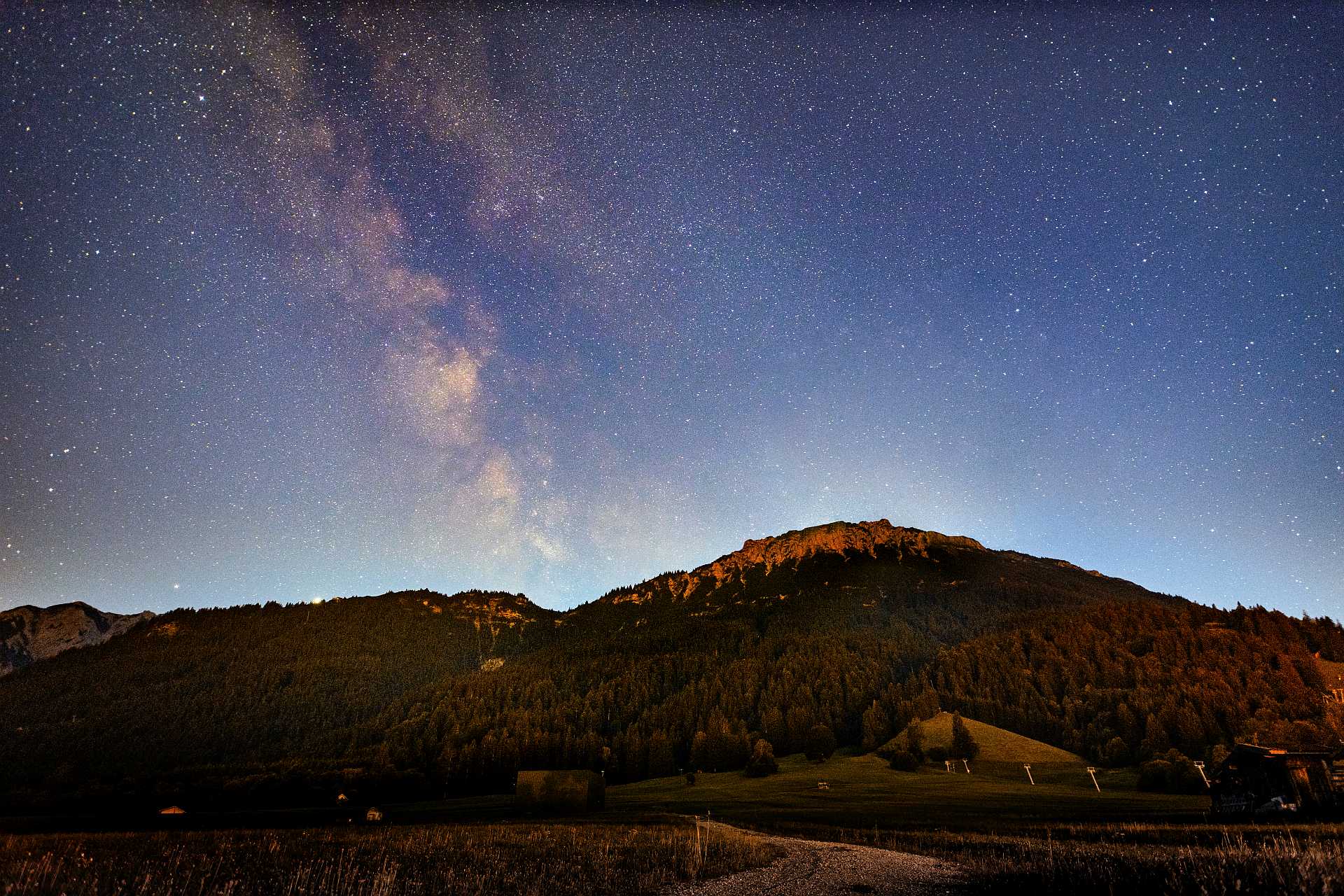
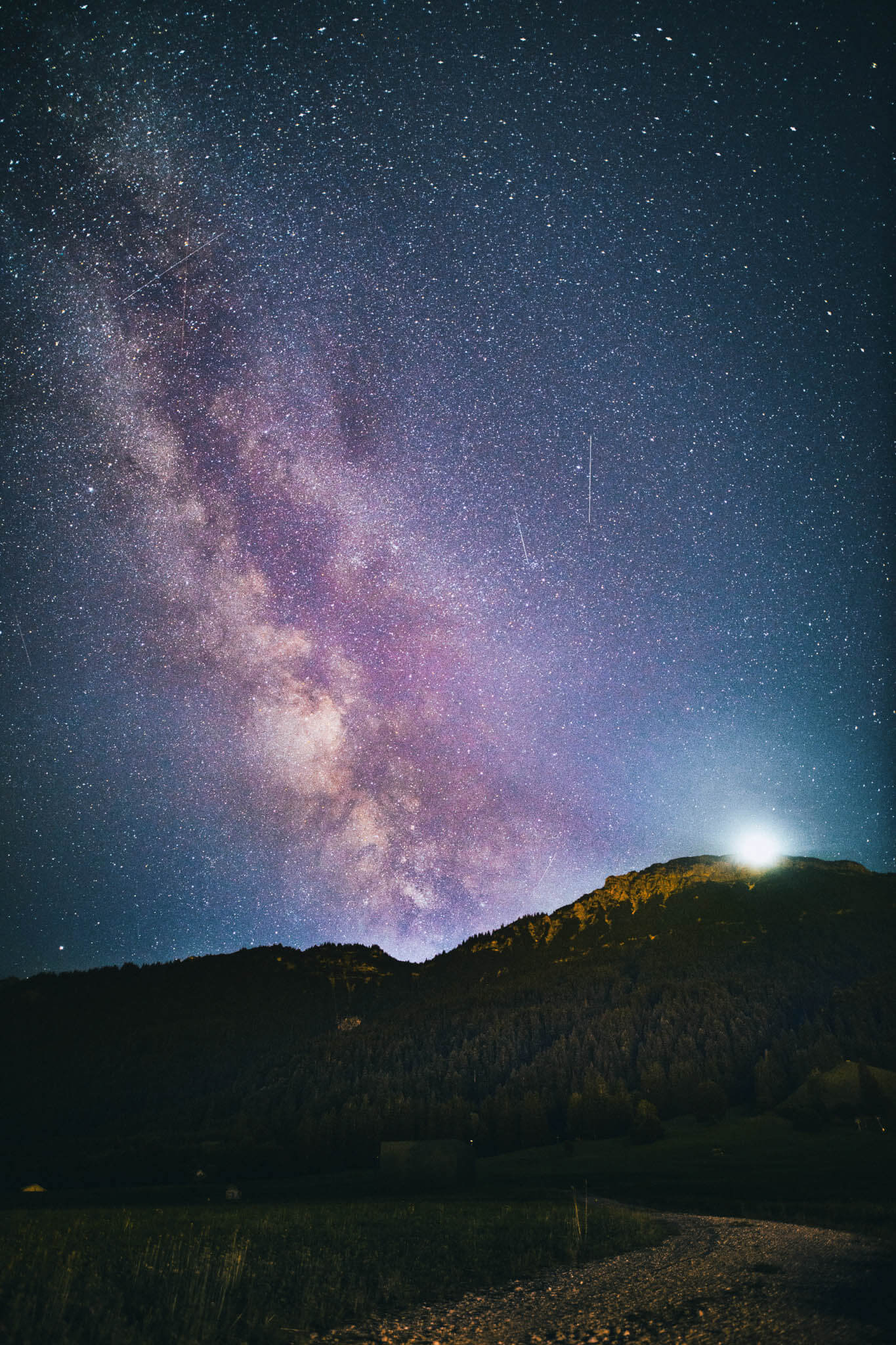
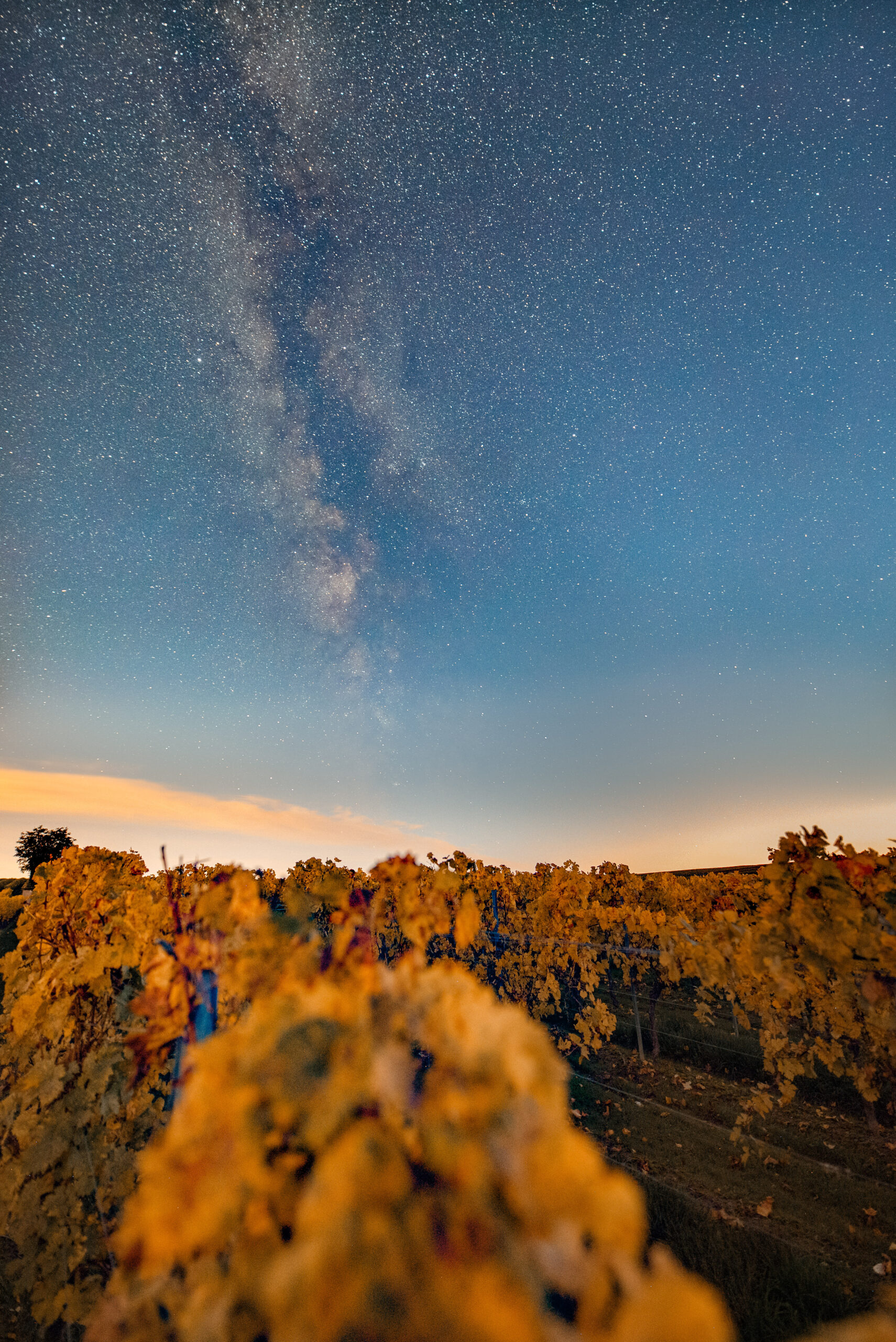
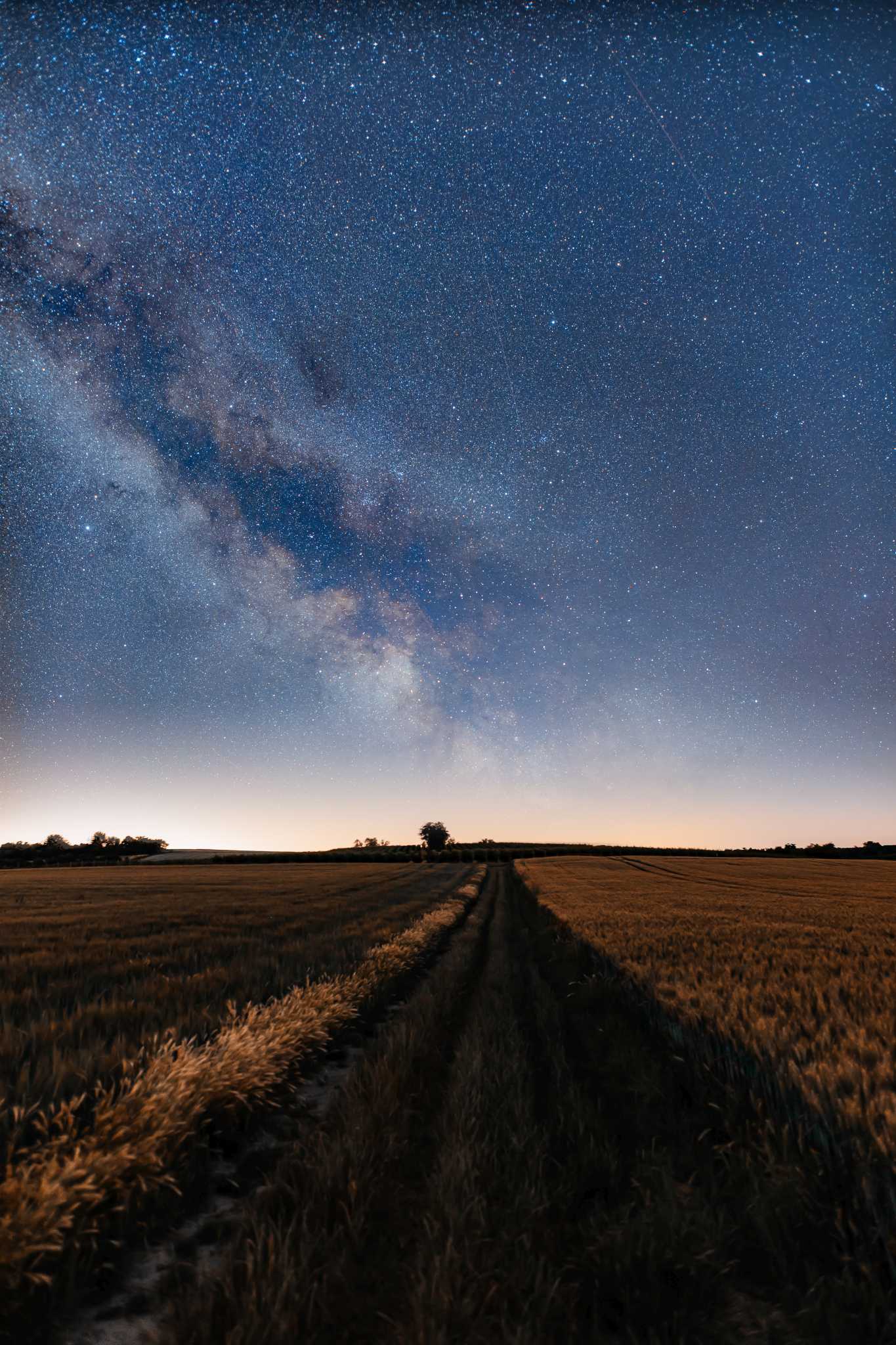
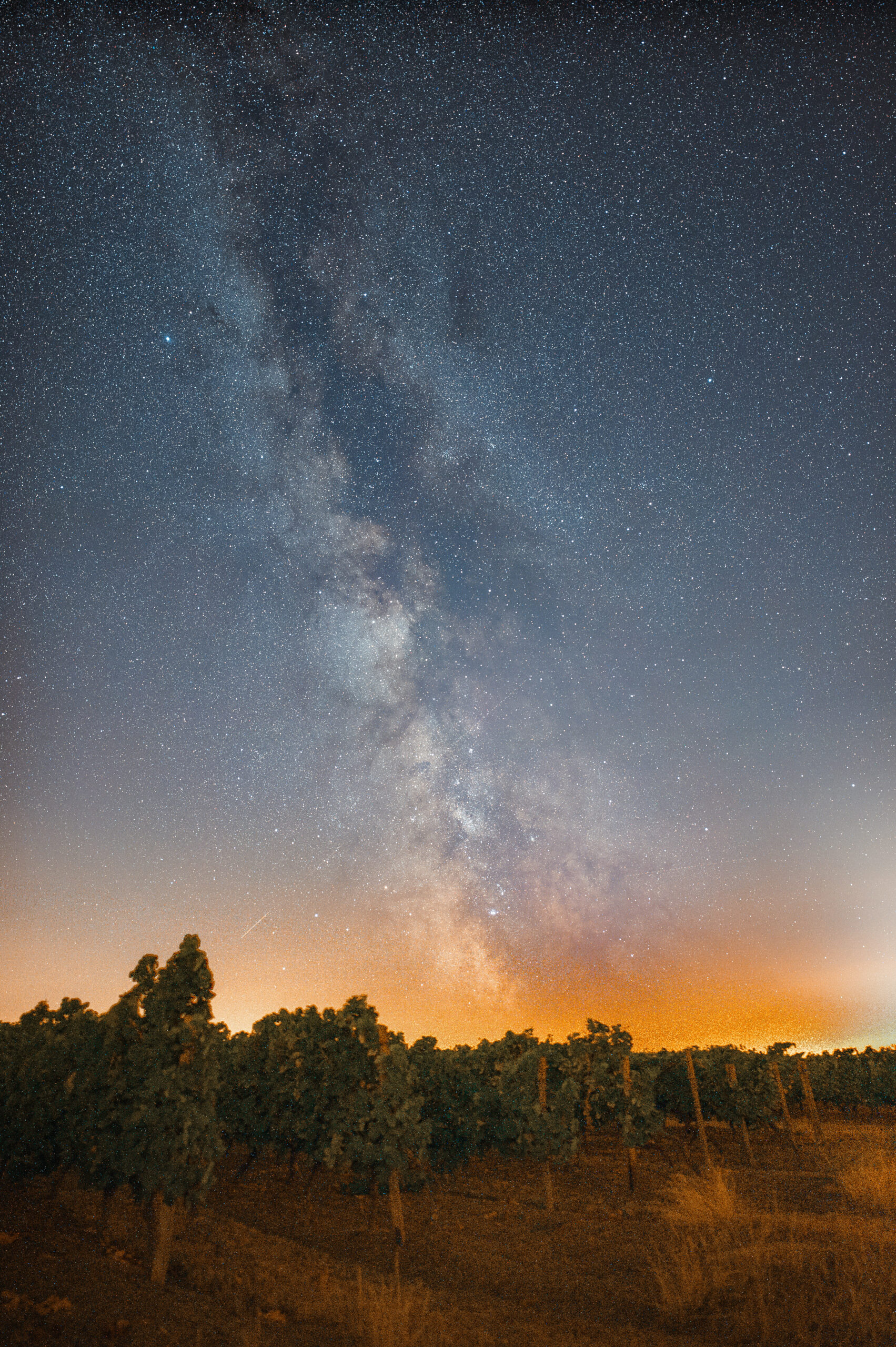
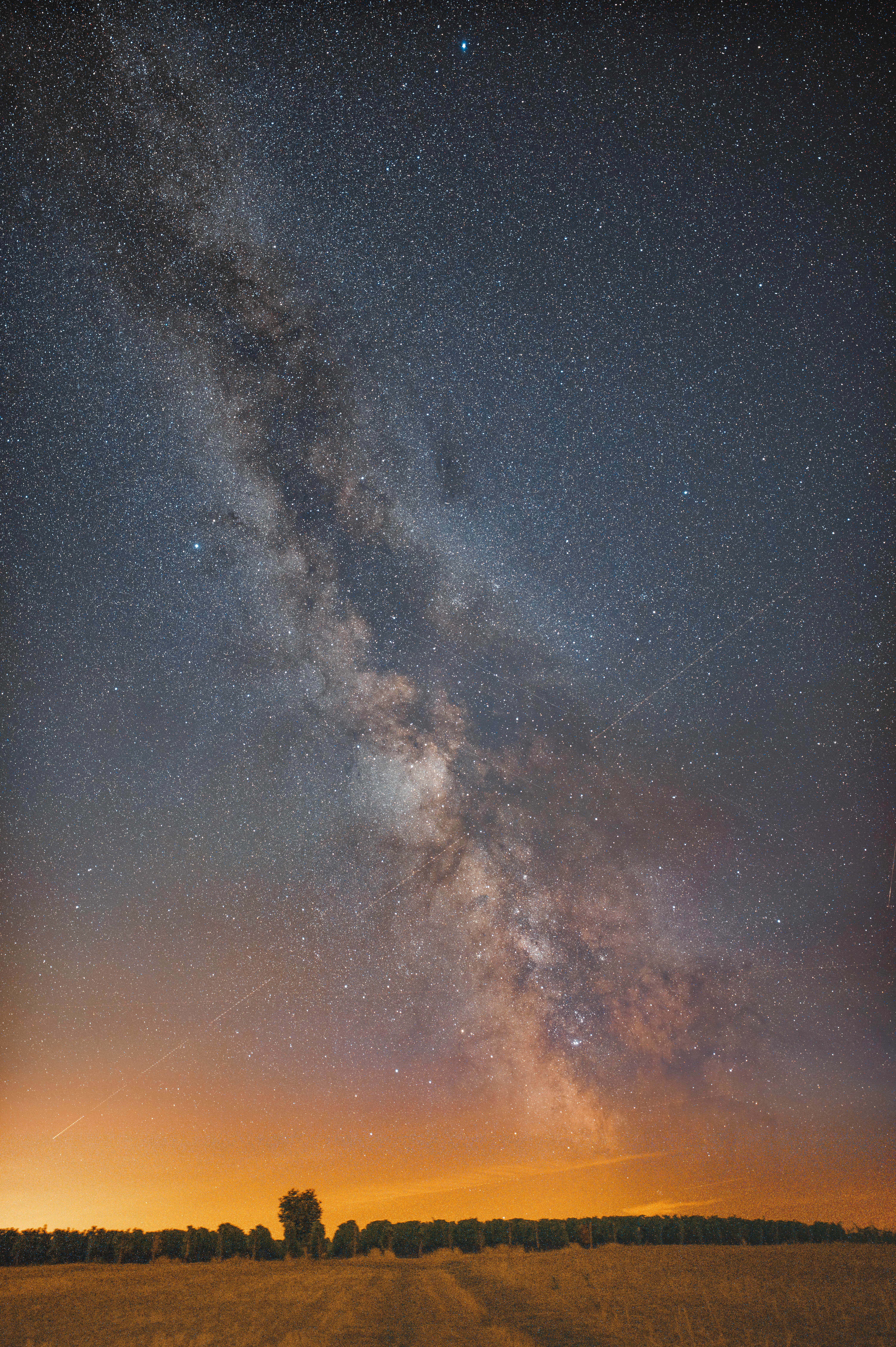
In Milky Way photography, good camera gear matters if you want truly impressive results. Let me quickly show you a few photos I was able to take with very good gear here in Germany. And that despite heavy light pollution:
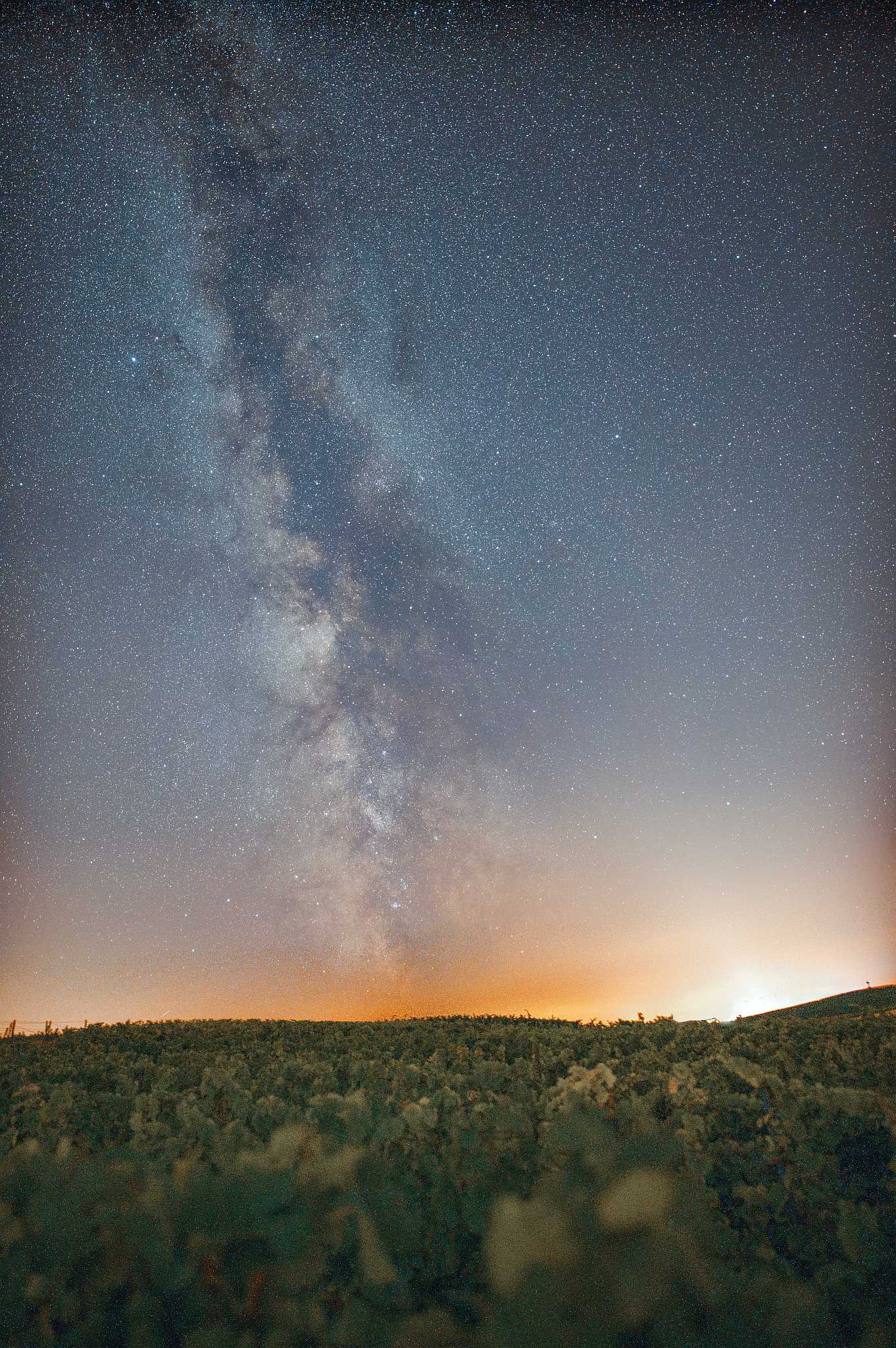
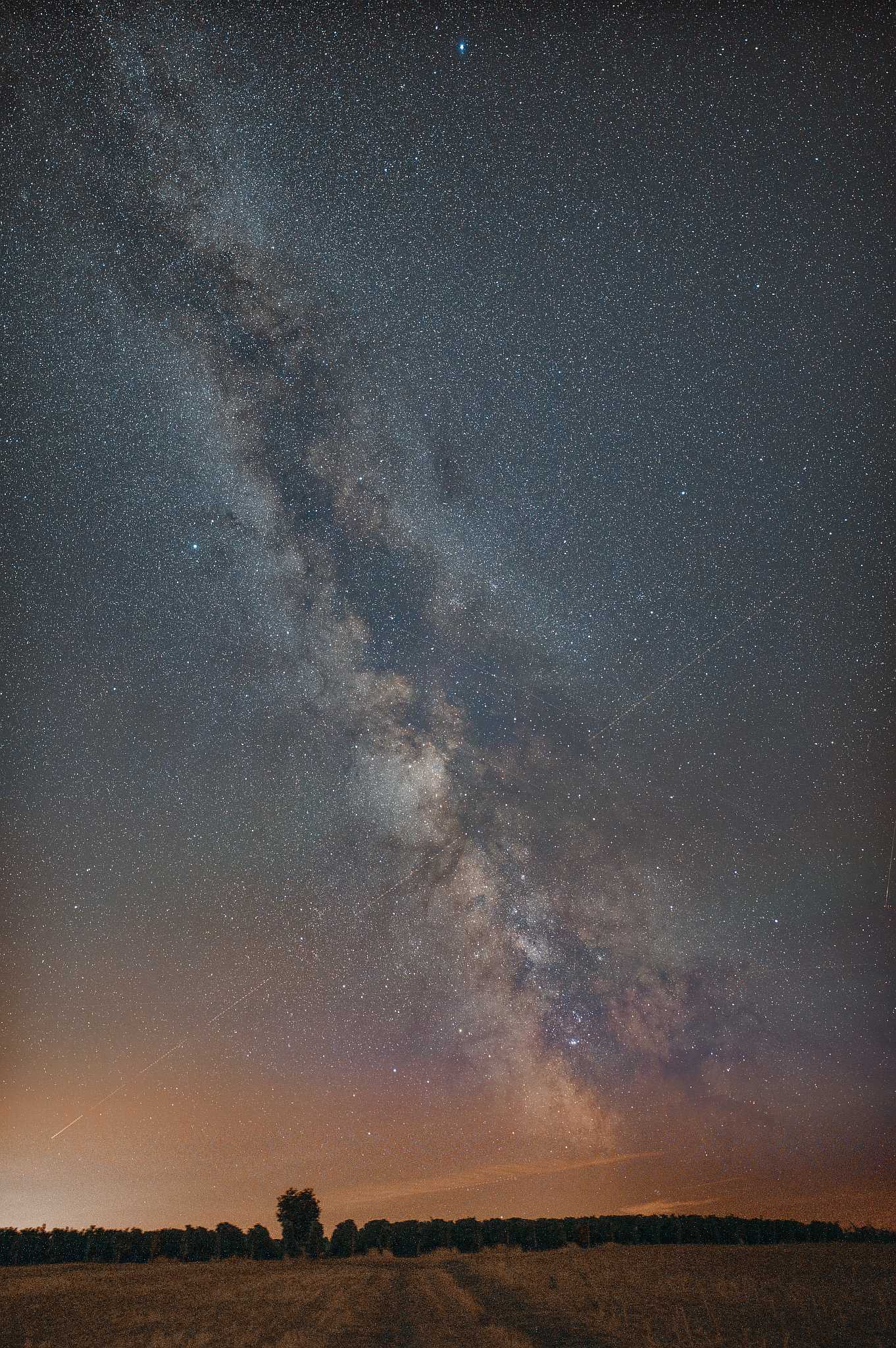
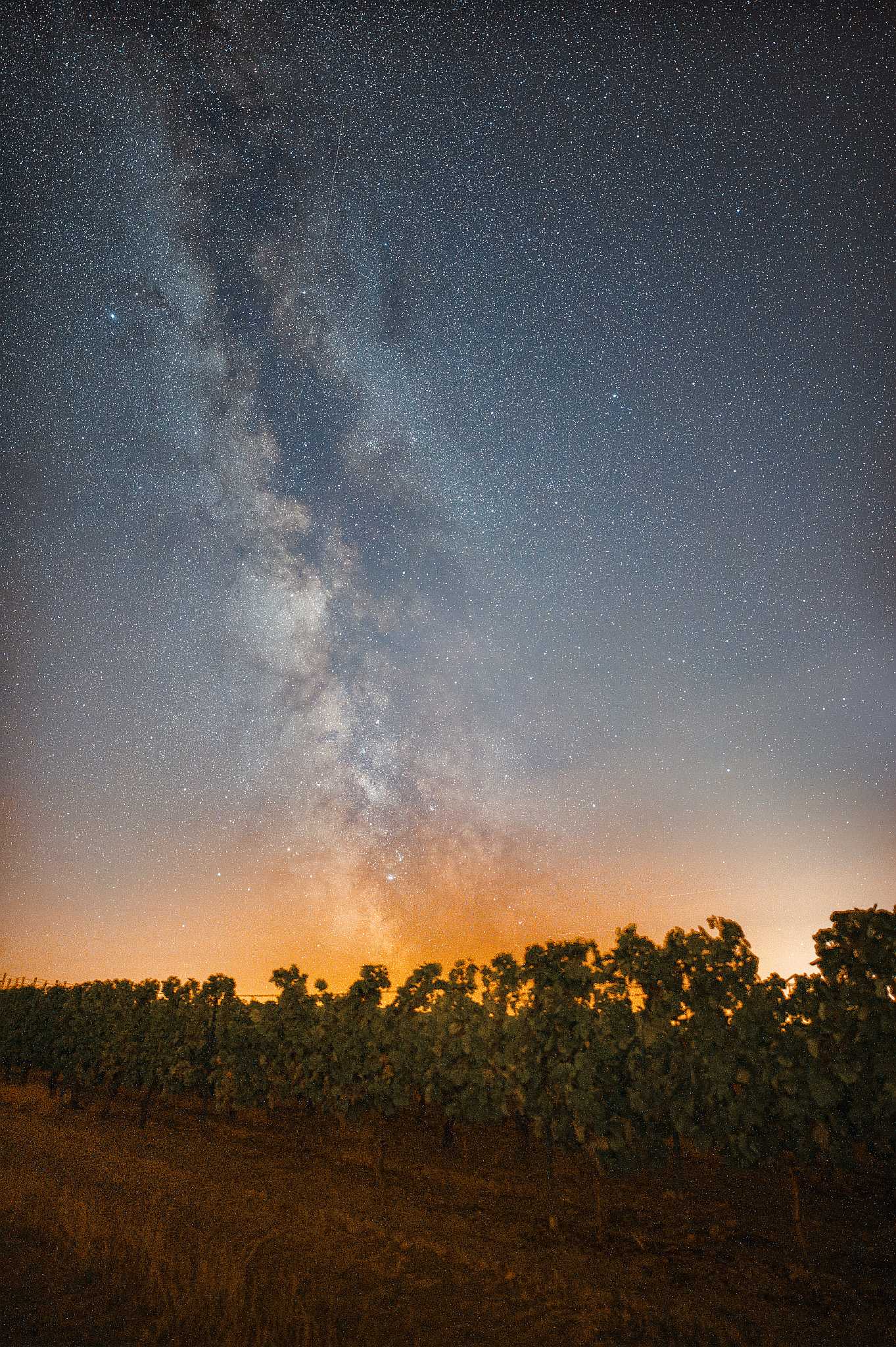
I shot all of these Milky Way photos with a fast 20mm lens on a full-frame camera.
To get started in Milky Way photography, though, all you really need besides the camera is a good, sturdy tripod and a wide-angle lens. For truly good shots, it pays to invest in a modern full-frame camera and a very fast wide-angle lens.
So that this article doesn’t turn too much into a camera-and-lens roundup, I’ve split it up. If you want to learn more about the best cameras or lenses for Milky Way photography, take a look at the relevant articles:
- Cameras for the Milky Way and stars: the best DSLRs & mirrorless cameras for astrophotography
- Lenses for the Milky Way: the best astrophotography lenses for DSLRs & mirrorless cameras
If you’re wondering which camera is particularly well suited to Milky Way photography, take a look at my detailed article on “the best cameras for Milky Way photos“.
Tripods
Always use a sturdy tripod and steer clear of all the cheap junk online. By sturdy I mean a tripod that carries the load without any trouble and also dampens a gust of wind.
Ideally the tripod should also be easy for you to set up and operate in complete darkness. Unfortunately the tripod market is full of junk, and many beginners make the mistake of buying an extremely cheap tripod that’s no good. Tripods under €75 you can completely forget for the mirrorless or DSLR + fast lens combination. If you still don’t want to spend several hundred euros right away on a decent tripod for night-sky photos, take a look at the following tripods. These tripods are perfect for Milky Way photos:
Neewer 168cm Carbon Tripod
- beliebtes stabiles Stativ
- nutze ich selbst regelmäßig
- Kugelkopf
- günstiges Carbonstativ
- vielseitig einstellbar
- hohe Traglast möglich
Remote Release / Camera Apps
To avoid vibrations from pressing the shutter, you should always trigger the camera externally. A remote release is useful but not strictly necessary (except for BULB exposures with a DSLR). After all, pretty much every modern camera can now be triggered via an app.
Tip: If you use a remote release, give it a fixed place in your camera bag or tie the pouch to the tripod. On more than one trip under the stars I have left the remote release in the camera cabinet and been annoyed about it on location.
Bonus tip: There is often an app that lets you remote-control the camera too, which helps enormously in Milky Way photography because you can also check image sharpness very precisely. With Canon that is Camera Connect, for example. Keep in mind, though, that the Bluetooth or Wi-Fi connection to the camera reduces battery life.
Also important: For your trip under the Milky Way you should always pack a small LED torch or head torch. Ideally it glows red or is covered with red film so it does not disturb your dark adaptation. The lamp helps a lot when setting up your gear.
Camera Settings for the Milky Way
- Camera mode: I always photograph the Milky Way in manual mode.
- RAW: I only use the RAW format for maximum image information.
- White balance: To make editing easier, especially for stacking, I set it to a fixed value. I usually use values around 3700 Kelvin.
- Stability: I always use a sturdy tripod and work with a self-timer, a remote release or an app.
- Lens: Personally I only use fast wide-angle lenses (14mm –
35mm ) with at least f/2.8 to photograph the Milky Way. Other lenses work too, but don’t deliver impressive results. - Aperture: I photograph the Milky Way as wide open as possible, at least f/2.8 but usually even f/2.0 or f/1.4.
- ISO: I always start at ISO 1600 and happily go higher, up to 6400.
- Focus: I always focus manually to infinity, using Live View at 10x magnification.
- Exposure time: Depending on the focal length I work with an exposure time of 10 – 25 seconds. With short focal lengths I can expose longer than with long ones. I go by the “500-rule” or “300-rule” and the NPF rule, which I explain further down.
The result of these settings is a Milky Way photo in which the faint band of our home galaxy is already clearly visible. Your photo gets especially exciting when you don’t just photograph the Milky Way but also include an interesting foreground.
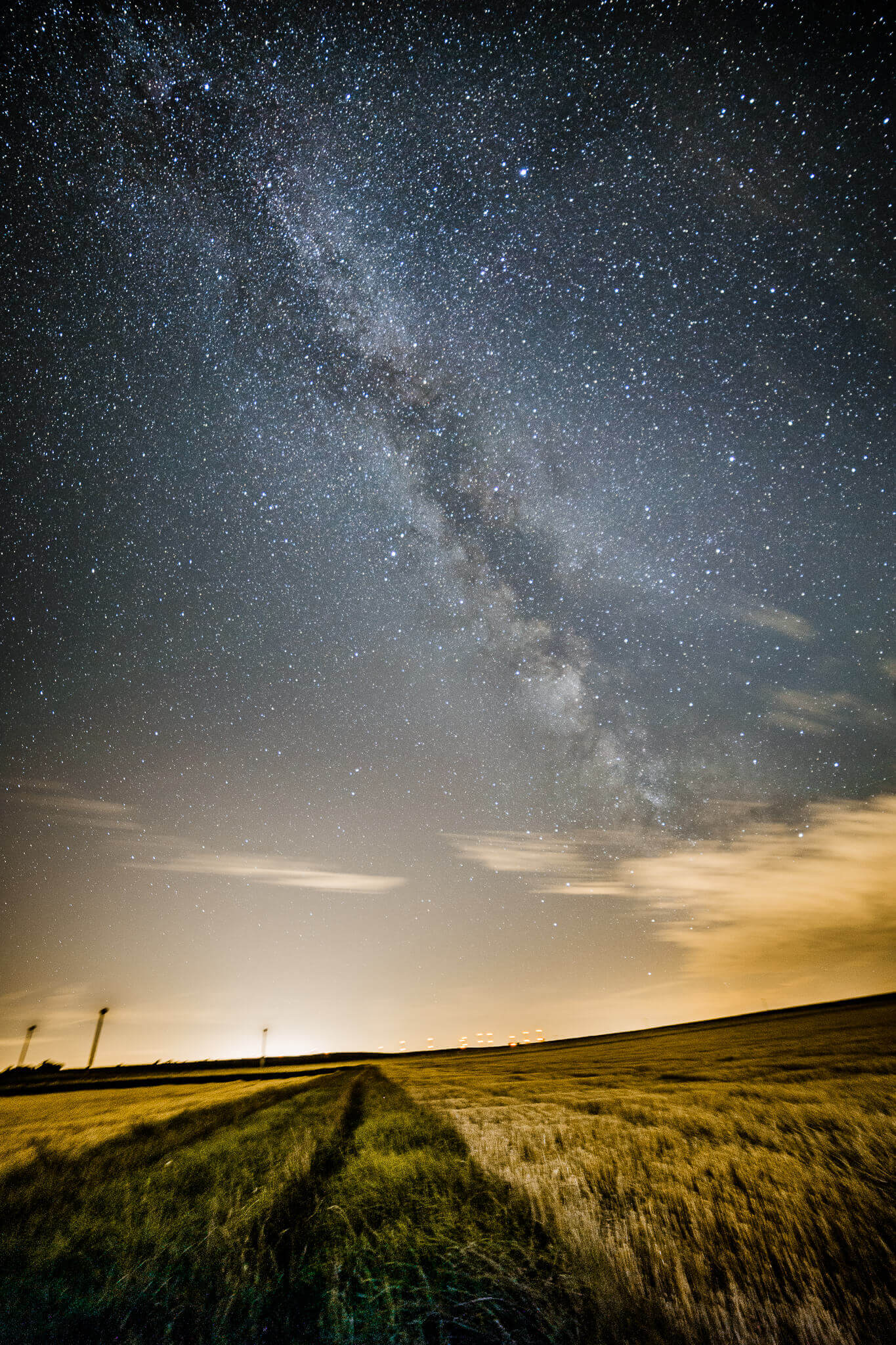
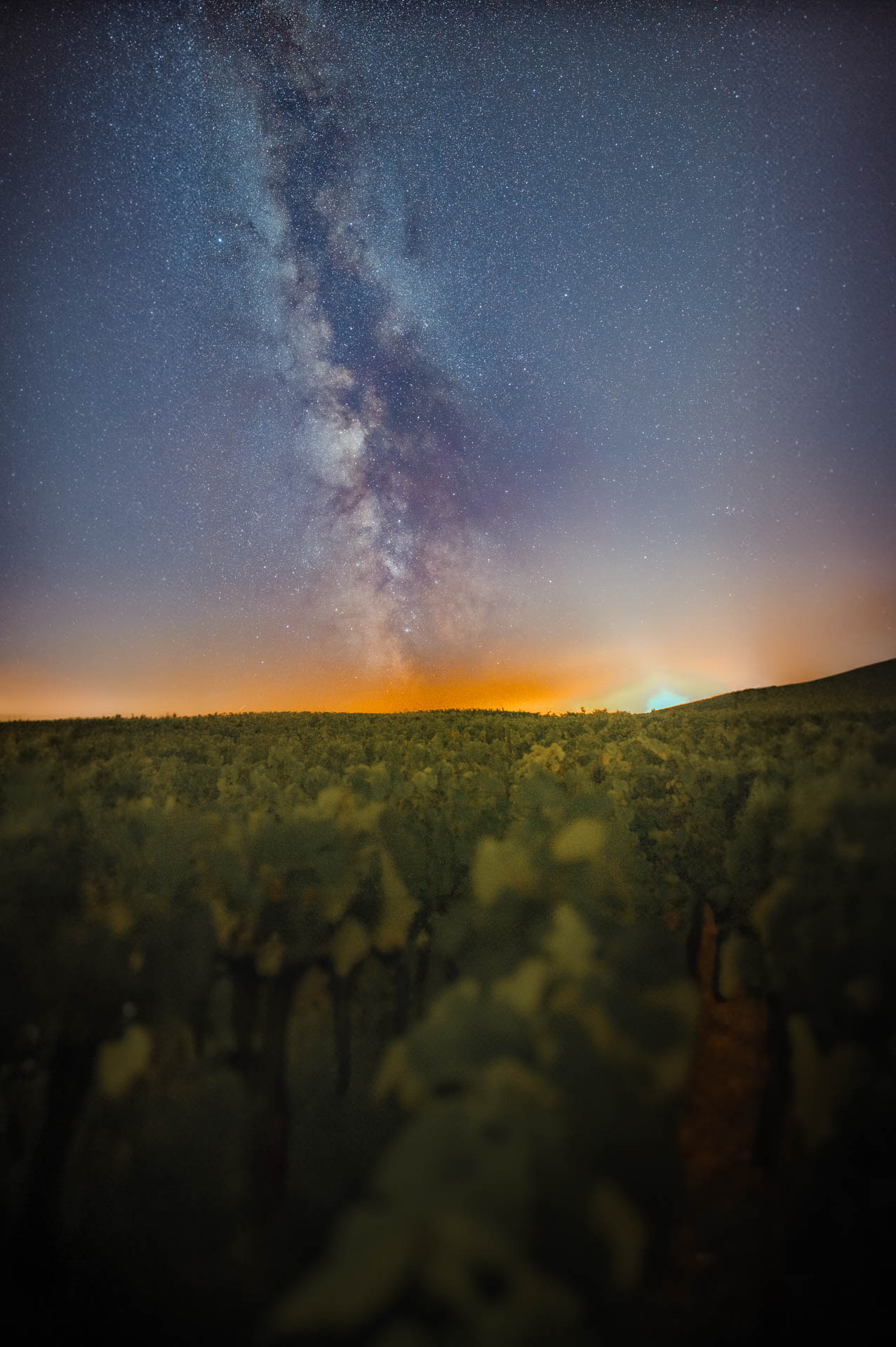
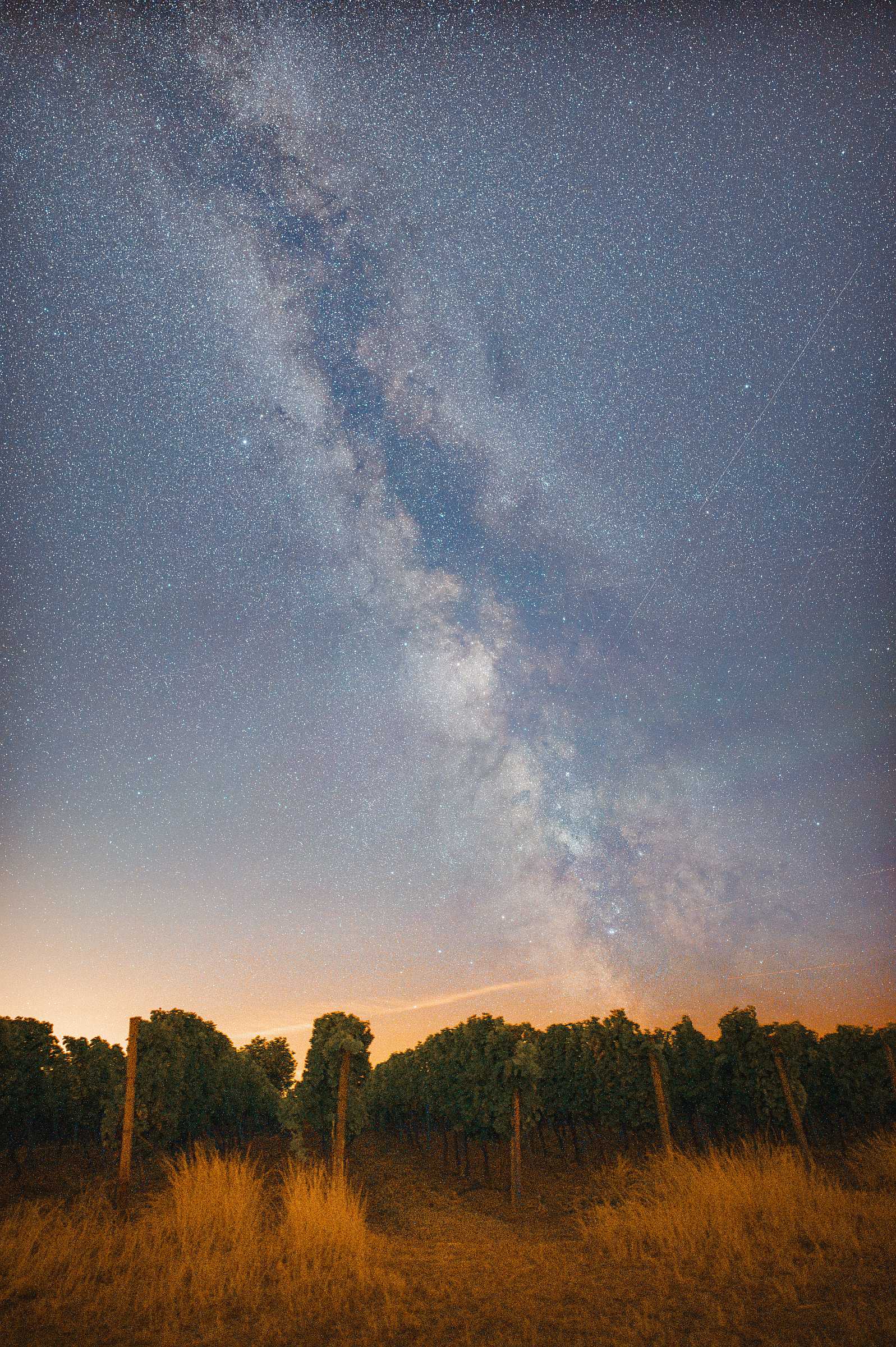
You’ll quickly notice: photographing the night sky is technically demanding but huge fun. Milky Way photos are always impressive, because your camera shows you details of the Milky Way that aren’t visible to the naked human eye at all. The higher the quality of your gear, the easier it becomes to photograph the Milky Way in more detail and more beautifully.
Find a spot with an interesting foreground and plan your photo so the Milky Way sits exactly where you want it. Drive to your photo spot in good time and allow time for setting up the tripod and camera and, above all, for manual focusing.
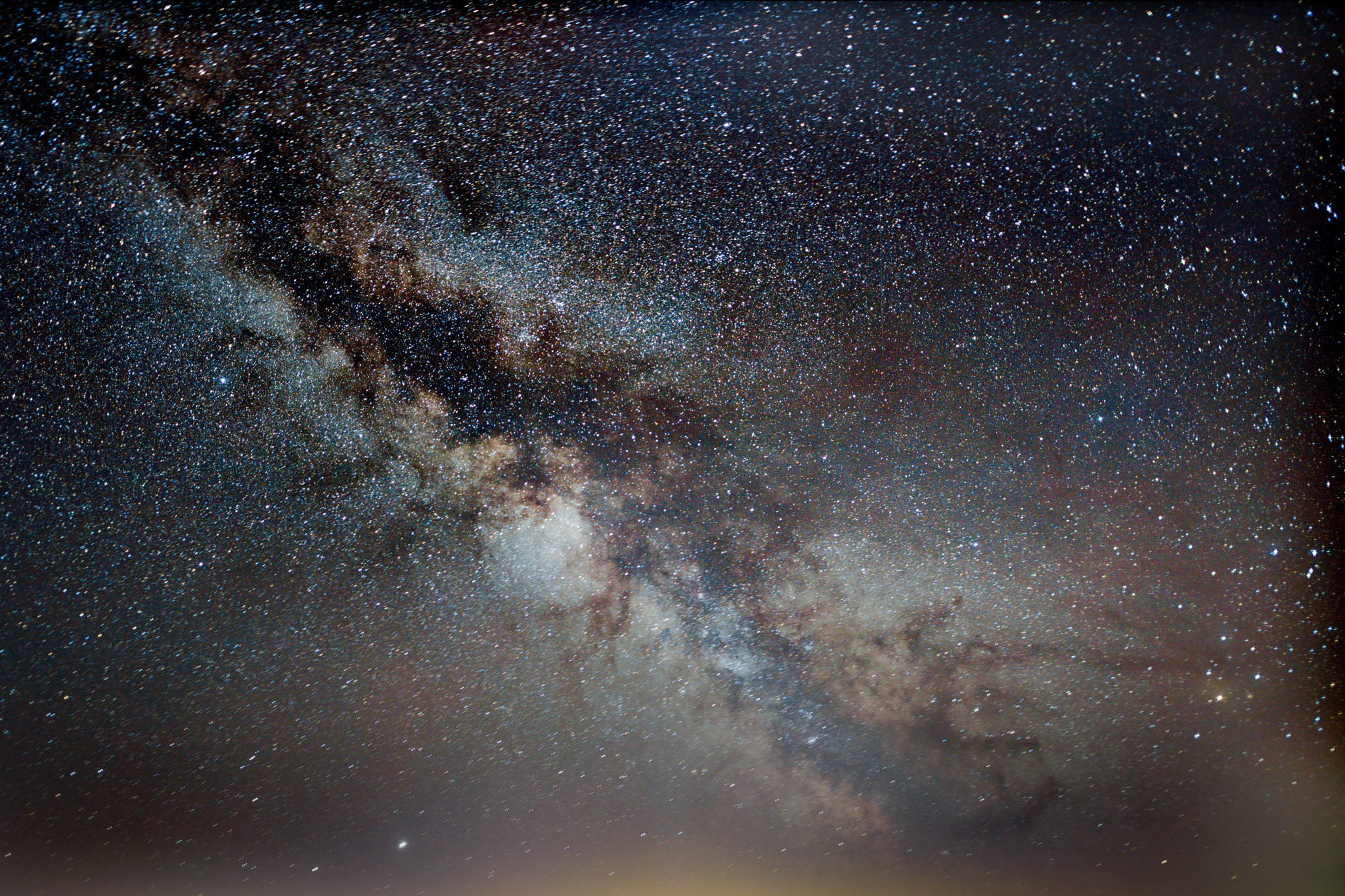
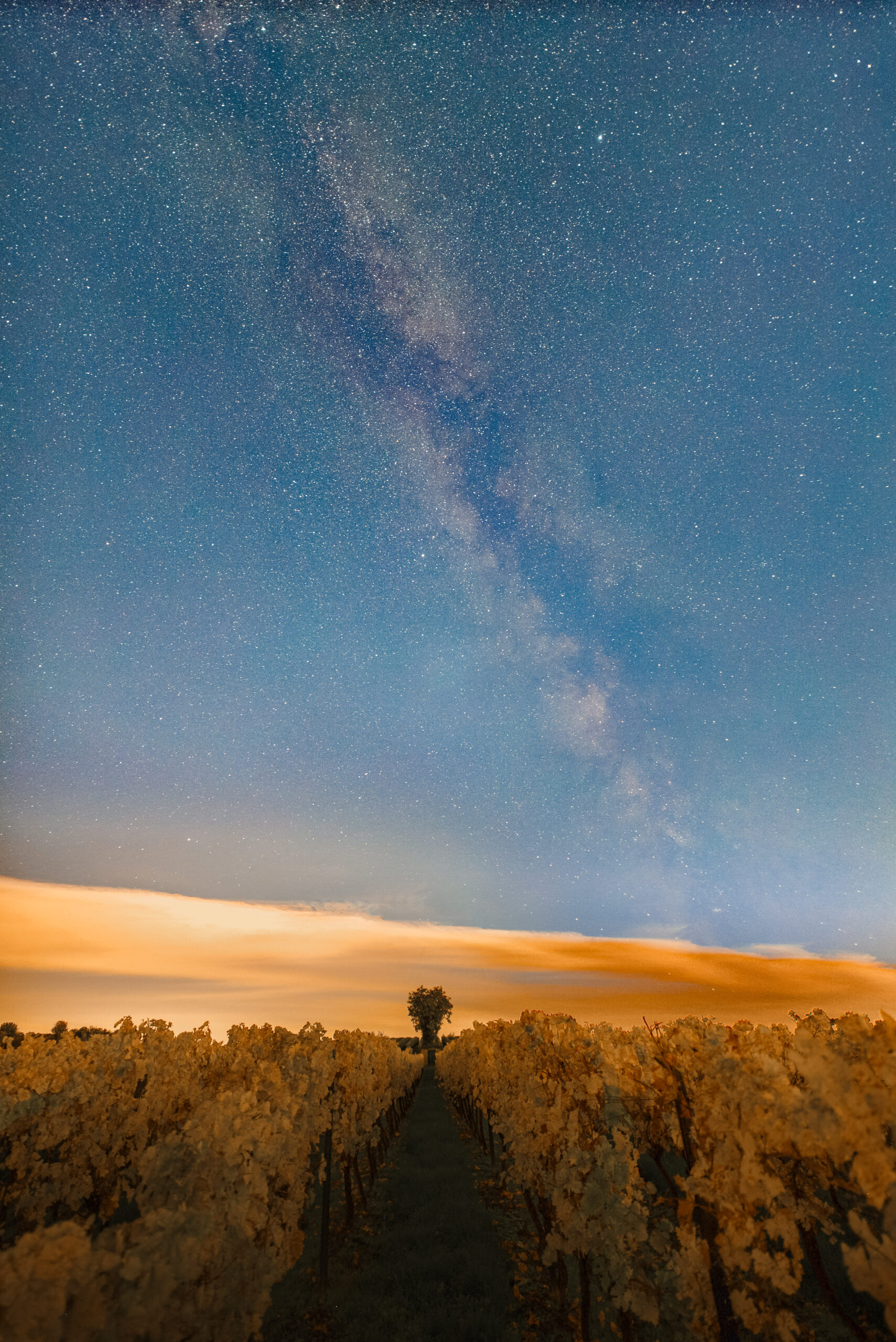
In the following points I explain in detail why the camera settings mentioned above are essential for Milky Way photos.
Camera Mode
For star and Milky Way photography you basically shoot in manual or BULB mode (for BULB, though, you absolutely need a remote release or control the camera via an app). Why manual? The camera is in a difficult lighting situation and you need full control over the exposure, because the surroundings are too dark for the (semi-)automatic modes.
Aperture
Stars are essentially point light sources that radiate their light in all directions. Because of the vast distances, though, the light hits the camera sensor in parallel. A larger aperture opening therefore lets a greater amount of light fall on the sensor in the same time than a small aperture opening does.
So shoot as wide open as you possibly can (small f-number). I recommend an aperture of at least f/2.8. Ideally a fast lens at f/2.0 or even f/1.4. The wide aperture makes sure you capture as much light as possible. Believe me, you want to catch every single photon with the sensor that the stars of the Milky Way have emitted.
Image Stabiliser
You should switch off any image stabiliser (IS, VC, VR, etc.) on the lens or in the camera. On a tripod an image stabiliser can be counterproductive. There’s really no movement you need to compensate for anyway.
Focusing on the Stars of the Milky Way Correctly
To get the stars perfectly sharp, you absolutely have to focus manually and switch off autofocus. Autofocus won’t help you in the dark and the camera will struggle to focus on anything. So you simply do it yourself.
The hardest part is actually focusing to infinity. Some lenses have the infinity mark ( ∞ ) printed on the focus ring, which makes things much easier – at least roughly. Because if you want to focus the stars perfectly, you won’t get around fine-tuning.
My tips for getting perfect sharpness
- Find a particularly bright star in the night sky (Vega in summer, Sirius in winter) or a bright planet such as Jupiter
- Point the camera and lens at this bright star
- Ideally the bright star should be right in the centre of the viewfinder, because sharpness is easiest to judge there
- Activate Live View on the display
- Zoom into Live View to maximum magnification
- Now bring the star into perfect focus step by step with fine adjustments on the focus ring
- You’ve nailed the focus when the star appears as an exact point and as small as possible
- You can magnify your camera display even further by bringing a small loupe and holding it in front of the display.
Almost all mirrorless cameras support so-called focus peaking, which makes manual focusing much easier.
Another helper: alternatively you can focus to infinity during the day and mark the focus position clearly on the lens. Of course this only works with lenses whose focus ring doesn’t turn infinitely. But watch out – if there are big temperature changes over the course of the day, it won’t work.
Always take a test shot after focusing! Zoom all the way into the image and check sharpness only in the centre of the frame. Nothing is more annoying than discovering after a 3-hour session that all the images are slightly out of focus! Also bear in mind that with big temperature changes over the night you’ll occasionally have to refocus. The best way is to check regularly that the stars are still sharp!
ISO
Don’t be afraid of high ISO values. Below ISO 1600 the photos just turn out unspectacular.
For star and Milky Way photography the ISO value should be between 1600 and 6400, depending on the camera’s noise behaviour and the subject you want. The lens’s available speed and the light pollution on location are decisive here. In principle you should push the sensor’s sensitivity as far as it will go, but without making the image completely noisy.
On modern APS-C cameras from Sony, Nikon and Canon, ISO 3200 is still easily usable. After all, for a little more noise you get twice as much light. As a rule I’d always rather come home with a noisy image than none at all.
Milky Way Photography: The Right Exposure Time
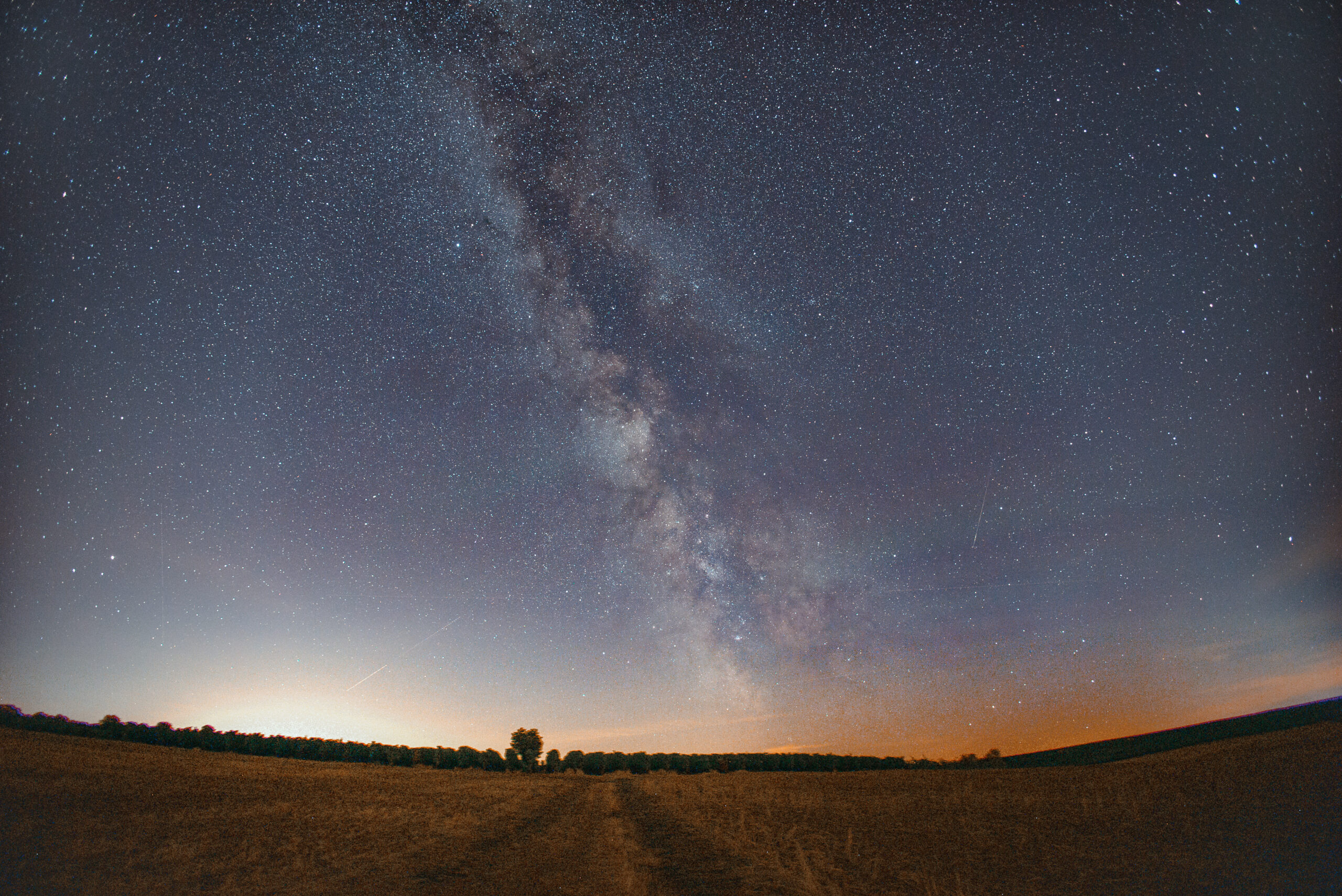
When photographing stars, the exposure time depends on the subject you want and the focal length.
Because the Earth rotates, beyond certain exposure times you get star trails and the Milky Way goes soft. If you photograph the Milky Way and choose too long an exposure time for your lens, the Milky Way will very quickly look washed out and blurry. That’s because, depending on the focal length, there are fixed limits at which the Earth’s rotation becomes visible. As a general rule, the following applies to exposure time in astrophotography without a tracker:
- The wider your lens, the longer you can photograph the night sky.
- The closer your framing points towards the North Star, the longer you can expose without getting visible star trails.
- If you photograph stars at the height of the horizon, you should keep your shutter speed a little shorter.
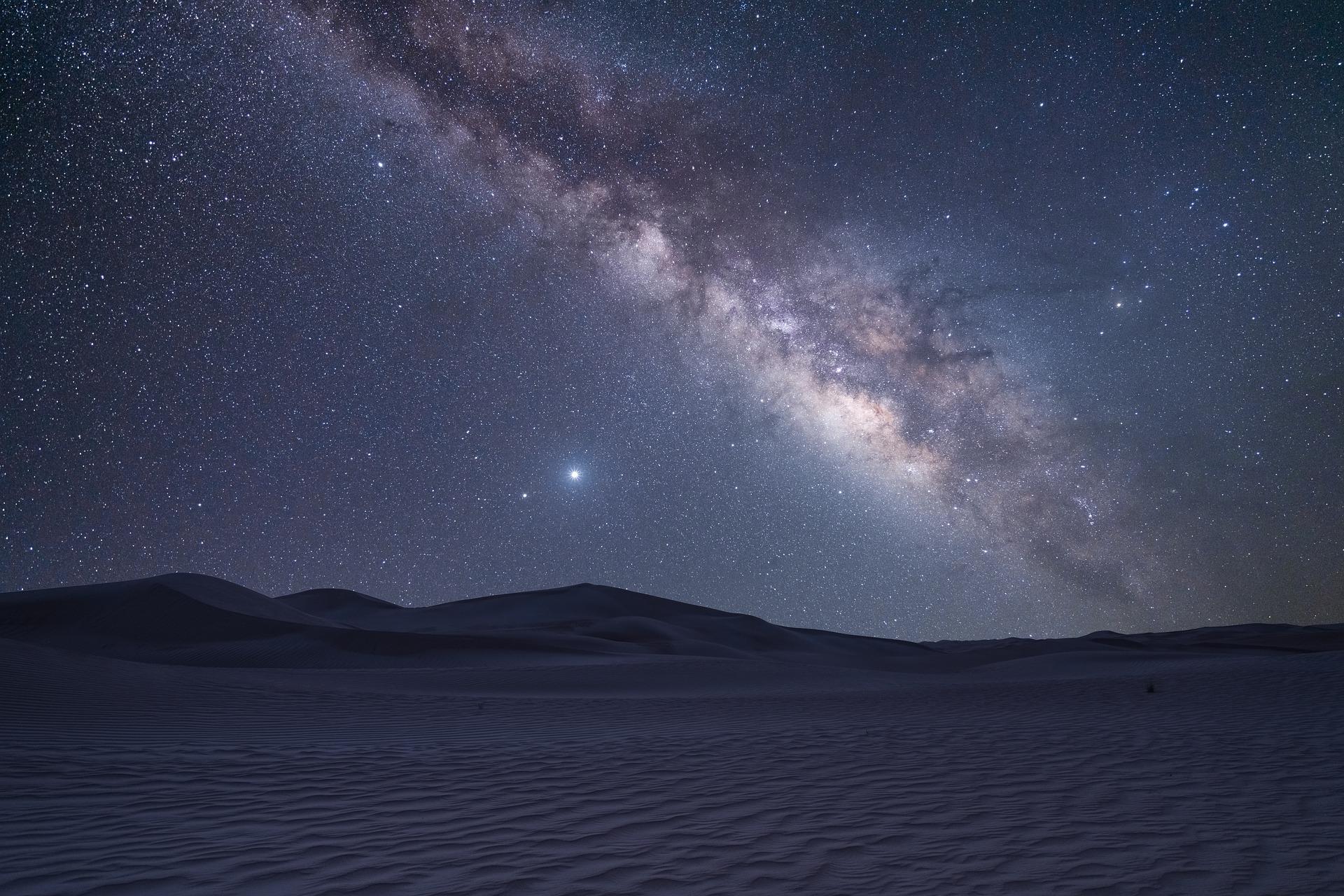
If your chosen combination of exposure time and aperture isn’t enough to capture faint structures like the Milky Way clearly and sharply, you can first compensate with higher ISO values. Or you use an even faster lens to photograph the Milky Way.
A final option for exposing longer is the star tracker mentioned above, which compensates for the Earth’s rotation. Once you realise you really enjoy photographing the Milky Way, a star tracker like this is a genuinely worthwhile purchase. Besides the comparatively affordable tracker, the Omegon LX Mini Track, there are also professional versions that track even very heavy and large cameras effortlessly and extremely precisely:
Omegon Mini Track LX2

- Profi-Nachführung mit hoher Traglast
- sehr lange Belichtungszeiten möglich
- Einnorden durch Polsucher sehr einfach
- Auto-Guiding-Anschluss vorhanden
- teuer
Calculating the Maximum Exposure Time
Luckily the Earth rotates at a constant speed, and you can easily work out the maximum exposure time with my calculator:
Exposure Time: the 500-Rule, 300-Rule and NPF Rule
Because the Earth rotates, the stars drift across your sensor. Expose for too long and points turn into little streaks. How long you can expose depends above all on the focal length and, on closer inspection, also on your camera’s pixel size. Three rules of thumb help you here.
The 500-Rule
Maximum exposure time = 500 ÷ (crop factor × focal length)
Example: 20 mm on full frame gives 500 ÷ 20 = 25 seconds.
The rule dates back to the film era. On a phone display or on Instagram the stars look like points with it. Modern, high-resolution sensors, though, already show slight streaks at 100% view.
The 300-Rule
Maximum exposure time = 300 ÷ (crop factor × focal length)
Example: 20 mm on full frame gives 300 ÷ 20 = 15 seconds.
This is the stricter variant for today’s cameras. It’s a good compromise when you want a safe value quickly on location without doing any maths.
The NPF Rule: the Most Accurate Method
The NPF rule is the only one that takes the aperture (N), the pixel pitch (P) and the focal length (F) into account.
The simplified formula is:
Maximum exposure time = (35 × aperture + 30 × pixel pitch in µm) ÷ focal length. Here you use the real focal length, without the crop factor. The crop factor is already accounted for in the formula via the pixel pitch. To find your pixel pitch, calculate: sensor width in mm ÷ pixels across the width × 1000.
The higher the resolution, the shorter you have to expose if the stars are to stay point-like even at full magnification.
The simplified formula assumes the celestial equator, i.e. the worst case. If you shoot towards the North Star, you can expose longer. With the core of the Milky Way you only have a small buffer.
More Settings
File Format
Ideally you photograph the Milky Way exclusively in the RAW format.
Why RAW and not JPG? When we photograph stars and the Milky Way, we want to capture as much detail as possible and will most likely edit the images digitally afterwards. Every image saved as a JPG is a compressed image with only 8-bit colour information left. On top of that, compression always loses image detail. Rather take the 14-bit RAW files and believe me, editing a Milky Way photo in the RAW format will give you quite a bit of extra detail.
White Balance
The white balance doesn’t matter at first, as long as you photograph the Milky Way in the RAW format. In editing you can change the white balance afterwards anyway, so there’s no need to worry about it. But as a guide you can keep values of 3700 to 4000 Kelvin in mind, depending on the light pollution.
Custom Camera Functions
If you want to photograph the Milky Way with a DSLR, I recommend switching on mirror lock-up. On a DSLR the mirror flips up when you press the shutter so that light falls on the sensor.
This small movement creates a vibration that (especially on very cheap tripods) causes oscillations for several seconds. That can introduce motion blur into the photo. Mirrorless cameras have a small advantage in Milky Way photography, because there’s one less setting to make and there’s no mirror slap.
Milky Way Photography: Planning and Preparation
First let me share an important lesson from many years in astrophotography: plan your night-time trip under the stars and bring enough time. Don’t just head out aimlessly and snap away – that will quickly leave you thoroughly disappointed with your Milky Way results. Think beforehand about how you want to photograph the Milky Way and where you’ll take the photos.
Clothing & Supplies
Dress warmly – not just in winter, going by the motto: “better to sweat than to freeze!”. Photographing stars is no fun at all when your fingers are frozen or your toes turn blue. Quite apart from the fact that operating the camera then takes for ever. And you don’t want to catch a cold either! Warm, sturdy shoes and gloves, warm clothes and a flask of tea are never a bad idea! The body cools down incredibly fast when you’re not moving.
Also check your camera battery again, make sure your lenses have no dirt on the (rear) element, and that there’s a memory card with enough space in the camera. And whatever you do, don’t forget the tripod plate! That’s happened to me a few times and it’s seriously annoying.
Weather & Surroundings
Avoiding Light Pollution
Your big enemy in Milky Way photography is: light pollution. Light pollution is nothing other than unwanted or excessive illumination from artificial light sources, which becomes especially visible at night. This phenomenon occurs above all in urban areas, where countless streetlights, building lighting, billboards and other light sources turn night into day. These light sources are still clearly visible on the horizon even when you’re no longer in an urban area.
So if you want to photograph the Milky Way, find the darkest possible spot far away from cities. There you’ll have less light pollution, which otherwise outshines many stars.
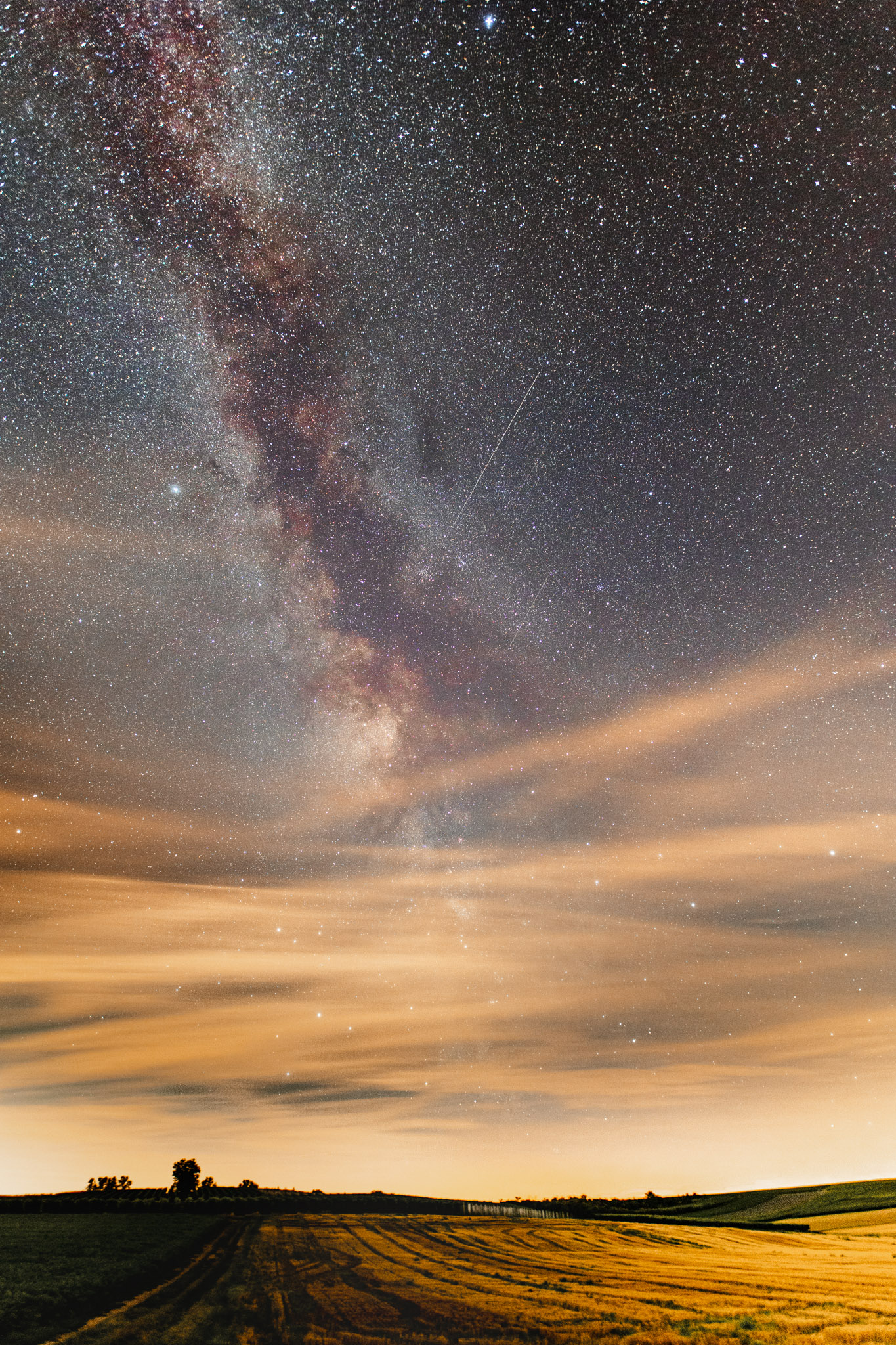
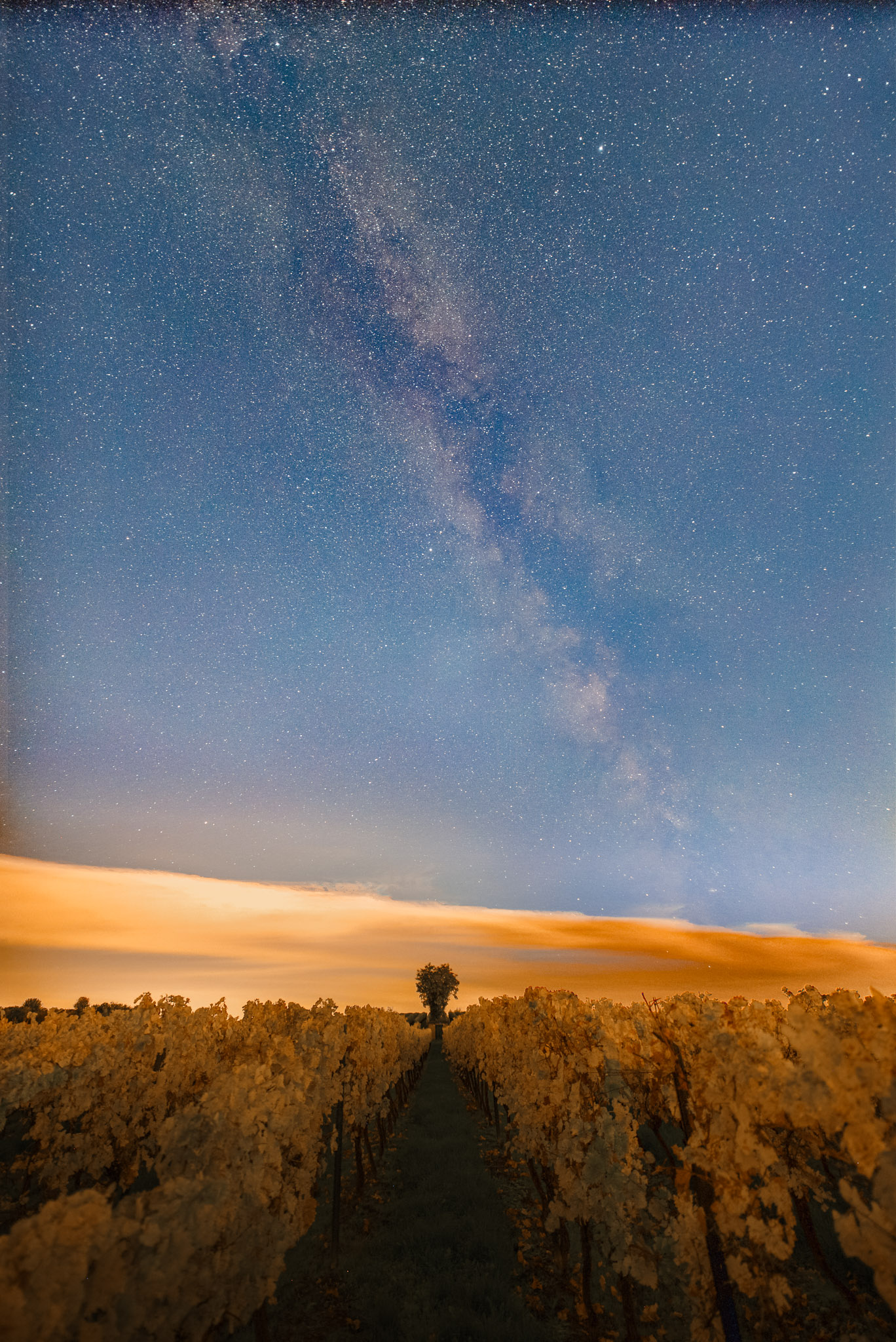
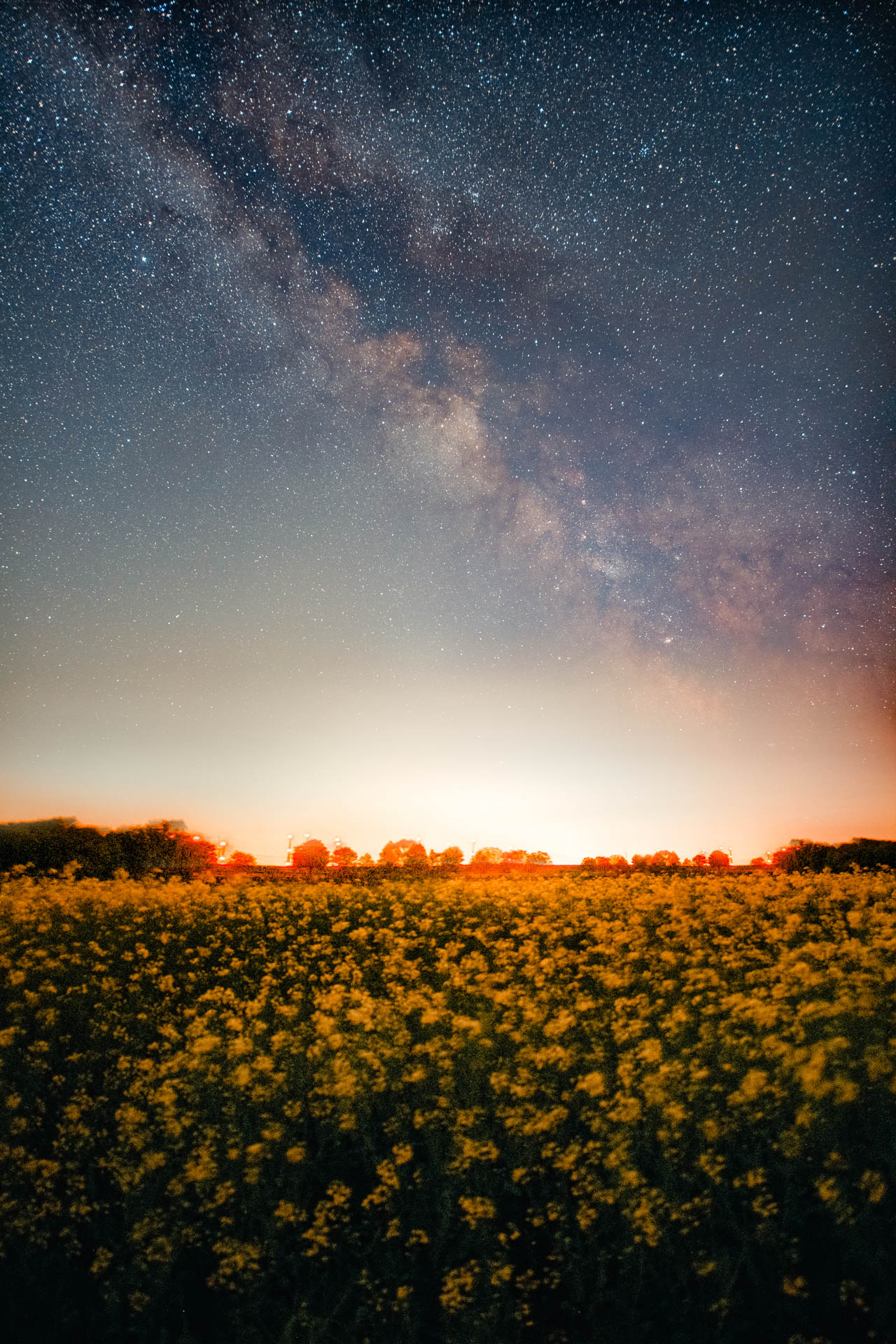
By the way, Brandenburg, Mecklenburg-Western Pomerania and the Bavarian Alps offer the best conditions in Germany for escaping light pollution and taking impressive Milky Way shots. For a quick location search, use this interactive and up-to-date map of very dark locations. Of course there’s also an overview map of light pollution as a free app for Android
To photograph as many stars and the finest structures of the Milky Way as possible, you absolutely need a clear, cloudless sky. Clouds not only block the view of the stars, they also reflect a lot of ambient light. That amplifies the light pollution further and the fine details of the Milky Way are quickly outshone.
The Best Locations for Photographing the Milky Way
And where can you see and photograph the Milky Way particularly well? On a trip to a dark-sky park! It’s worth it, because there’s extremely little light pollution there. Of course there are also places in Germany with hardly any light pollution where the Milky Way is especially easy to see. These locations in Germany are particularly recommended:
- Eifel National Park – well worth seeing during the day too, by the way! Unfortunately a few wind turbines are now visible.
- Rhön Biosphere Reserve
- Winklmoos-Alm Dark-Sky Park
- Westhavelland
- Palatinate Forest
- The Alps
- The Harz
The Bortle Scale: How Dark Your Sky Needs to Be
How dark a location really is is described by the Bortle scale. The American amateur astronomer John E. Bortle published it in 2001. It ranges from class 1 (perfectly dark sky) to class 9 (inner city). Many light-pollution maps also show the SQM value, the measured sky brightness in mag/arcsec². The rule here: the higher the SQM value, the darker the sky.
| Bortle | Sky | SQM (approx.) | Milky Way with the naked eye | For Milky Way photos |
|---|---|---|---|---|
| 1 | Excellent dark | > 21.9 | Almost casts shadows, zodiacal light clearly visible | Dream conditions |
| 2 | Typically dark | 21.5-21.9 | Highly structured, dark clouds clearly visible | Excellent |
| 3 | Rural | 21.3-21.5 | Still detailed, slight light domes on the horizon | Very good |
| 4 | Rural/suburban | 20.4-21.3 | Clearly visible but low contrast, light domes in several directions | Good, with editing |
| 5 | Suburban | 19.1-20.4 | Only faint, gone at the horizon | Limited, stacking helps |
| 6 | Bright suburban sky | 18.0-19.1 | At best faintly guessable at the zenith | Hardly worthwhile |
| 7-9 | City to inner city | < 18.0 | Not visible | Not suitable |
What does that mean for you in practice?
- You’ll barely find Bortle 1 in Germany. The darkest regions such as Westhavelland, the Rhön, the Eifel or parts of the Alps mostly sit in the Bortle 2-3 range.
- From Bortle 4 downwards the trip is worth it. At Bortle 5 you can still get the Milky Way onto the sensor, but you have to put much more effort into editing and stacking.
- Pay attention to the compass direction, not just the number. For us the core of the Milky Way always sits low in the south. If there’s a city to the south of your location, its light dome can interfere exactly there, even if your spot is rated Bortle 3 on the map.
- The map is only a guide. The moon, haze, humidity and snow reflecting light make the same spot one or two classes brighter on some nights.
Avoiding the Moon
Besides light pollution, your second-biggest enemy in Milky Way photography is the moon. The full moon in particular outshines the night sky so strongly that no meaningful Milky Way shots are possible. So ideally you photograph at new moon or when the moon is low below the horizon. Apps like Stellarium, various moon calendars or my free calculator help you here.
As a beginner you should only photograph the Milky Way when it’s new moon or the moon is below the horizon, because otherwise hardly anything of the Milky Way is visible. Most of the time the photos are even overexposed and unusable. Once you’ve gained some experience, as a practised Milky Way photographer you can also create shots where the moonlight lights up the landscape. But that’s only possible with a lot of planning, because the moon must sit just barely on the horizon. For shots like that you have a mere 10 minutes.
Editing Milky Way Photos in Lightroom
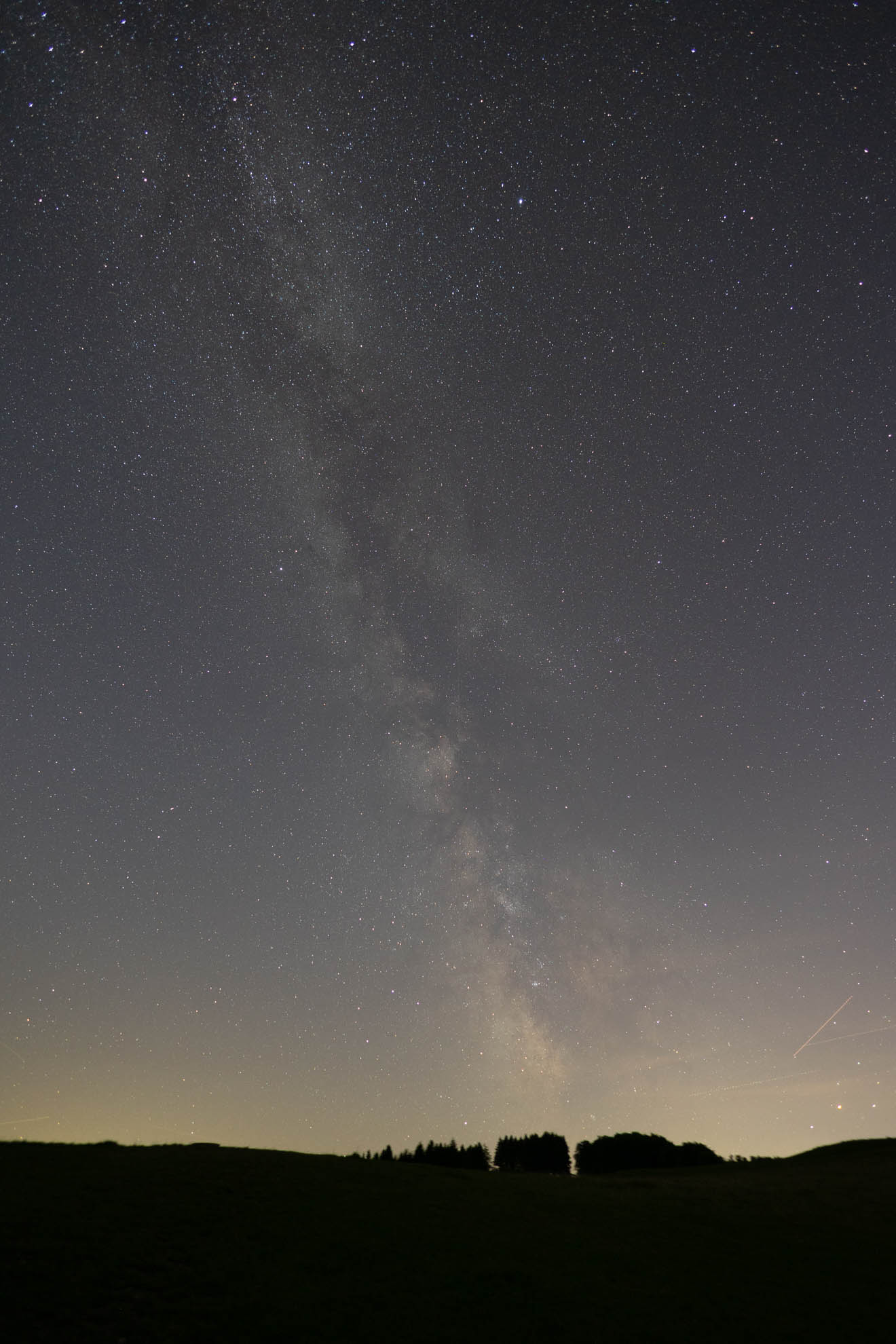
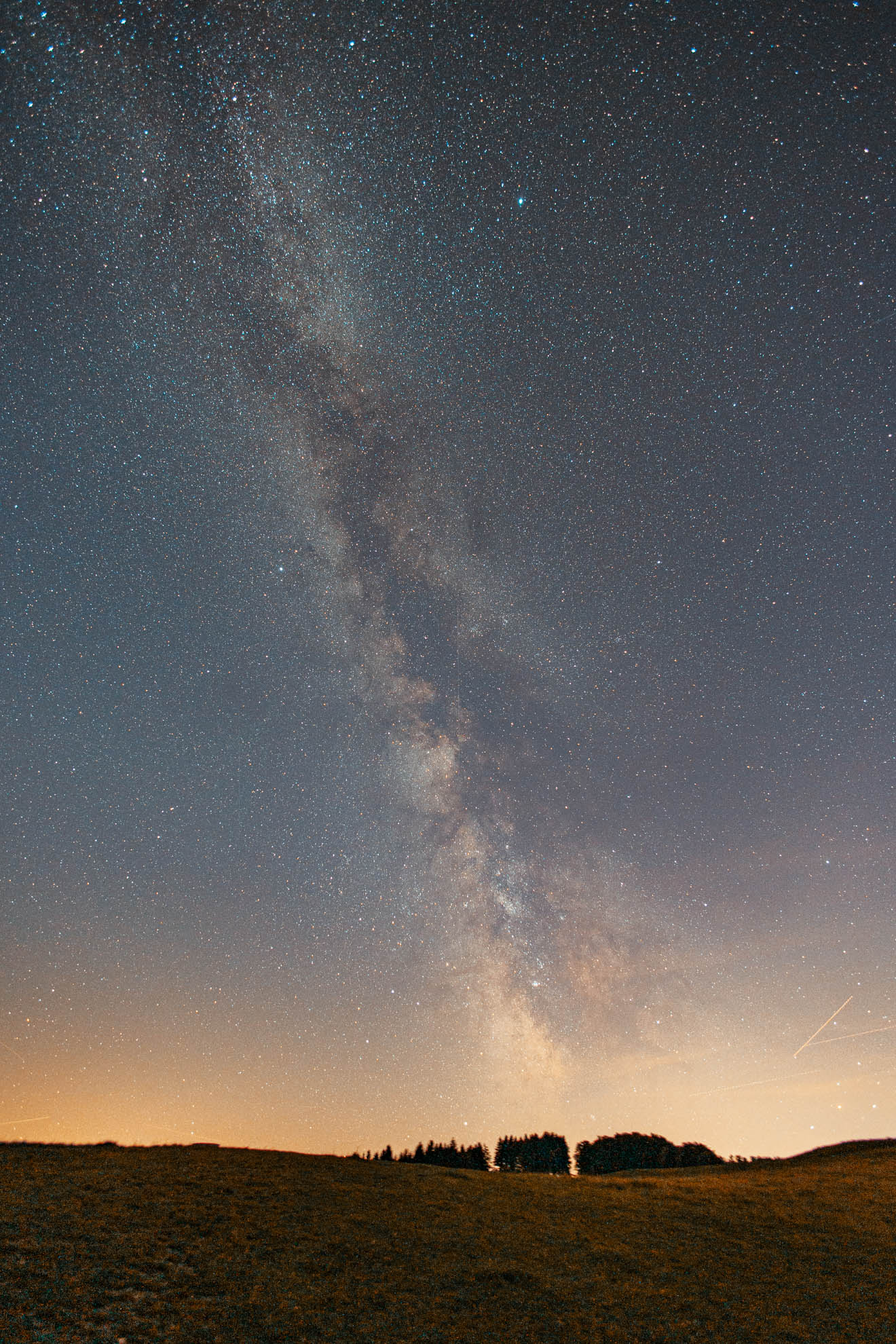
Once your Milky Way photos are in the can, it’s time for editing. I want to show you a few simple steps to give your photos more “pop”.

Mein Preset-Paket "Marlene"
Du magst meine Fotos und den Bildlook? Dann sind meine Marlene Presets für Lightroom genau richtig für dich!
- Start by adjusting the colour temperature and white balance. An optimal value when shooting is 3700 – 4000 K, but in editing it may differ depending on the colour mood. Values between 2700 and 4000 Kelvin are normal here – depending on the ambient light.
- Raise the exposure so that you don’t get any blown-out areas in the histogram.
- As a rule I reduce the contrast and add a little texture.
- Whites – I raise these to a maximum of 50 to make the stars even more visible
- Increase vibrance -> this brings out the coloured parts of the Milky Way even better
- Photos with higher ISO are always desaturated – so increase the saturation slightly.
- To make the stars clearer, carefully raise the highlights while lowering the shadows and blacks.
- Use the “Dehaze” function sparingly, up to about 15, to bring out the stars a little.
- HSL sliders – if you want to boost or soften certain individual colours, this function is ideal. I always shift aqua towards blue
- Tone curve – create a high-contrast curve with a slight S shape to increase the contrast further
- Adjustment brush – with the brush you can wonderfully strengthen selected areas by boosting contrast and also tweak the white balance of the Milky Way itself a little. That makes the Milky Way “pop” even more clearly!
Keep in mind: editing is very individual in Milky Way photography – and even though I’ve found my settings and always work in a similar way, that doesn’t mean it applies to your image style too. Just play around a bit in Lightroom and save your settings as a preset.
Don’t fancy endless editing? No problem! Here you’ll find the presets I use for my Milky Way photos in Lightroom: To the Milky Way preset pack
The following gallery shows you what you can get out of your Milky Way photos with editing:
Better Milky Way Photos with Stacking
Stacking is a brilliant technique in astrophotography for minimising image noise. Several long exposures of the same subject are combined to reduce noise, emphasise detail and significantly improve the quality of the image. Stacking several shots also improves brightness and colour, giving you a more impressive and appealing image of the Milky Way. To successfully combine or “stack” exposures, all the photos have to be identical, which is no problem if you work according to my guide and shoot in manual mode.
A simple method is to take the exposures at set intervals, similar to a time-lapse. Many cameras have a built-in function for this; if not, there are dedicated releases or an app for every camera system. I always recommend stacking at least 5 to 10 photos – though this enormously increases the time you have to spend on your photos.
If you use a Windows PC, you can try the free Sequator software, which is very, very powerful and also free. Mac users need to set aside a few euros in the App Store for Starry Landscape Stacker.
Frequently Asked Questions about Milky Way Photography
What are common beginner mistakes when photographing stars?
The most common ones are exposure times that are too short, ISO values that are too low, or lenses that aren’t fast enough.
My Milky Way photos don’t show as much detail as yours. Why is that?
I edit my photos afterwards and use techniques like stacking to reduce noise. Then all the details come out in the RAW development.
When is the Milky Way best seen in Germany?
The bright galactic centre is visible in Germany from around late February (in the early morning) to early October (in the evening). Your best chances are from late July to early September, when the centre climbs high enough above the horizon. Shoot on a moonless night around new moon, and only once it’s completely dark. In other words, after the end of astronomical twilight.
Which ISO should I set for the Milky Way?
As a guide, ISO 3200, between ISO 1600 and 6400 depending on the camera and lens. With a fast aperture (f/1.4–f/2.0) ISO 1600–3200 is usually enough; at f/2.8 you’ll more likely need ISO 3200–6400. Better a slightly higher ISO and a cleanly exposed histogram than an image that’s too dark – noise can be reduced through editing or stacking, missing light information cannot.
Which aperture and exposure time do I need?
Aperture as wide open as possible, at least f/2.8, better f/2.0 or f/1.4. Depending on the focal length, the exposure time is about 10–25 seconds. You calculate the longest time without visible trails using the 500-rule: 500 / (crop factor × focal length). Example: 20 mm on full frame → 500 / 20 = 25 seconds. Also use my NPF calculator for maximum exposure times for this.
Do I need a full-frame camera, or is APS-C enough?
APS-C is perfectly enough for beautiful Milky Way photos, especially with a fast lens like the Sigma 16 mm f/1.4. Full frame has advantages: less noise at high ISO values and roughly a third longer possible exposure time at the same focal length. More important than the sensor are a sturdy tripod, a fast wide-angle lens and a truly dark location.
How do I focus on the stars at night?
Autofocus doesn’t work reliably in the dark. So set the lens to manual focus. Activate Live View, find a bright star (Vega in summer, Sirius in winter) or a distant light, zoom in to maximum magnification and turn the focus ring until the star is the smallest, sharpest point. Check the first shot at 100% view and, if necessary, fix the focus ring afterwards with gaffer tape.
Can I photograph the Milky Way with my phone?
Yes, but only with limitations. Current smartphones with a night mode or a pro/manual mode (RAW, 10–30 seconds, ISO 1600–3200) and a small tripod will show the Milky Way recognisably. But a phone can’t match the depth of detail, the low noise and the dynamic range of a camera with a fast wide-angle lens. For first attempts and for planning it’s fine; for prints or social-media posts a “real” camera is worth it.
Can you photograph the Milky Way in moonlight?
Only with a very thin crescent or when the moon is still below the horizon. Even a half moon outshines the sky so much that the Milky Way barely comes through. Plan your trip around new moon or for the window in which the moon hasn’t yet risen or has already set that evening. An app like PhotoPills shows you this.
Why have my stars turned into short streaks?
The exposure time was too long for your focal length. The Earth’s rotation then visibly stretches the stars. Use the 500-rule (500 / (crop factor × focal length)) or, for more point-like stars, the stricter 300-rule. With longer focal lengths the only thing that helps is a shorter exposure (and higher ISO in return) or a star tracker.
Should I shoot in RAW or JPEG?
Always in RAW. The Milky Way thrives on editing: you only pull contrast, colours and detail out of the file in Lightroom or Darktable, and with a 14-bit RAW file that works without visible loss of quality. With JPEG these reserves are already discarded. With RAW the white balance is secondary at first (guide value 3700–4000 Kelvin).
What is stacking and do I need it?
In stacking you combine several identical shots (5–10 or more) with software like Sequator (Windows) or Starry Landscape Stacker (Mac). The program averages out the image noise so you get significantly more detail and cleaner colours. It’s not compulsory and a single, well-exposed RAW is enough to start with, but it’s the biggest jump in quality after getting the exposure right.
How do I find a dark place without light pollution?
Use a light-pollution map like lightpollutionmap.app and look for an area with Bortle level 1-4. In Germany these include parts of the Alps, the Eifel, the Mecklenburg Lake District, the Bavarian Forest or the Swabian Jura. Even 30–60 minutes’ drive from the nearest big city makes a big difference. Point the camera towards the south as much as possible, away from the light domes of the cities.
Your Milky Way Photos and Experiences
Now I’m curious whether you’ve already photographed the Milky Way and how it turned out. Did you find it hard to take pictures of stars and the Milky Way? Just use the comment function below the post! I always love comments, suggestions and pictures!