
Canon EOS R5 Mark II Review: A Pro Camera in Practice 2026
Detailed Canon EOS R5 Mark II test in practice: Eye-Control AF, RAW samples, test photos & practical conclusion. Comparison with competitors & EOS R5.

Fotograf & Fachinformatiker · Rheinhessen
In this Canon EOS R5 Mark II review I share my experience from a month of intensive real-world use. More than 5,000 photos in family photography and reportage came out of it. So I was able to test the camera under real conditions and show you what it can do. Because as a professional photographer I don’t test cameras in the lab, but where it counts: on real photo jobs.
How I configured the camera I show you in my settings for the EOS R5 Mark II. And how it differs from the first R5 is covered in my comparison EOS R5 or R5 Mark II.
What to expect in this EOS R5 Mark II review:
- Strengths & weaknesses of the R5 Mark II in everyday photography
- Autofocus, Eye-Control AF & burst performance in a nutshell
- RAW download, unedited & edited sample images from real jobs
- Comparison with the Canon EOS R5 and rival models from a photographer’s perspective
- Real-world suitability for reportage, portraits, events & more
- My personal verdict: who should really upgrade to the Mark II?
I understand if you don’t want to read endlessly long camera reviews, so right at the start I’d like to share my clear verdict on the Canon EOS R5 Mark II:
Das erwartet dich im Beitrag
Canon EOS R5 Mark II Review – Quick Verdict and Rating
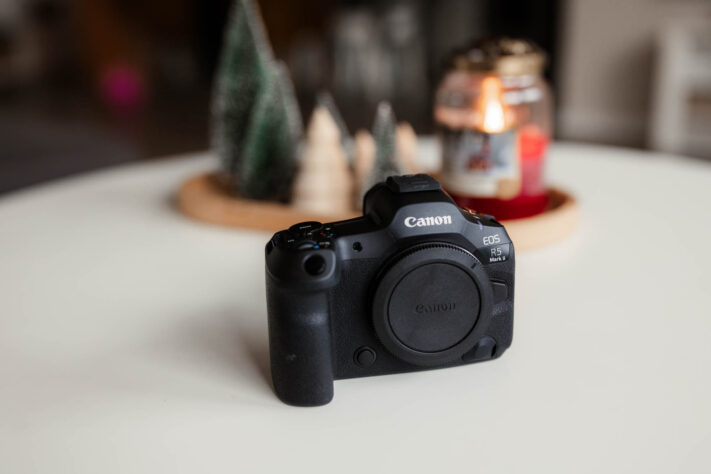
The Canon EOS R5 Mark II is an extremely successful successor to the “old” R5. It has the resolution of the EOS R5 and gained the speed of the EOS R3. That makes it an absolutely outstanding camera in every area of photography and video. Whether portrait, landscape, nature or wildlife photography – you can handle all of it with complete authority on the EOS R5 Mark II, as well as reportage, wedding, sports, concert, travel and press photography.
The autofocus of the EOS R5 Mark II has been greatly improved over its predecessor. It’s extremely accurate and fast, tracks and recognises subjects very precisely – in video mode too. Focusing can be done in a flash via Canon’s Eye-Control AF system, which focuses in the viewfinder wherever you’re looking.
The EOS R5 Mark II can record video in 8K resolution at 60 frames per second – with active Dual Pixel autofocus! It can also record slow motion at 120 frames per second in 4K resolution.
The battery life is also perfectly fine for a stabilised full-frame system camera with such high resolution, as long as you familiarise yourself a little with the power-saving options.
The camera’s cooling, the sensor read-out speed and the hot shoe (which now has the new cover) have also been improved.
The full-frame system camera costs around €4,900 new. That makes it very expensive, but in return you get a camera that can do everything and will stay in the top league for many years to come.
For me the EOS R5 Mark II is one of the best full-frame cameras on the market right now and gets a clear recommendation.
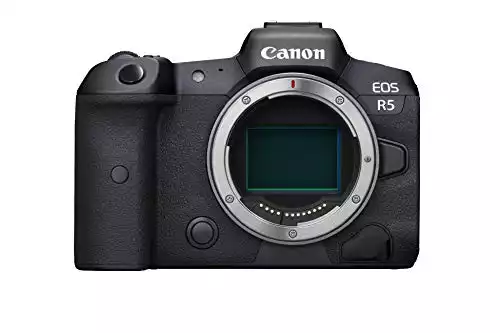
Canon EOS R5 Mark II
With 4.9 out of a maximum of 5 points in the overall rating, the Canon EOS R5 Mark II delivers with complete authority.
Pros
- High resolution
- Very fast
- Hardly any rolling-shutter artefacts
- Extremely good, reliable autofocus
- Easy to use
- Very high button customisability
- Focusing with Eye Control
- Very quiet camera
- Good battery life (with lenses without IS)
Cons
- Some functions require the expensive LP-E6P battery
- Older third-party batteries can’t be used
- Expensive
Notes on This Canon EOS R5 Mark II Review
Canon Germany provided me with the camera for one month to create this review.
In this review you’ll find links marked with *. These are affiliate links and I earn a small commission if you buy something through them. That’s a way for you to support my work. The price doesn’t go up for you.
The Features of the Canon EOS R5 Mark II in Detail
As always: in this review I share my completely honest experience of how it performs on photo jobs and show you its strengths and weaknesses. You won’t find pointless lab tests with noise measurements or test charts shot off a wall here. Photographing that sort of thing goes against the grain for me, because it has no relevance whatsoever to real photographic life.
I also give you the chance here to download a few RAW files from the R5 Mark II so you can form your own picture of the quality.
Technical Innovations Compared to Its Predecessor
Compared to its predecessor, the Canon R5 Mark II brings a number of technical innovations:
- The 45-megapixel sensor is now back-side illuminated (BSI).
- The R5 II has gained the pre-capture function from the R7.
- Battery life has also been improved. A new battery, the LP-E6P, was introduced for this. After just under 850 photos I still had around 56% battery capacity left. It’s important to note, though, that some functions only work with the new
battery , for example the pre-capture function. - Also new are ventilation slots on the underside of the camera that dissipate heat so that heat-intensive functions like 8K video can be used for longer. With this, Canon has addressed a major criticism of the R5
- The menu has been expanded and some customisation options added.
- The camera has also become a few grams heavier and a few millimetres larger.
- The on/off switch is now also on the right-hand side so the camera can be operated one-handed.
- The camera has gained the Eye-Control AF from the EOS R3.
- The autofocus, especially subject tracking, has been improved.
- The “Action Priority” focus mode has been added, which recognises plays in certain sports and prioritises focusing on them.
- The new hot-shoe cover is included.
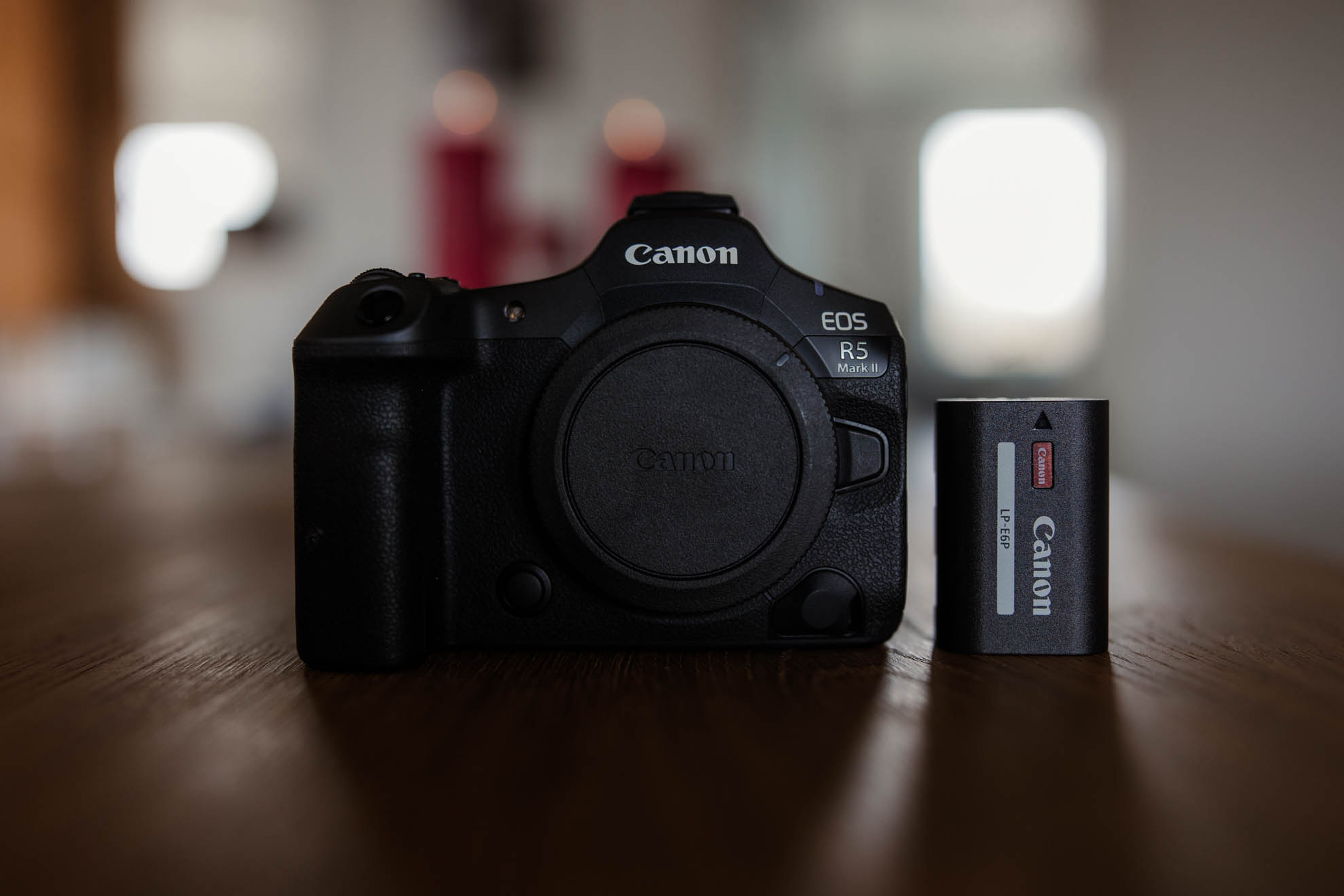
Canon R5 Mark II vs R5 Comparison
| Feature / function | Canon EOS R5 | Canon EOS R5 Mark II |
|---|---|---|
| Release | July 2020 | July 2024 |
| Sensor | 45 MP CMOS | 45 MP stacked BSI CMOS |
| Sensor type | Standard CMOS | BSI (back-illuminated), stacked |
| Processor | DIGIC X | DIGIC X |
| Image stabiliser (IBIS) | Yes, up to 8 stops | Yes, improved, up to 8.5 stops (combined) |
| ISO range (native) | 100 – 51,200 (expandable to 102,400) | 100 – 102,400 (expandable to 204,800) |
| Autofocus system | Dual Pixel CMOS AF II | improved Dual Pixel CMOS AF II |
| AF subject detection | People, animals | People, animals, vehicles, aircraft, trains, helmets, ball-carrying athletes in certain ball sports (Action Priority) |
| AF coverage | 100% horizontal & vertical | 100% horizontal & vertical |
| Eye/face detection | Yes | Yes (more precise & faster than on the Mark I) |
| Burst (mechanical) | 12 fps | 12 fps |
| Burst (electronic) | 20 fps | 30 fps |
| Buffer capacity (RAW) | approx. 180 shots | approx. 300+ shots |
| Video resolution (max) | 8K 30p | 8K 60p (RAW internal) |
| 4K modes | 4K 120p (slight crop) | 4K 120p (no crop), oversampled 4K |
| Internal RAW video | Yes (8K 30p only) | Yes, 8K 60p Cinema RAW Light |
| Canon Log / HDR PQ | C-Log 1 & 3 / HDR PQ | C-Log 1 & 3 / HDR PQ |
| Rolling shutter (video) | Moderately visible | Greatly reduced thanks to stacked sensor |
| Overheating (video recording) | Yes, after 20–30 min at 8K | No |
| Viewfinder (EVF) | 5.76M dots, 120 Hz | 5.76M dots, up to 240 Hz |
| Display | 3.2″, 2.1M dots, vari-angle | 3.2″, 2.4M dots, brighter & faster |
| Touch control | Yes | Yes |
| Memory card slots | 1× CFexpress Type B, 1× SD UHS-II | 1× CFexpress Type B, 1× SD UHS-II |
| Battery life (CIPA) | approx. 320 shots | approx. 500 shots |
| Battery type | LP-E6NH | LP-E6P or LP-E6NH (with reduced functionality) |
| Wi-Fi / Bluetooth | Yes / Yes | Yes (dual-band 2.4/5 GHz) / Yes |
| FTP & cloud support | Yes | Yes |
| Tethering | Yes | Yes |
| Live streaming | Via software only | Directly from the camera via Wi-Fi |
| Body material | Magnesium alloy | Magnesium alloy |
| Weather sealing | Yes | Yes |
| Grip and ergonomics | Very good, classic Canon | Very good, classic Canon |
| Custom buttons & configuration | Many options | Many options |
| HDR photo | Yes | Yes |
| Audio connectors | Microphone & headphones | Microphone & headphones |
| HDMI output | Micro HDMI | Full-size HDMI (Type A) |
| Pre-capture function | No | Yes, for 0.5 seconds before the shutter |
| Dimensions (W×H×D) | 138.5 × 97.5 × 88 mm | 139 × 98 × 88 mm |
| Weight (body only) | approx. 738 g | approx. 750 g |
| Price (at launch) | approx. €3,899 | approx. €4,899 |
Canon R5 Mark II vs Sony and Nikon
If you compare the Canon R5 Mark II with other cameras from Sony and Nikon, it quickly becomes clear that Canon has positioned the R5 Mark II as a rival to the Sony Alpha 1 and Nikon Z8. All three systems offer similar megapixel counts.
In terms of autofocus systems, all the brands are similarly strong. When it comes to video features and speed, the Canon R5 Mark II is right at the front, especially for filming in 8K.
The R5 Mark II, however, is the only camera among the competition that lets you focus by looking through the viewfinder.
I think the Canon EOS R5 Mk II is one of the best full-frame system cameras, one you can shoot with in every genre absolutely reliably and very quietly.
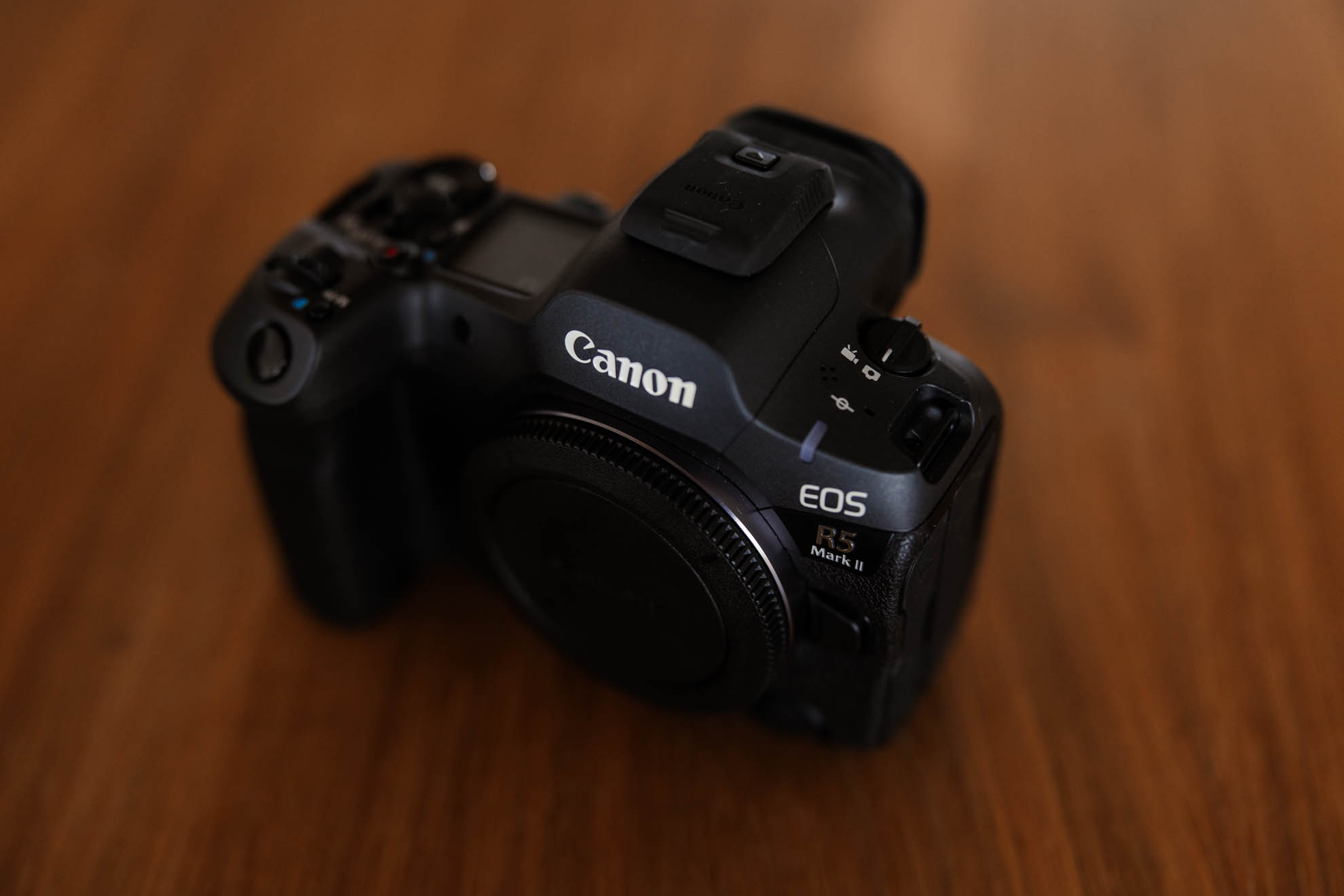
Strengths and Weaknesses of the R5 Mark II
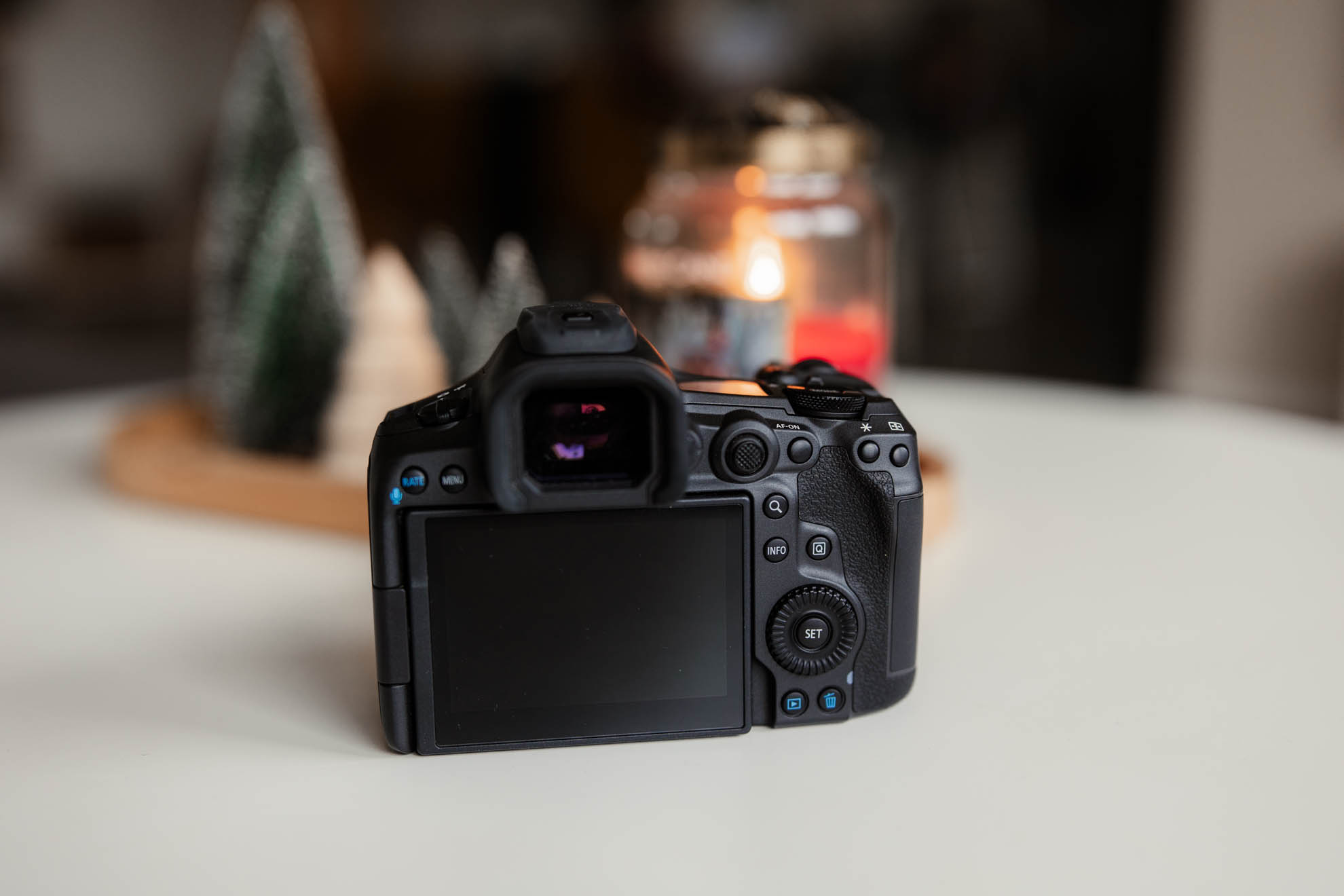
The R5 Mark II is one of the best mirrorless cameras Canon currently offers.
The Canon EOS R5 Mark II is a system camera with 45 megapixels, very good ergonomics, very high speed, a first-class autofocus and very strong video features. It has hardly any weaknesses, but I’ll address them in a moment.
As with its predecessor, operation is very intuitive. Features like sensor-based image stabilisation and eye, animal and vehicle autofocus work excellently. I also find the extremely quiet shutter particularly worth mentioning.
Let me show you the strengths and weaknesses of the Canon EOS R5 Mark II :
What I Like
- The Canon EOS R5 Mk II feels excellent in the hand; operation is a joy and intuitive.
- 45 megapixels deliver extremely good image quality and very good cropping options
- The sensor delivers very clean, sharp images
- A genuinely low-noise sensor for 45 megapixels – ISO 6400 is still perfectly usable.
- The autofocus of the EOS R5 Mark II is outstanding; like on the R3 it can be adapted to any situation and works very reliably.
- As on the EOS R3, the servo mode for continuous focus tracking is extremely good and reliable – in both photo and video operation.
- Shooting wide open and getting perfectly focused photos has never been so easy, which is a particular advantage for portraits.
- In-body stabilisation that works very well
- 12 and 30 frames per second (mechanical & electronic)
- Hardly any rolling-shutter artefacts thanks to the fast BSI stacked sensor
- Extremely quiet camera – even with the mechanical shutter
- Precise face tracking & extremely reliable eye autofocus!
- Selecting the focus point via Eye-Control or Touch and Drag is extremely fast.
- The viewfinder is flicker-free and sharp
- High button configurability
- 8K video
- 4K video with HQ mode
- Video at 120fps in 4K mode with autofocus
- Two card slots
What I Don’t Like
- Not all functions are available with older batteries.
- Old third-party batteries aren’t compatible.
- LP-E6P batteries cost €120
- CF Express memory cards are expensive
Ergonomics
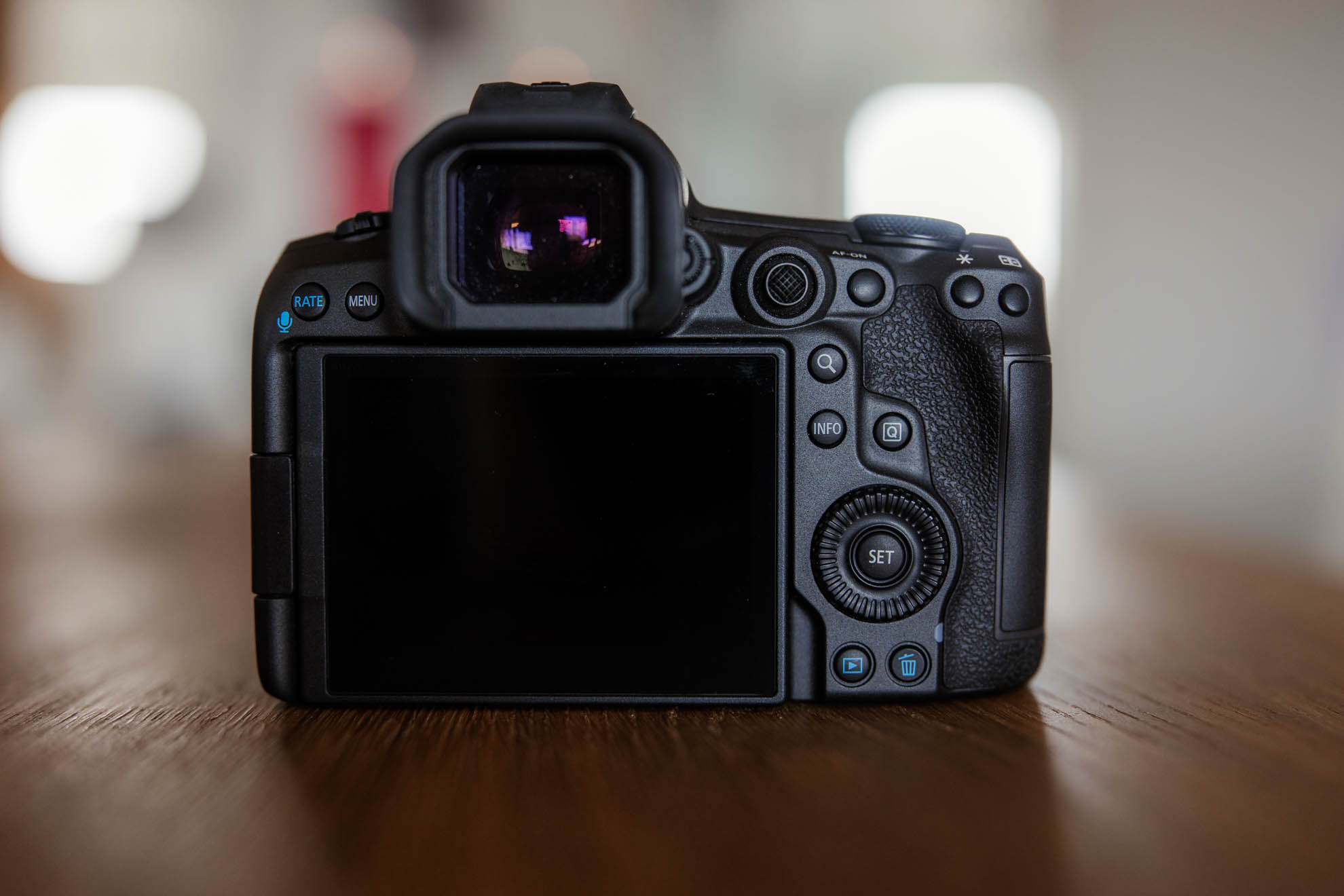
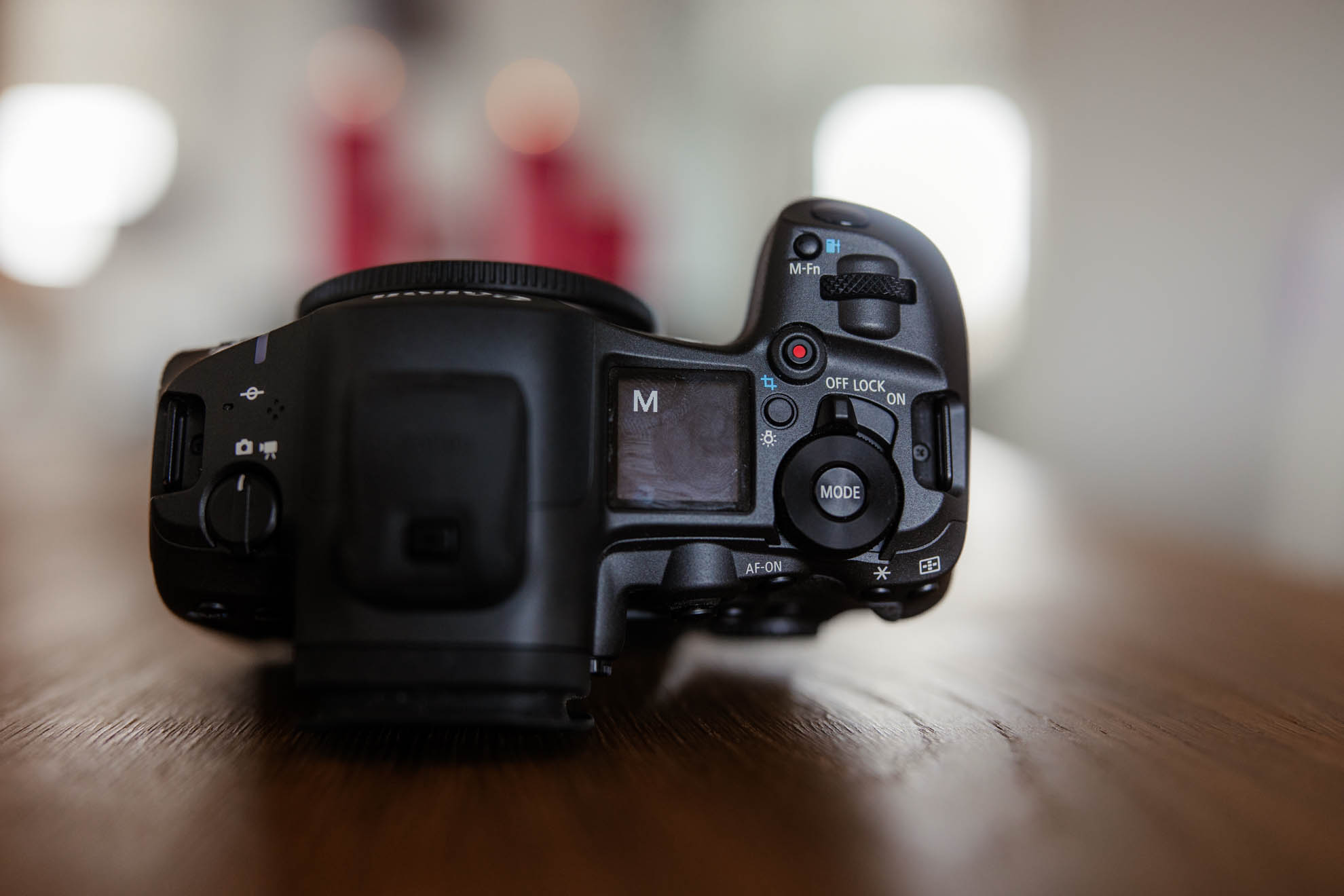
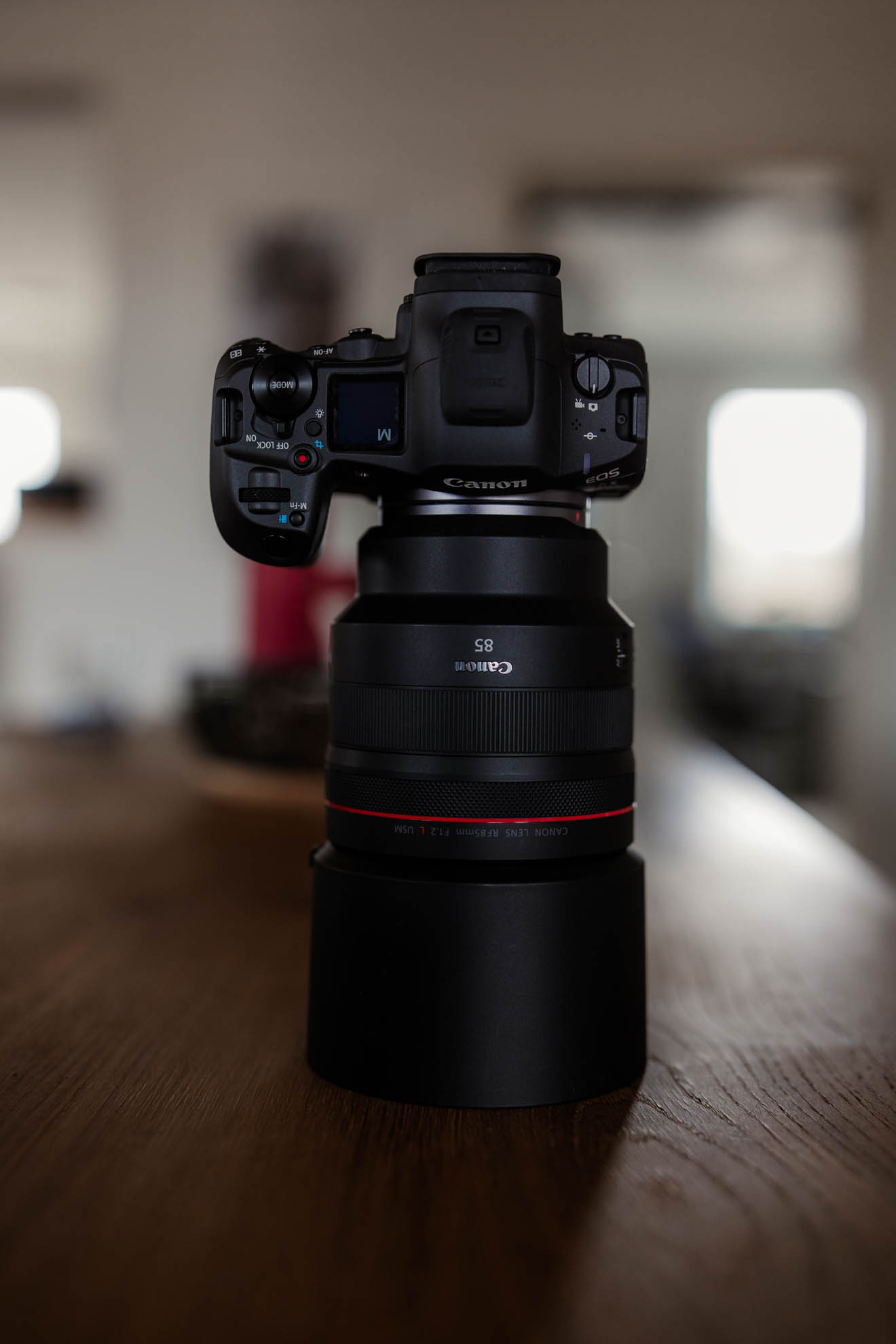
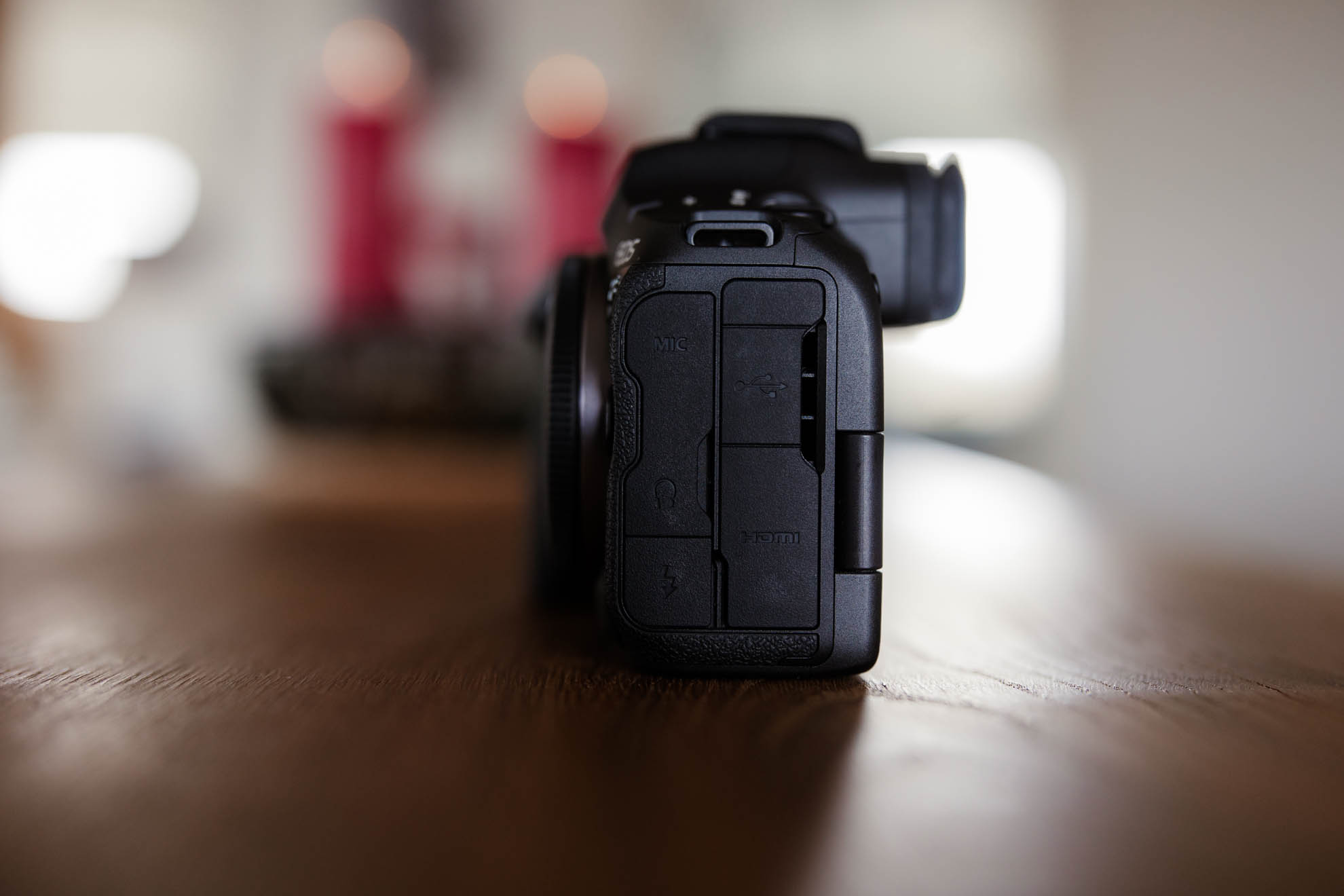
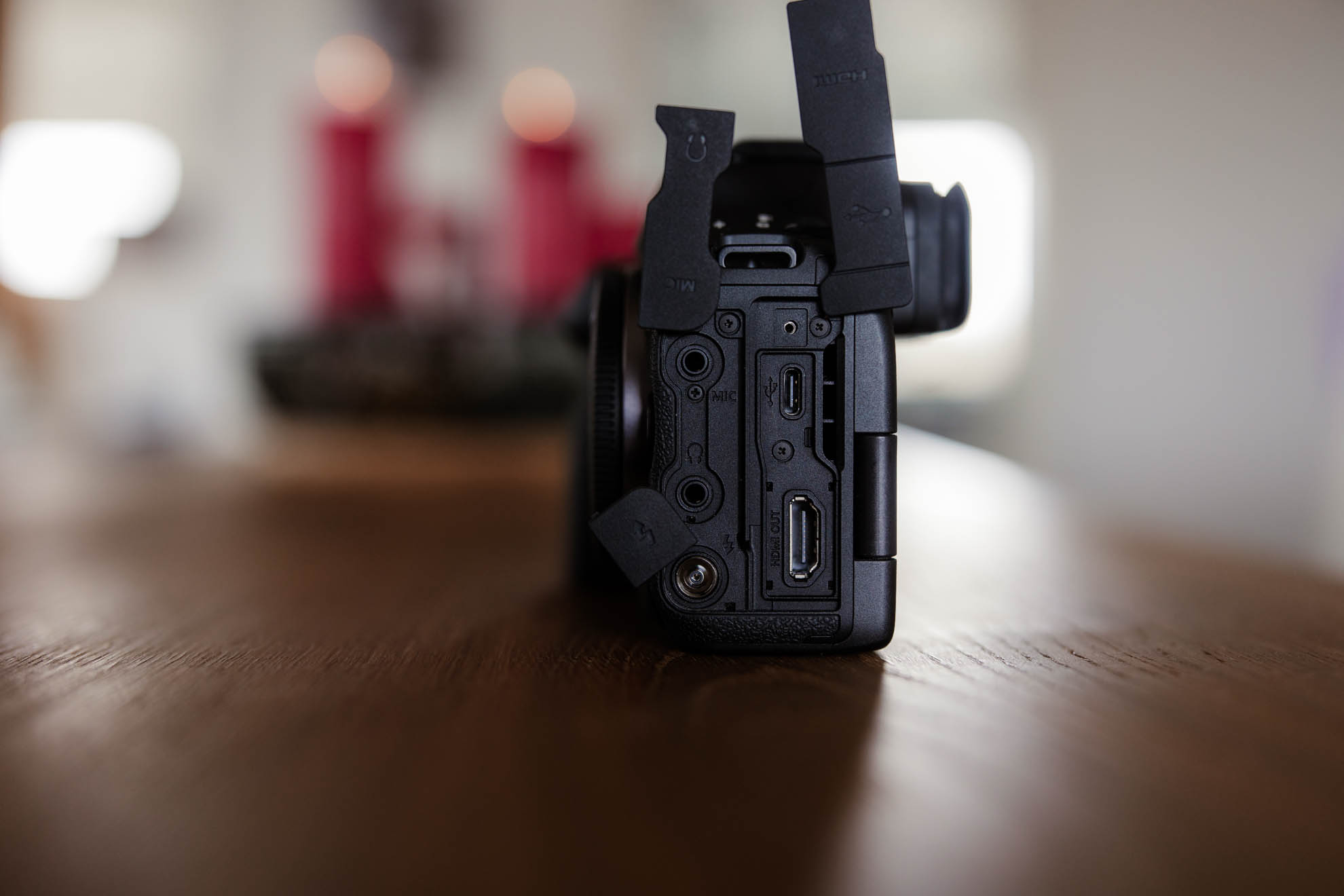
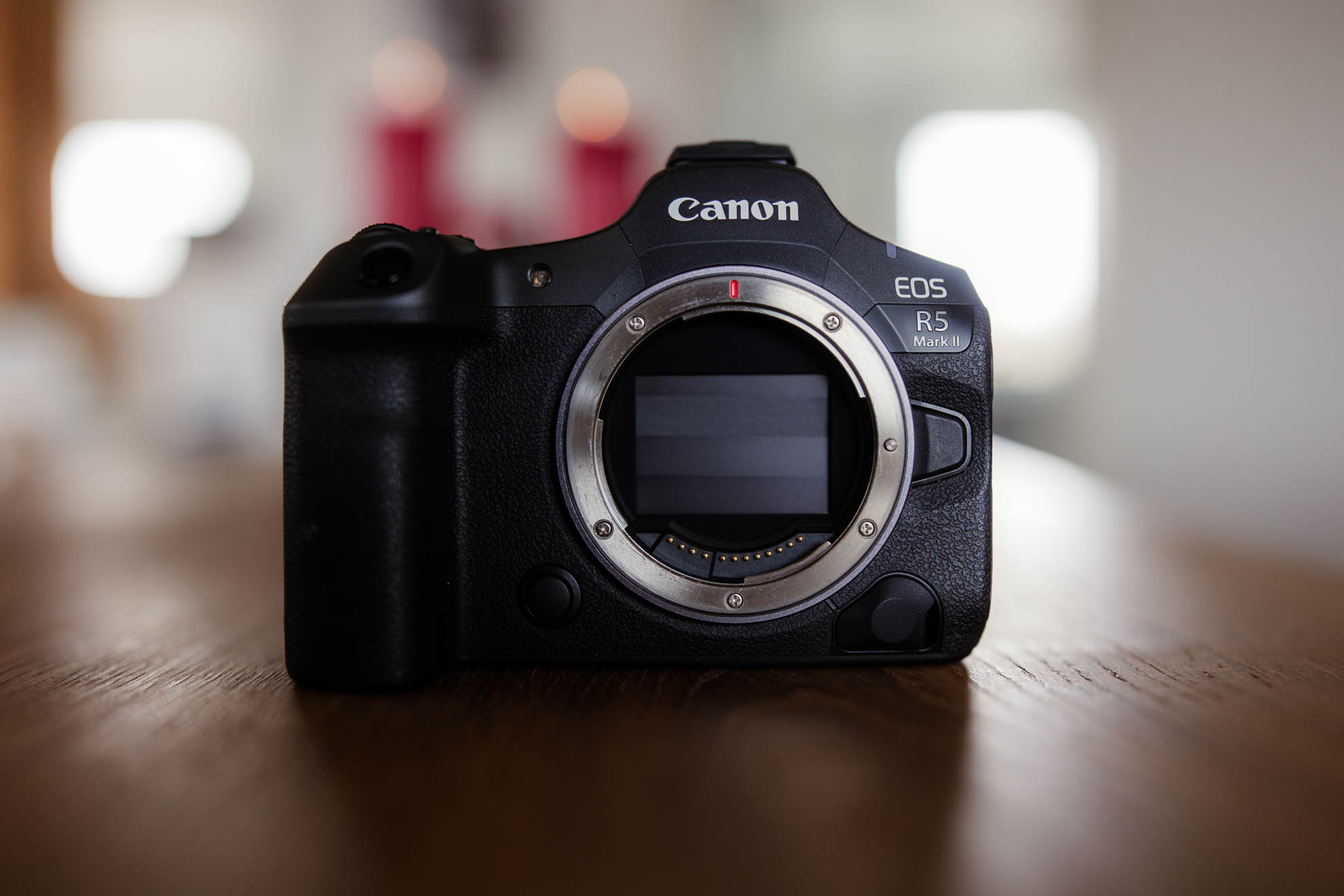
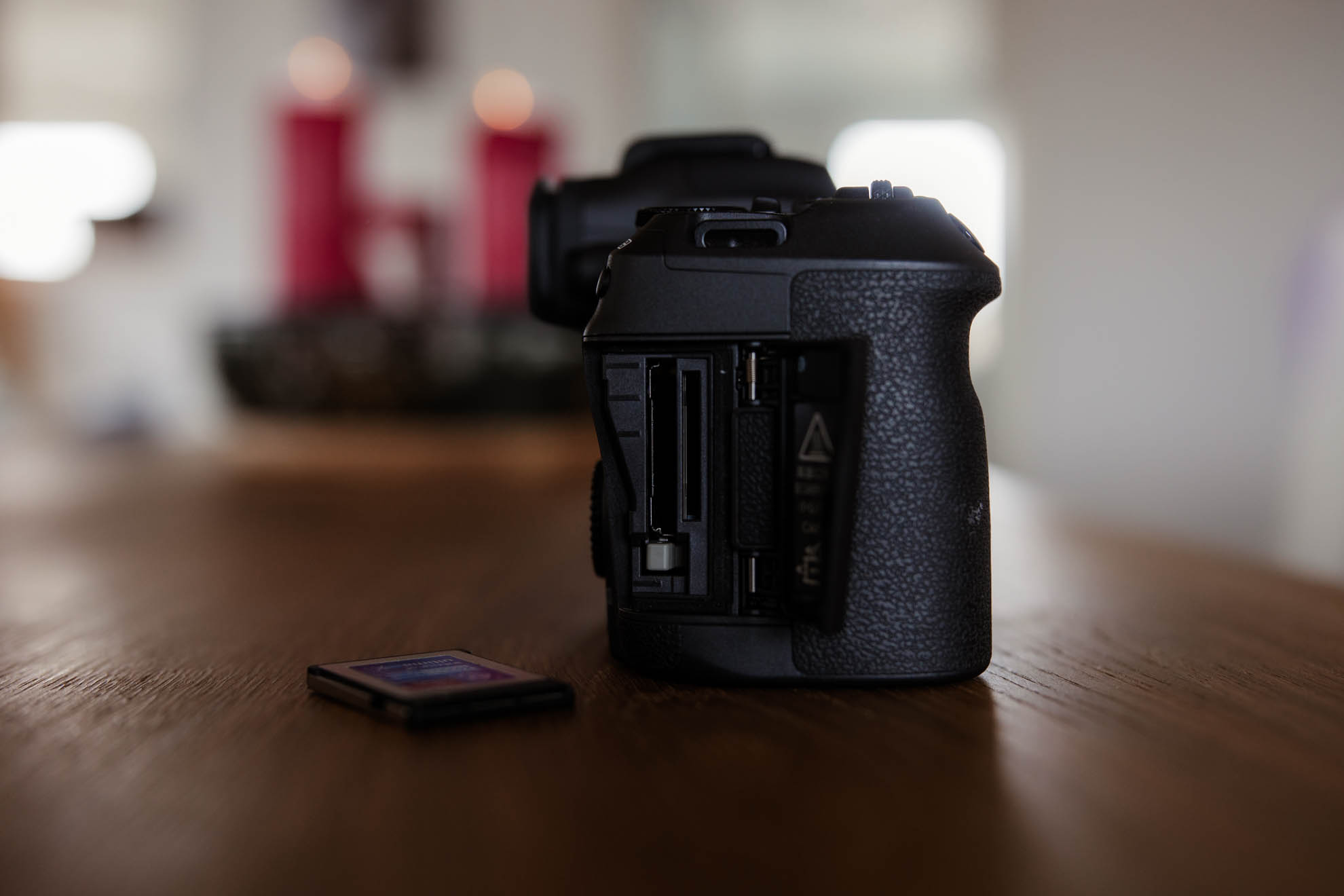
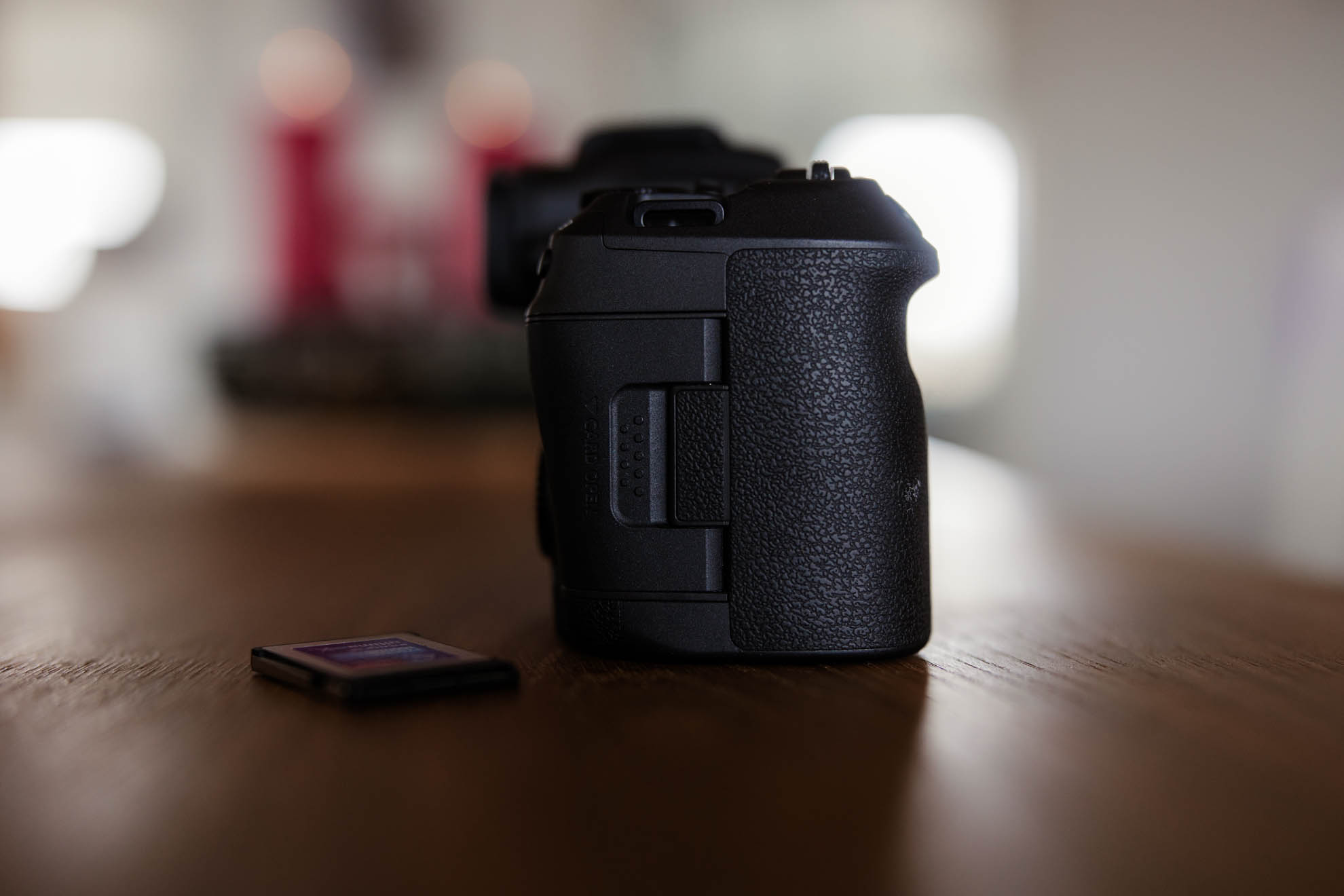
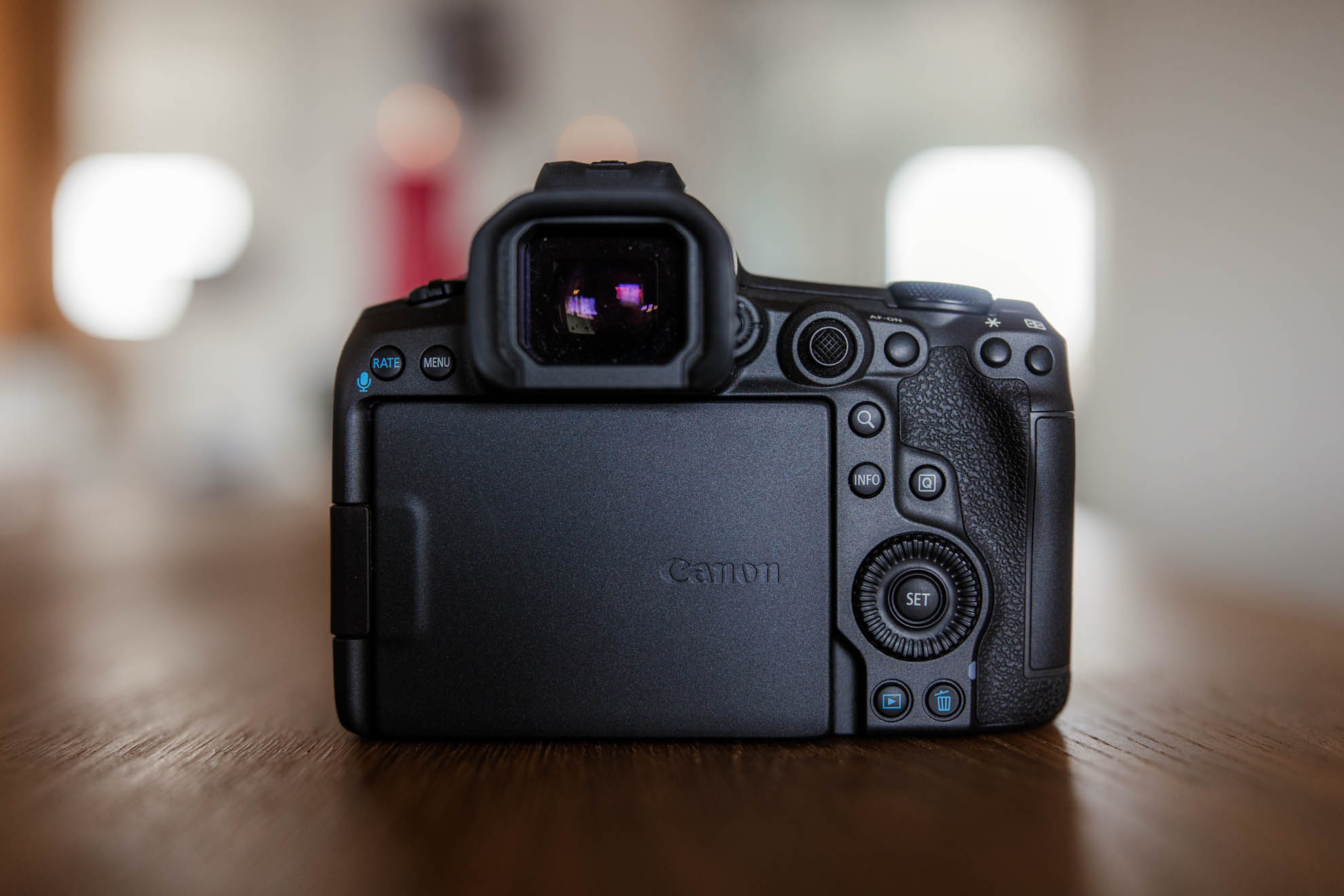
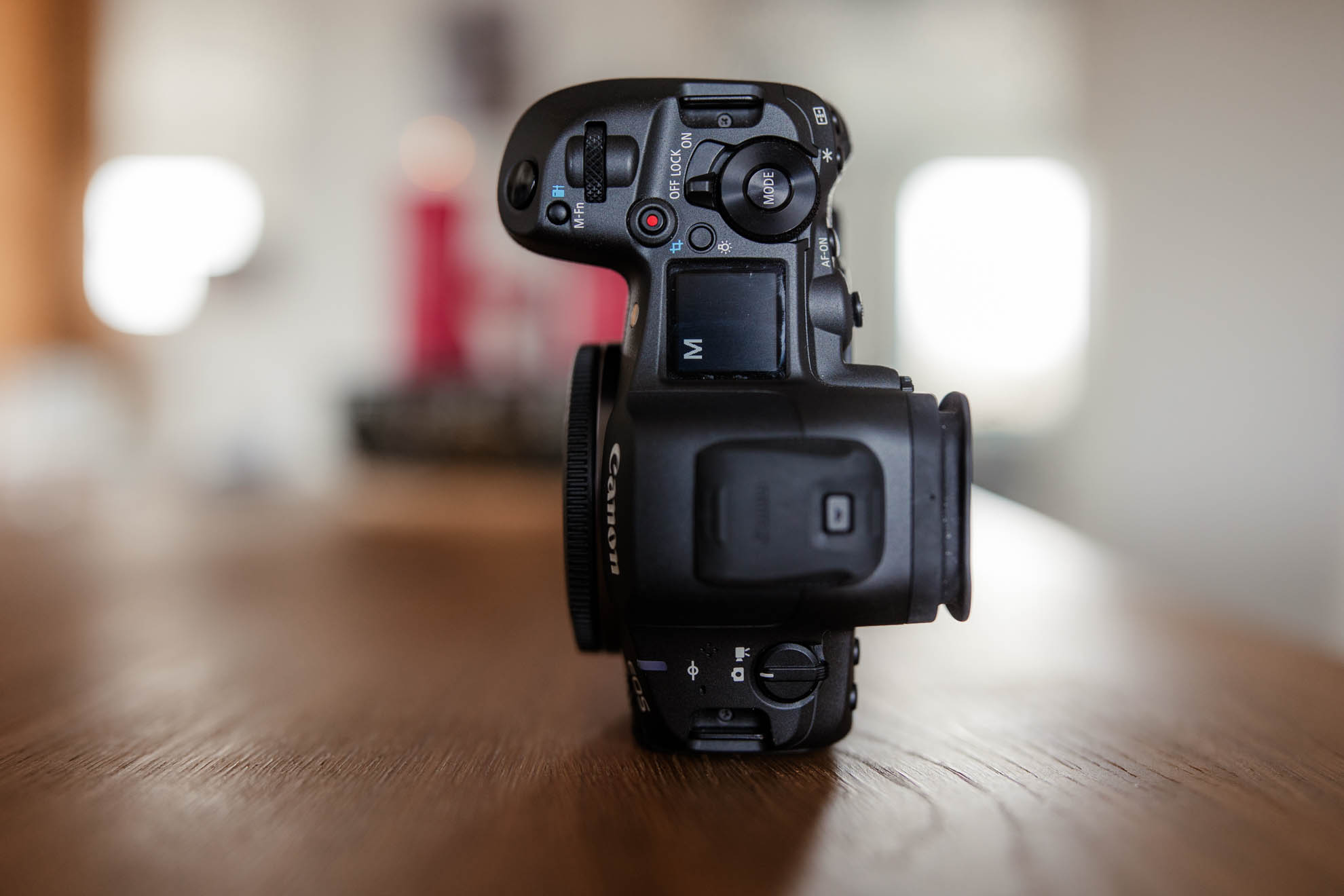
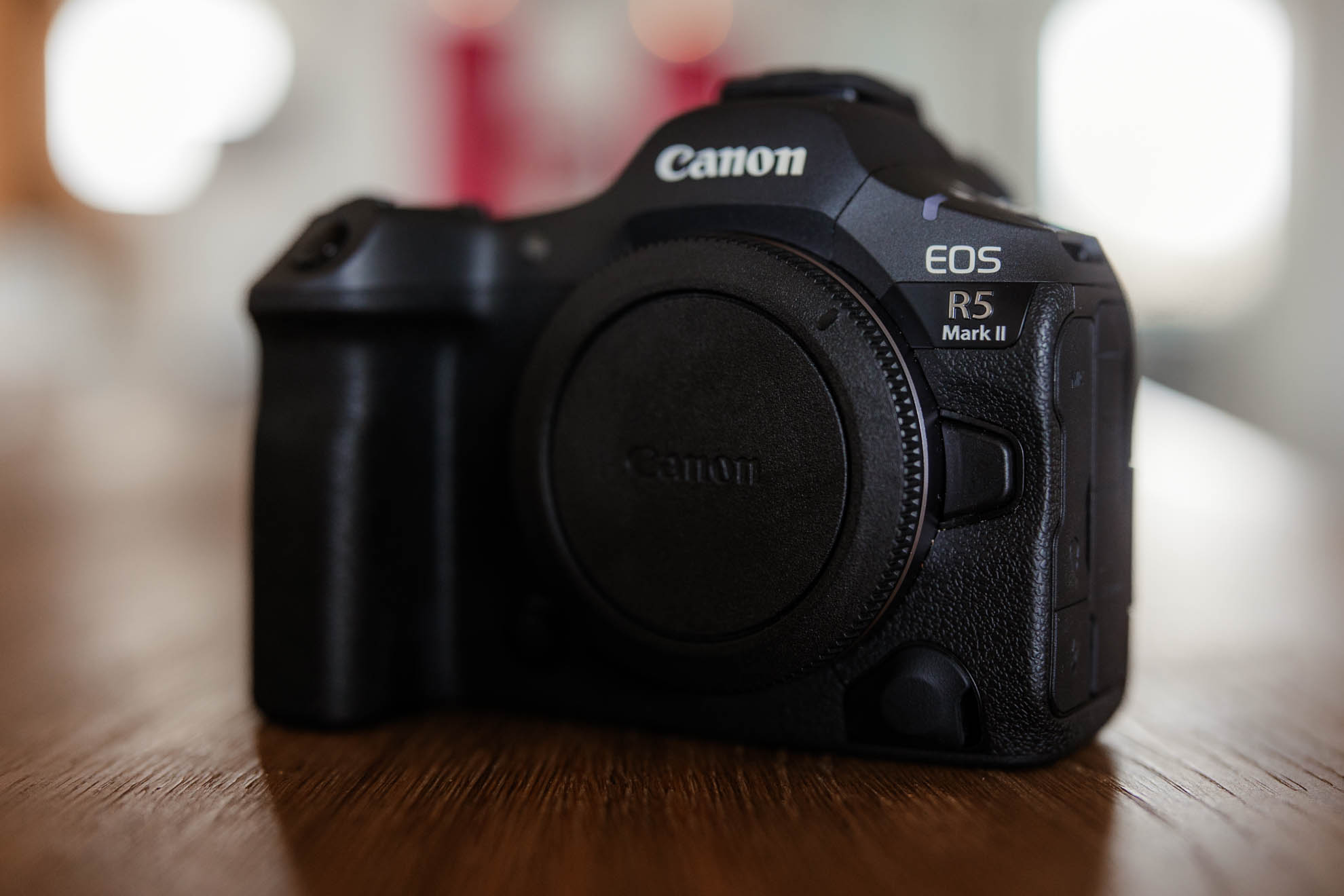
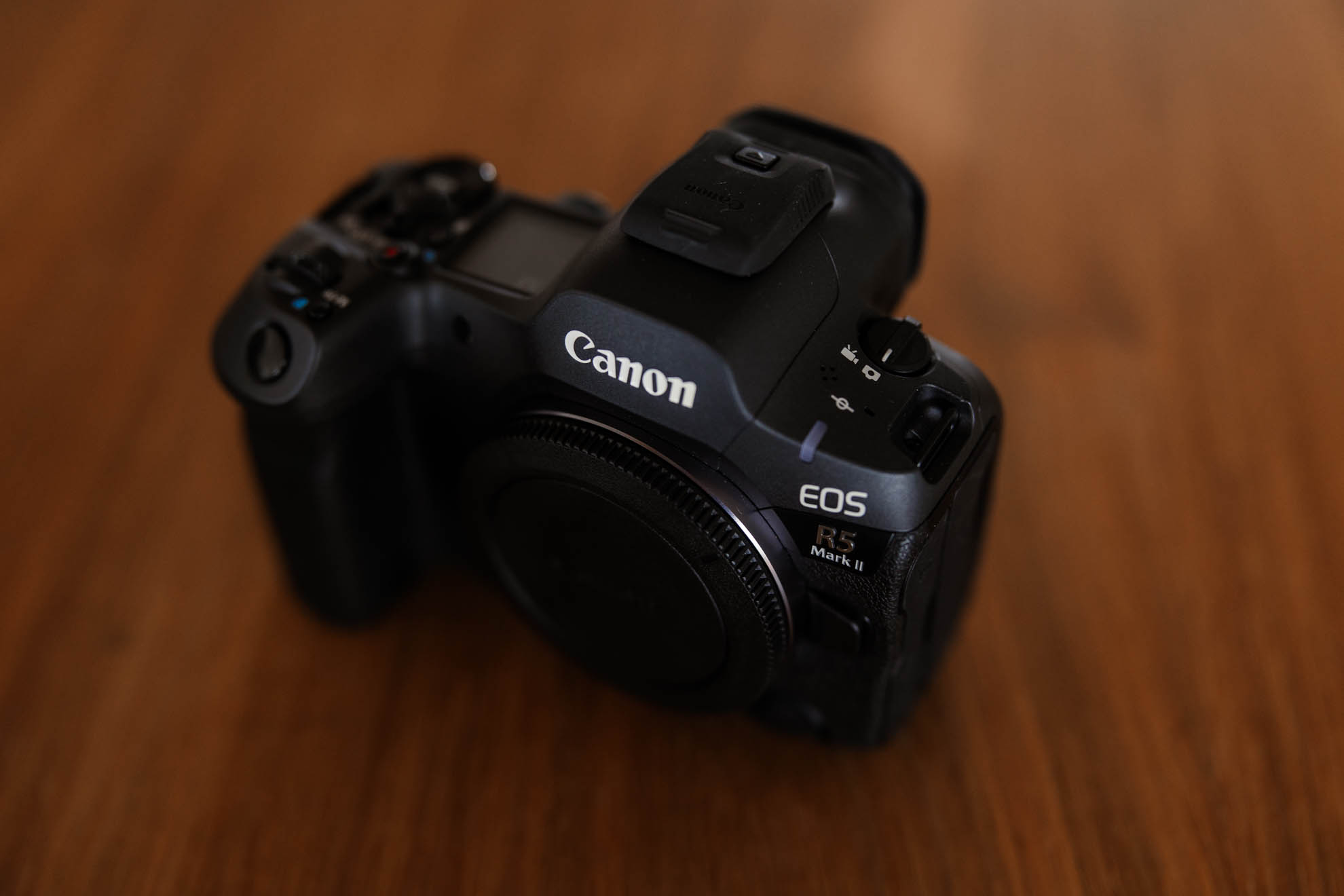
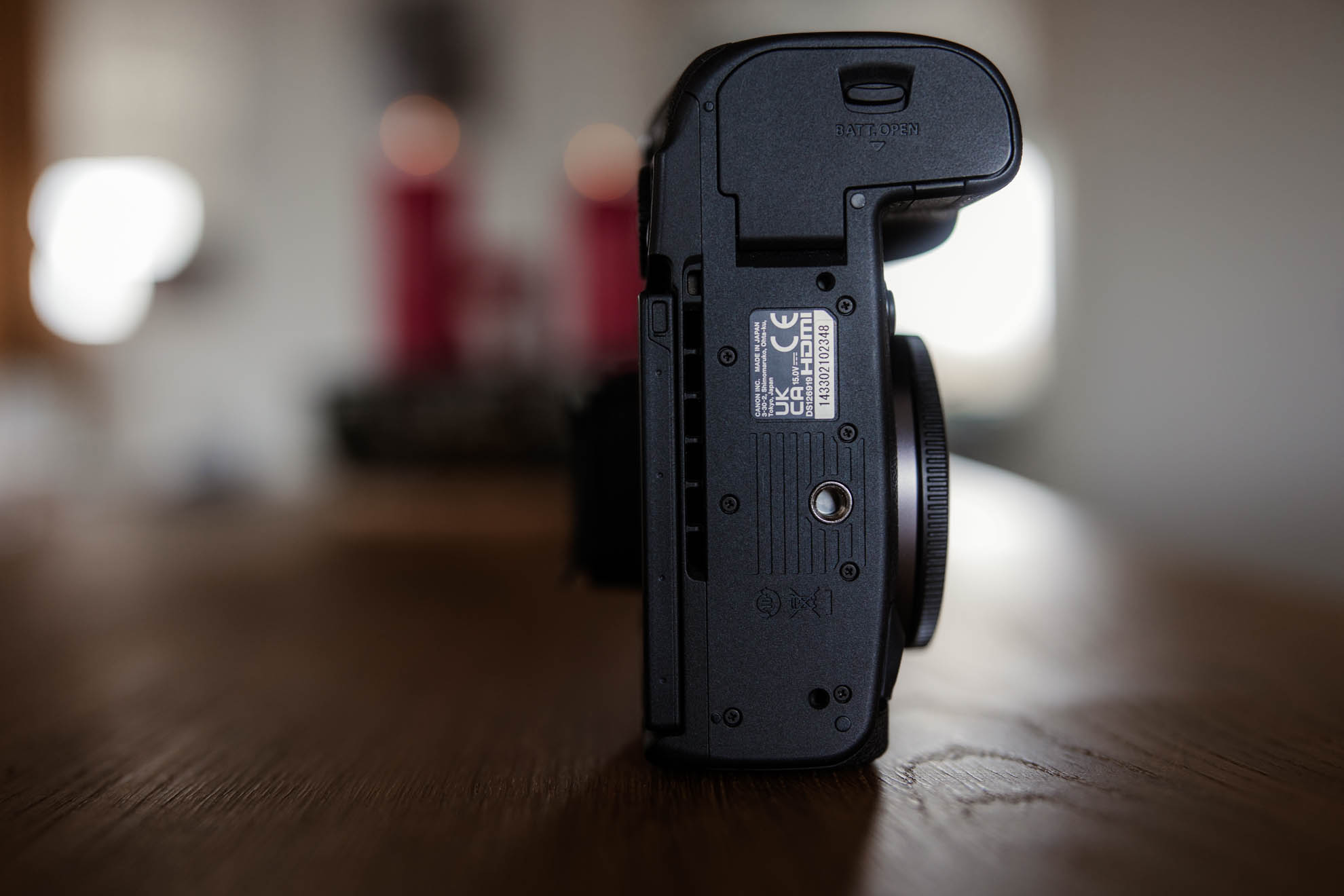
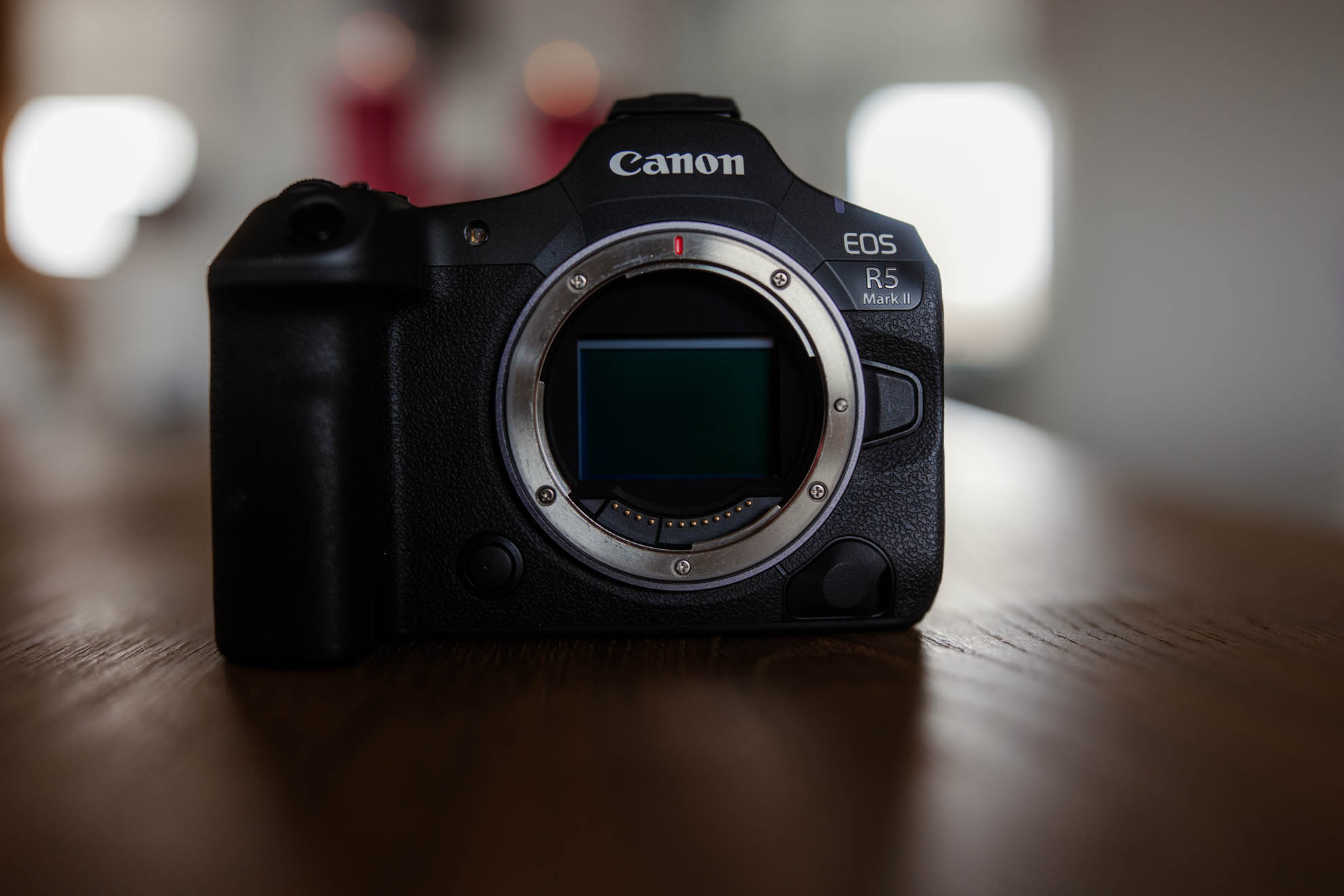
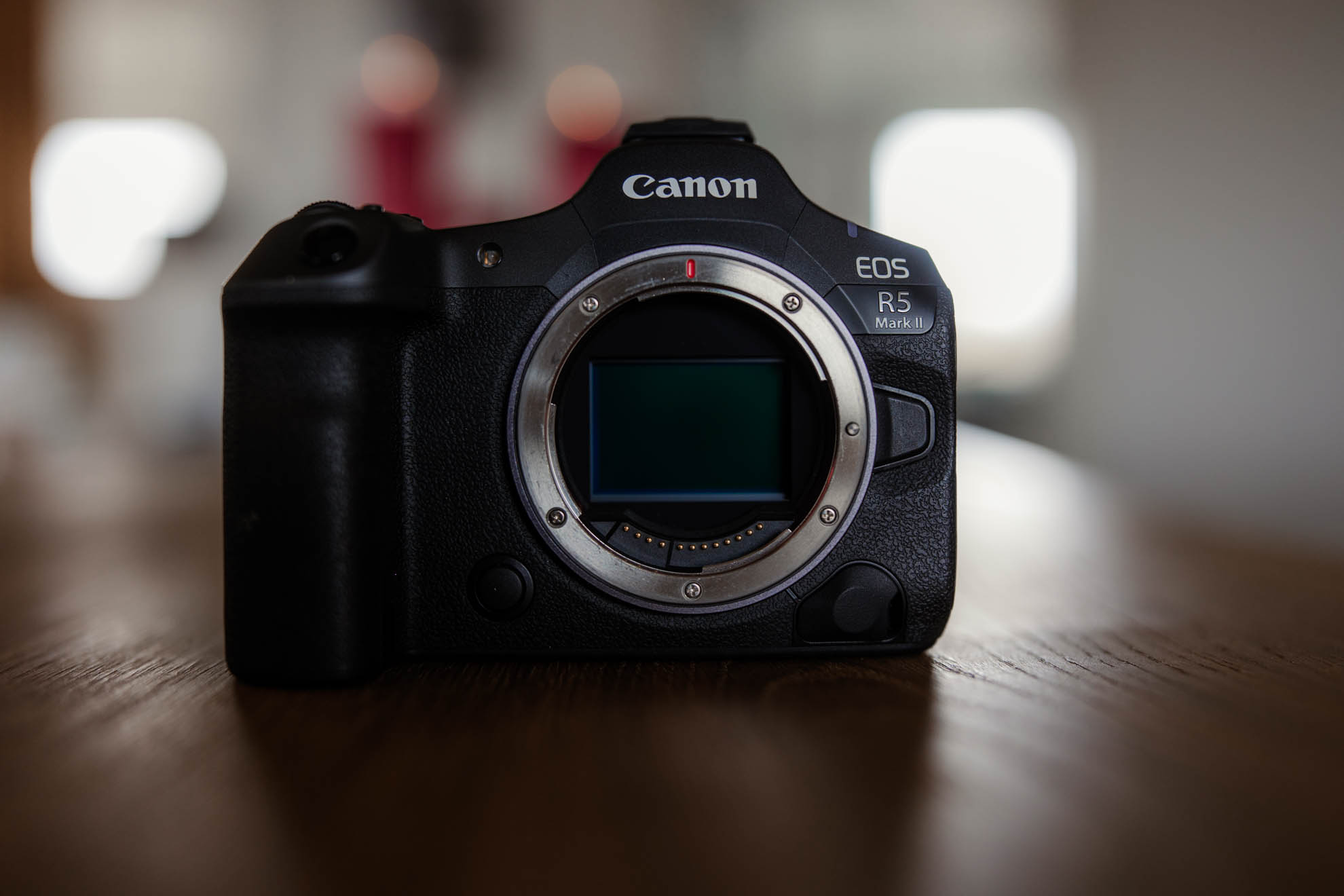
The body of the Canon EOS R5 Mark II is both rugged and very pleasant in terms of material. Despite weighing 746 grams, the camera remains comfortable to handle even on long photo tours. The ergonomic layout of the buttons and the clear menu mean you keep control over your shots even in hectic moments.
For me, as on the R3, the buttons are in exactly the right place and can be assigned entirely individually. You can even assign switching between shooting programs to certain buttons, so you can quickly swap between M mode and the custom modes, for example. Some buttons can even be assigned multiple functions.
The EOS R5 Mark II has three dials, which allows quick setting of shutter speed, aperture and ISO. With an RF lens (or the EF-RF adapter with control ring) you get an additional, fourth dial – which you can assign to white balance or other useful settings, for example.
Viewfinder
The electronic viewfinder, as on the EOS R3, is very large, crystal clear, high-contrast, sharp and simply fun to use! Like all of Canon’s professional cameras, the viewfinder has a dial for dioptre adjustment.
New is the Eye-Control AF, carried over from the R3. With it you can focus in the viewfinder, at the press of a button, exactly where you’re looking. It works really well and is very intuitive to use.
For this, a circle symbol is shown in the viewfinder marking the area you’re currently looking at. A tap of the shutter button then makes the camera focus exactly where you last looked.
In fast-moving moments especially, this is a very helpful feature that will get you some good photos you might otherwise have missed. The system can be calibrated to each eye and has been improved further. It now works more accurately than on the R3 – especially in the corners of the frame.
It’s important, though, to hold your eye really close to the viewfinder so the Eye-Control sensor can detect and track your pupil precisely.
At family shoots with a lot of people, by the way, I switch this focus mode off, because I look around a lot in the viewfinder (checking the composition and whether people are standing correctly). And an extra circle occasionally bothers me there. So I’ve assigned the Eye-Control function to a button that lets me switch it off and back on
The viewfinder, by the way, sits very comfortably against the eye and leaves no unpleasant pressure marks.
You can also configure what’s shown in the electronic viewfinder and, of course, on the display. In the viewfinder you can display various grid lines and the level, for example. Also new is the option to show the percentage of memory-card space used.
You can also set the camera to simulate an optical viewfinder – helpful for people switching from a DSLR. In addition to exposure simulation, you can also have the in-focus area shown in the viewfinder. So you really see how the image you’re taking will turn out.
By the way, I recommend not letting the camera switch automatically between viewfinder and display, but switching between them by pressing a button. That way you can show clients images on the display without it possibly switching to the viewfinder if a hand or finger comes near the viewfinder’s sensor.
Autofocus
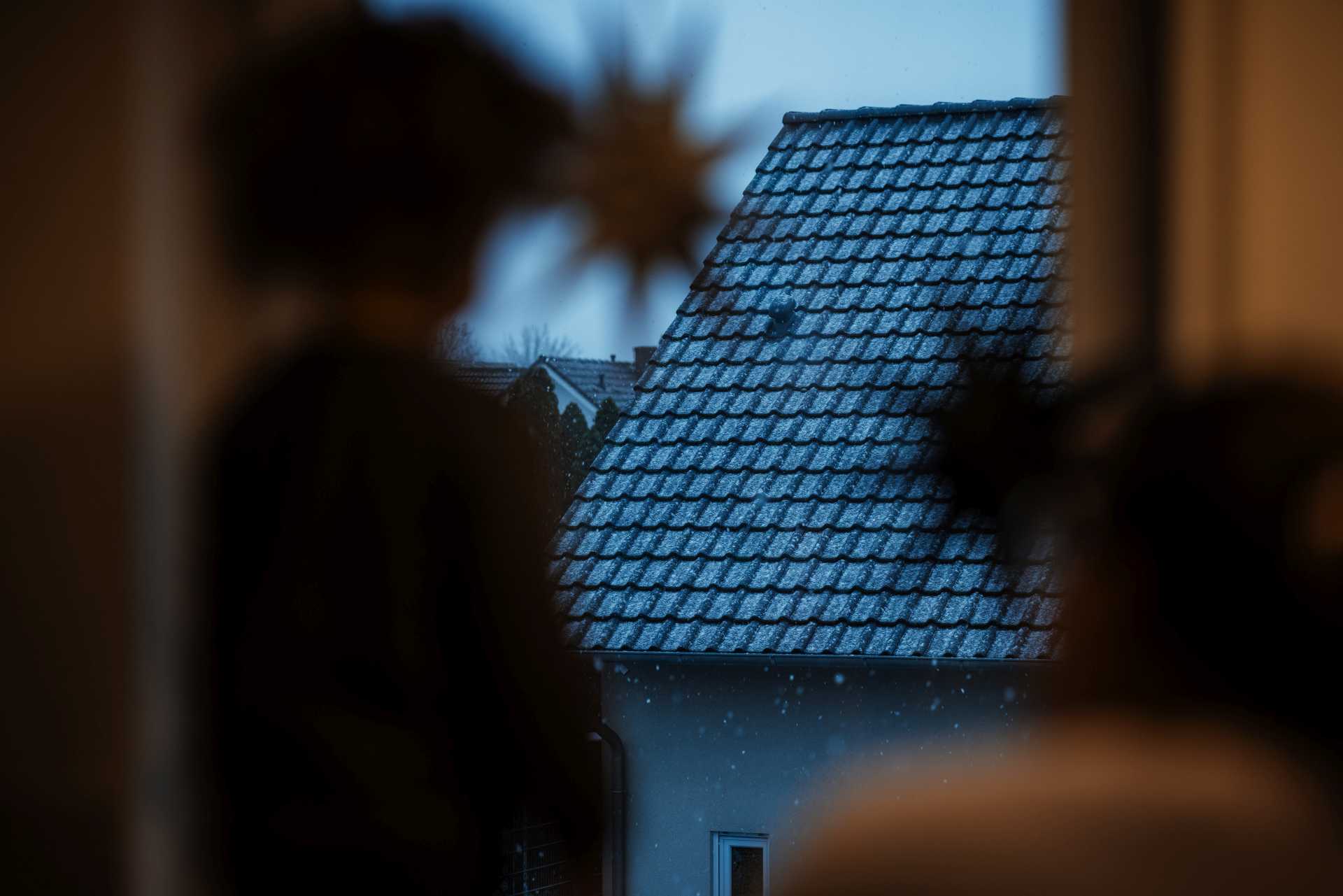
One of the absolute top features of the Canon R5 Mark II is the autofocus – especially in combination with the Eye-Control AF. The camera is equipped with the Dual Pixel CMOS AF II system, which as of early 2025 is among the best AF systems around. Only the EOS R1 is faster. This gives you astonishing precision and flexibility when focusing, regardless of your subject.
The autofocus of the Canon R5 Mark II makes it easy to track moving subjects like people, eyes, helmets, vehicles or animals in the wild. Combined with the ability to shoot 30 frames per second, the R5 Mark II offers everything you need to capture the perfect shot from very fleeting moments.
As with the AF of the EOS R3, there’s only good to say about the autofocus, because it’s very reliable and “sticks” to the subject.

You can customise the autofocus in very, very versatile ways. And here’s the thing: you can save different AF settings for the Canon EOS R5 Mark II as presets in the camera.
So you can create different AF profiles, for example, and quickly switch to another configuration as needed. That’s useful if, say, you photograph a wedding on Saturday and a sports event on Sunday, where you need completely different focus settings. It saves you a lot of time.
By the way, you can also export and import the R5 Mk II’s complete settings if you work with two bodies at once and want to use the same settings.

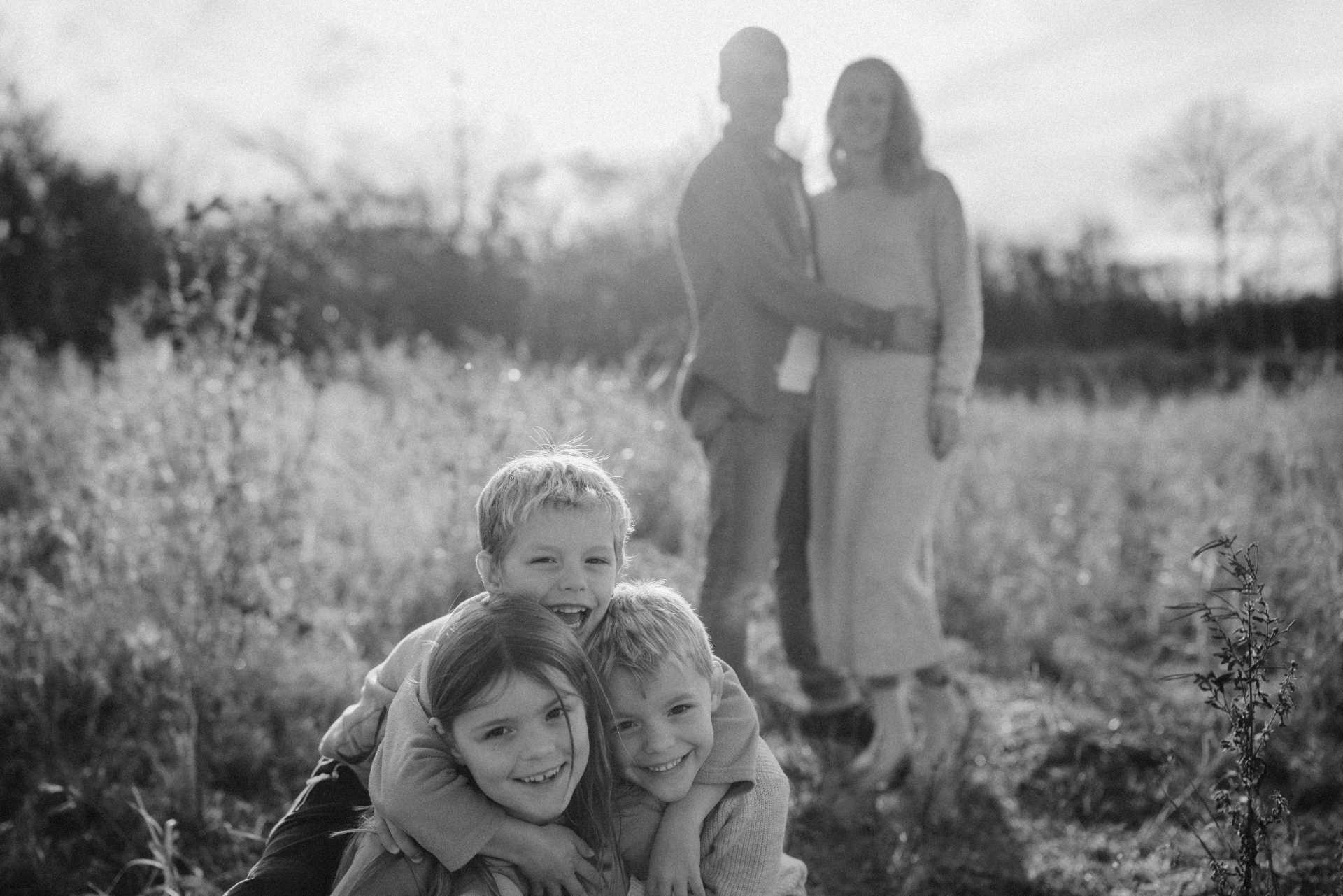
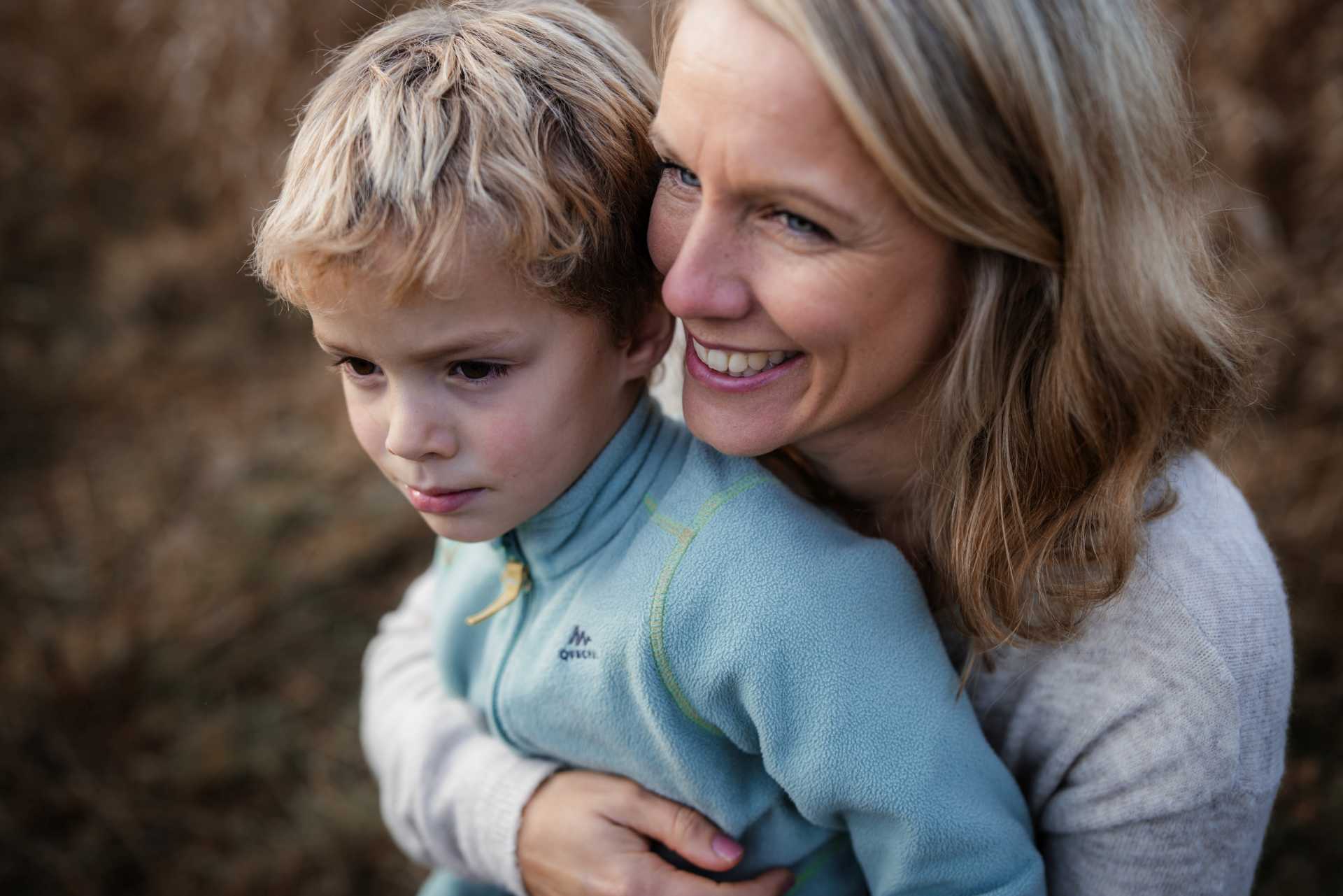
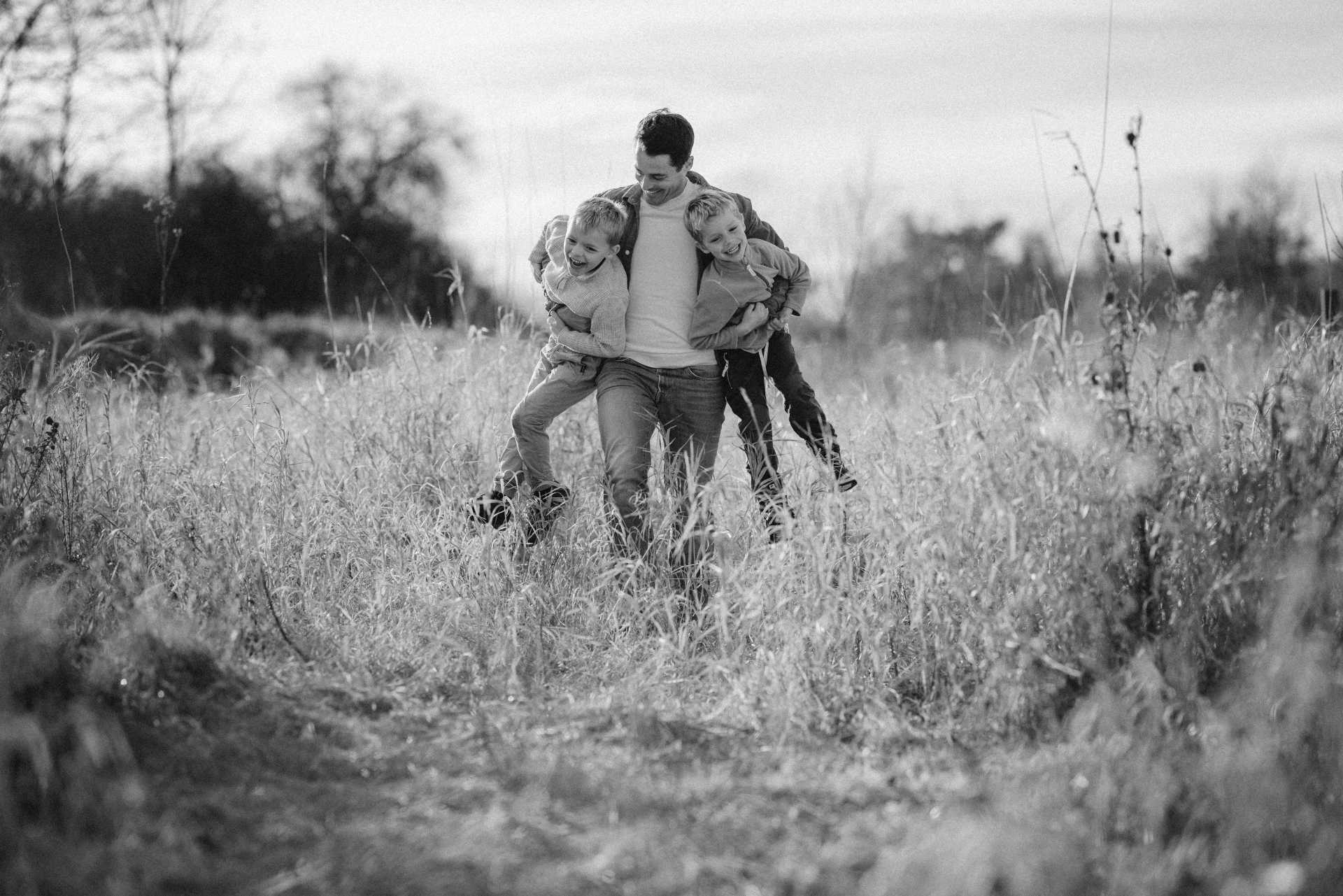
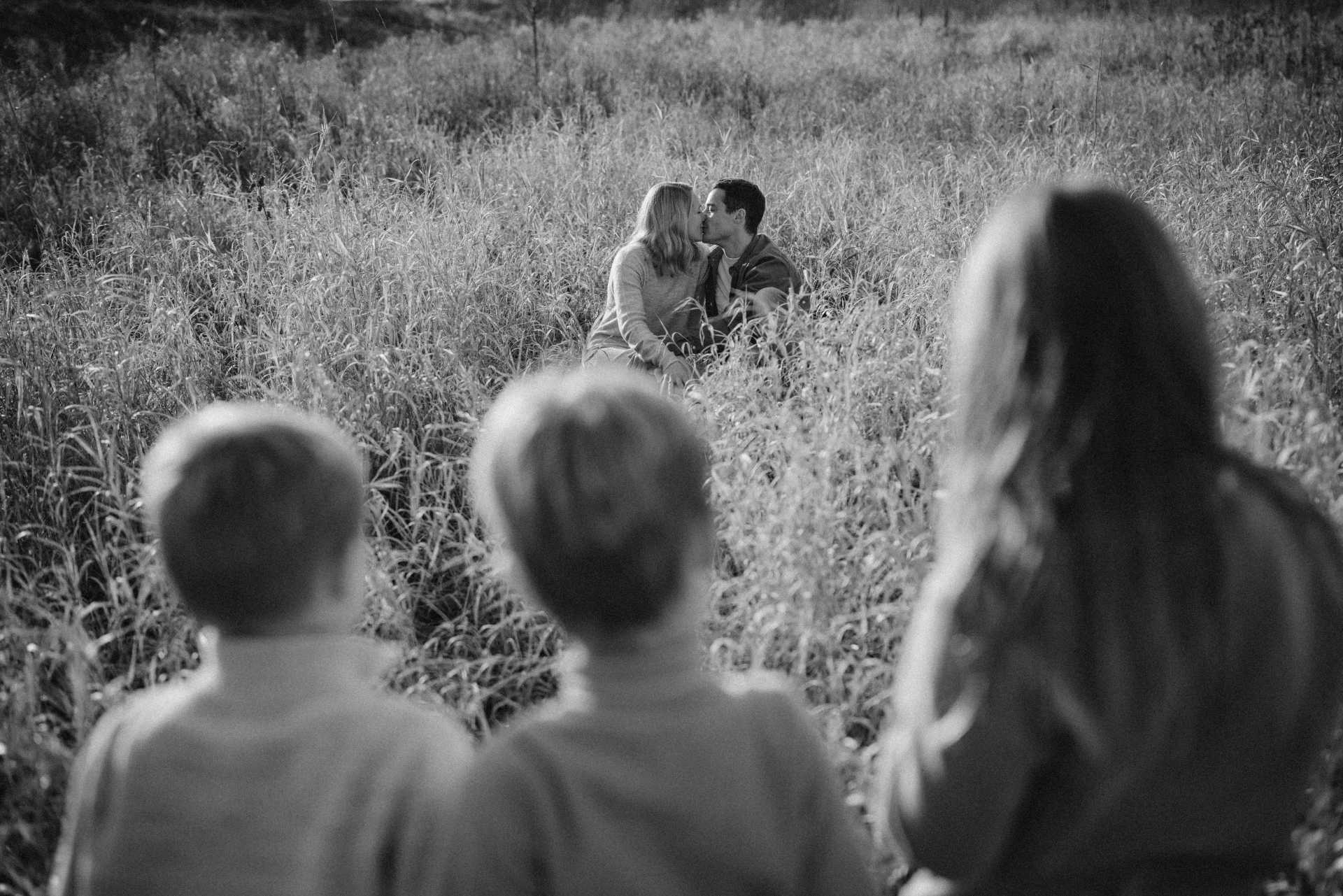
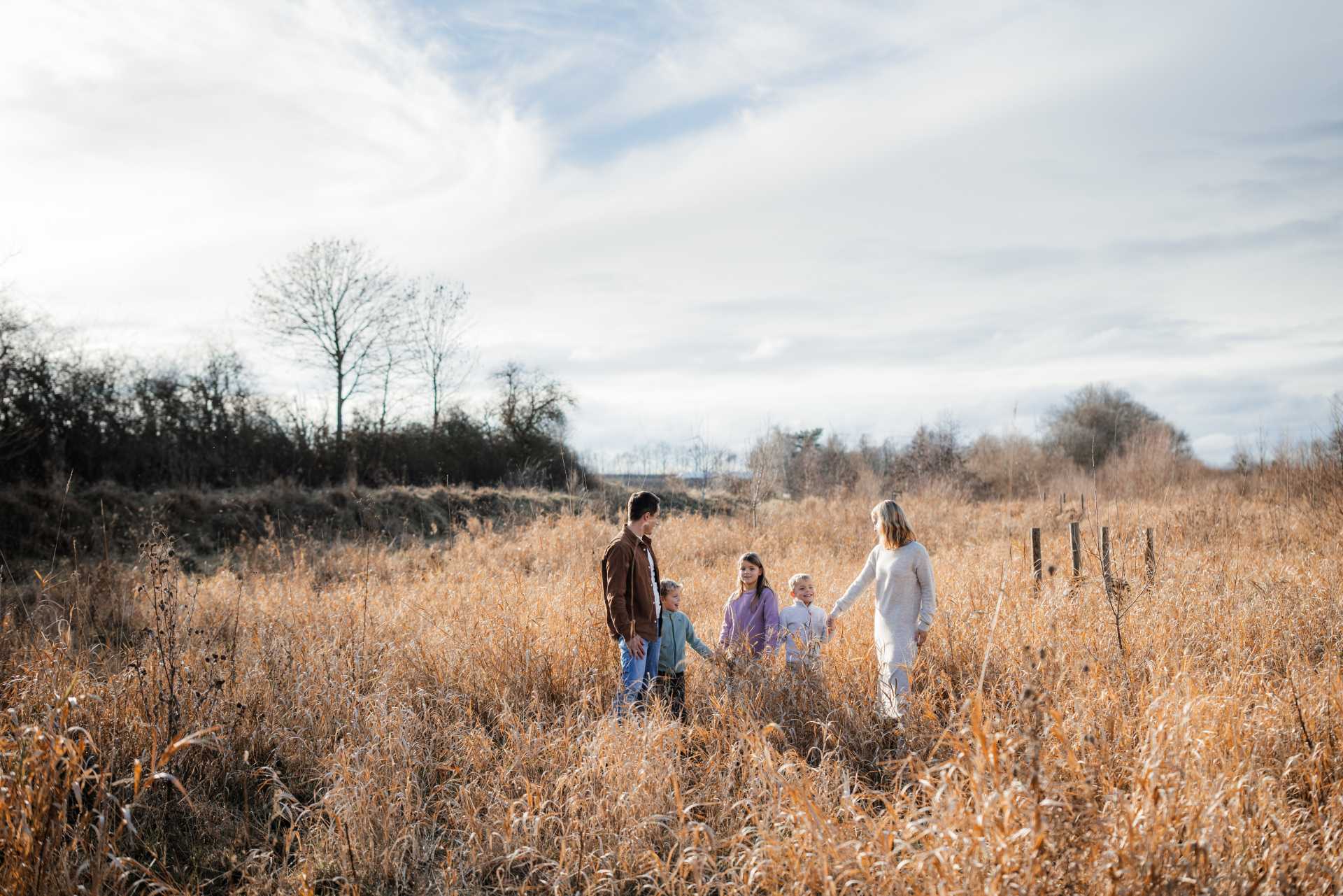
Out of just under 850 photos taken at the family shoot, I didn’t have a single misfocused photo. And that partly at f/1.2. That’s incredibly good!
By the way, my EF lenses also work perfectly on the R5 Mark II via the EF-RF adapter. And that in every focus mode.
The servo mode – continuous refocusing on the subject – works so well that I hardly shoot in any other mode any more; the only exception is macro shots, or when the camera is on a tripod.
Sensor and Image Quality
As mentioned above, the image quality of the Canon EOS R5 Mark II is impressive. With the high resolution you can crop your photos heavily and still use them for large-format prints without the quality suffering. The BSI stacked sensor ensures the sensor is read out quickly with every exposure, which is a particular advantage for you with fast movement when you use the electronic shutter.
The read-out time for the entire sensor with the electronic shutter is about 1/150 second. The R5 Mark II takes a little less than half the time to read out the sensor compared to its predecessor.
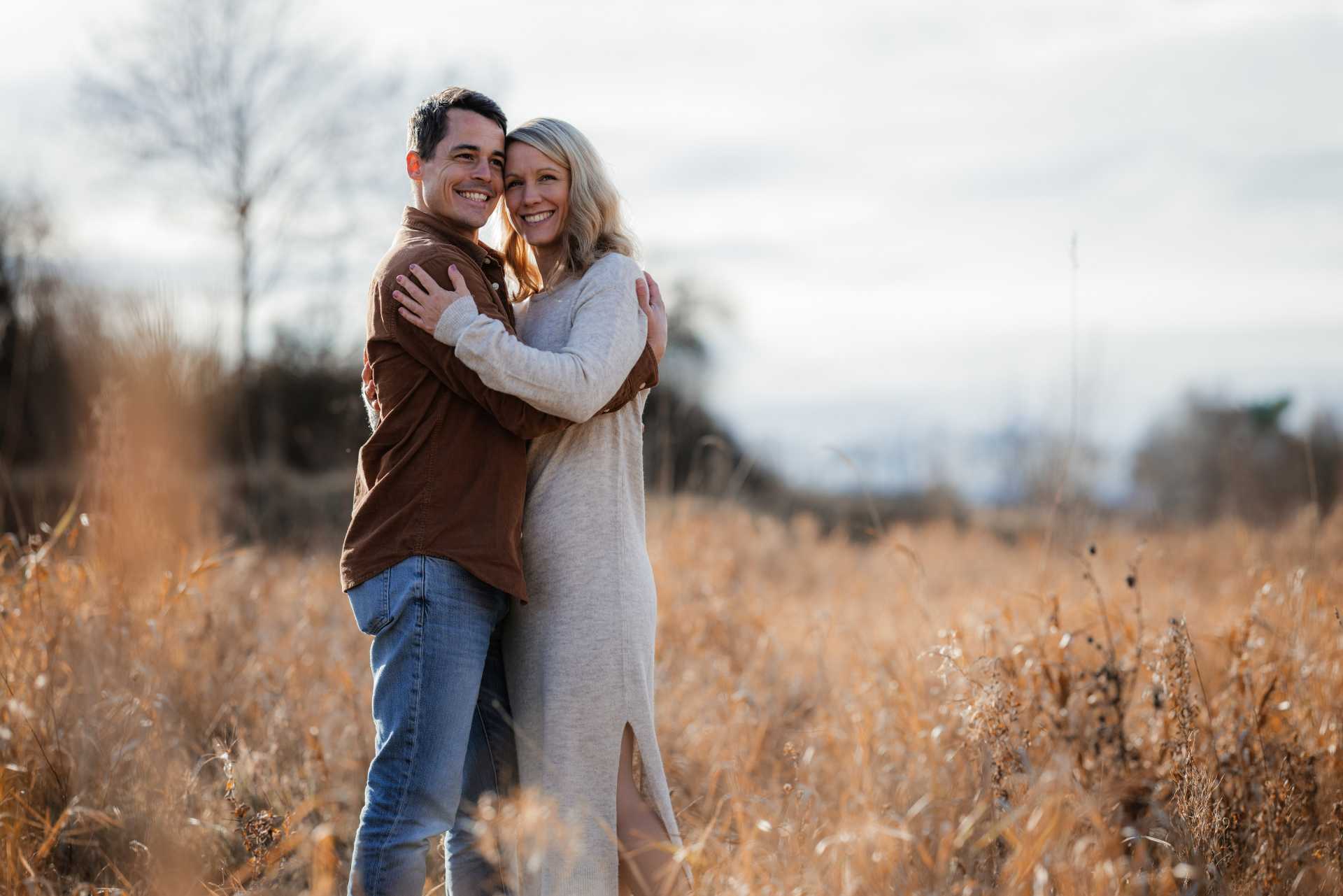
The colour reproduction of the Canon R5 Mark II is also excellent, as you’d expect from Canon. Whether you shoot by day or at dusk, the camera delivers vivid, typically Canon colours.
Take a look at the many shots that were taken at a family shoot during the test period with the EOS R5 Mark II and that I’m allowed to show:





















































Important: 45-megapixel photos are a great thing, but you have a few disadvantages compared to the 24 megapixels of the EOS R3 or R1:
- Firstly, you need very high-resolving lenses to achieve good image quality. If you use a lot of “old glass”, it can significantly reduce image quality, because the high resolution makes every optical flaw visible.
- Secondly, you need shorter shutter speeds, because you see motion blur much sooner at 45 megapixels than at 24 megapixels, for example.
- Thirdly, you need more storage space for a RAW file.
- And to edit these very high-resolution images you need a more powerful computer or laptop.
Dynamic Range
The dynamic range, like with all modern cameras these days, is absolutely top.
According to some tests, though, you lose a little dynamic range compared to the predecessor due to the new sensor. But in reality hardly anyone will notice the difference. Unless you photograph test charts for a living and push the exposure up by +5 stops in editing.
By the way: I don’t consider the “usual” camera tests, where you deliberately underexpose and then push the exposure up by 5 stops, very meaningful, because no photographer works like that.

Mein Preset-Paket "Marlene"
Du magst meine Fotos und den Bildlook? Dann sind meine Marlene Presets für Lightroom genau richtig für dich!
Yes, of course there are lighting situations where you have to brighten some areas a lot afterwards. But I’ve never really had to brighten by more than one to two and a half stops. Anything beyond that is no longer good craft.
Download RAW Files from the Canon EOS R5 Mk II
Even though I’ve written a lot about image quality in this EOS R5 Mark II review, I understand if you’d like to look at the RAW files yourself. I’m offering four RAW files for download here (200 MB).
I deliberately underexposed one of the files so you can brighten the shadows and better judge the noise.
Important: You may only use these files to get an impression in the RAW converter of your choice. I expressly object to any other use and to the publication of photos derived from these RAW files.
Noise Behaviour


For 45 megapixels, the sensor of the Canon EOS R5 Mark II is really very low-noise. It doesn’t quite match the ISO characteristics of the EOS R3, of course, but Canon has done a really good job with the sensor here. You do have to be aware, of course, that any camera beyond 30 megapixels always has a little more noise. Even so: the noise behaviour of the EOS R5 Mark II is at an absolute top level and even ISO 6400 is perfectly usable. As a photographer you rarely need higher values.
Shutter
The Canon EOS R5 Mark II has the quiet focal-plane shutter already used in the R5 and R3. It’s very quiet, which makes the EOS R5 Mk II the perfect tool for reportage photographers. You can choose between first-curtain electronic shutter, full mechanical shutter and the electronic shutter. The latter makes no sound when triggered. The pure mechanical shutter is the loudest option, but only a hair louder than the first-curtain electronic shutter. The shutter sound is short and unobtrusive.
Burst Rate
With the electronic shutter you get a hefty 30 frames per second on the EOS R5 Mark II. With that you can capture every important moment pretty much for sure. You can set the maximum number of shots in burst mode in the menu so you don’t go into the culling process with thousands of unnecessary photos. Believe me, you only ever want to fire 30 frames per second in short bursts.
In the menu you can also reduce the burst rate entirely to your liking if the Mark II is “too fast” for you. You can also use the custom modes, for example, to cycle through different speeds relatively quickly.
IBIS
Like its predecessor, the Mark II has a freely moving sensor that helps reduce your own movements and “shutter shock” – the vibration when the shutter fires. The sensor-based stabilisation works with most lenses. With 45 megapixels on the sensor, you welcome any help reducing camera shake. The IBIS really works excellently. While testing the Canon EOS R5 Mark II I still got sharp shots at 1/30 second with my 105mm. That’s top.
The internal stabiliser is very valuable for filming too, and here as well the IBIS works very well and makes video footage look steadier.
Video Features
The Canon R5 Mark II has extremely strong video features. You can record in 8K at up to 60 frames per second, which gives photographers who also want to create cinematic videos a lot of creative freedom. Filming slow motion in 4K at 120 frames per second also opens up a wide range of slow-motion possibilities – with active autofocus!
If you want to record 8K video footage, though, you can only do that on the CFexpress card or a recorder. 4K footage can then be saved to the SD card at the same time. By the way, you can also film in photo mode and set in advance in the menu which movie mode (Auto, Manual, Av, etc.) is used when you press the record button.
Two Card Slots
Thanks for this feature – it’s simply a given on a camera in this price bracket. I don’t need to say more about it. The only downside is that CF Express memory cards are so darn expensive. But then again, we do need a fast card to store the gigantic amounts of data quickly.
Dust Protection When Changing Lenses
As with all high-end cameras in the EOS R range, on the EOS R5 Mk II the sensor is protected when you switch off by closing the shutter, so that not all the dust immediately flies onto the sensor when you change a lens. In the menu you can set whether you want this or not.
I recommend activating the function and switching the camera off before you change a lens. Since this system was introduced, in four years I’ve only had to remove dust from the sensor of my Canon cameras once.
Touch and Drag Focus Selection
As with all other mirrorless cameras from Canon – except the R100 – you can use Touch and Drag on the display to move the focus point in fractions of a second while looking through the viewfinder. That’s particularly useful if you don’t want to use the Eye Control AF.
Verdict on the Canon EOS R5 Mark II
The Canon EOS R5 Mark II is a very successful successor to the old R5 and has been consistently improved, especially in speed. It’s strong competition for the models from Sony and Nikon and offers maximum video and photo quality. It’s particularly worthwhile for reportage, product, landscape, portrait and also wedding photographers.
Nature and sports photographers will get a huge amount of enjoyment out of this camera, because the pre-capture function already records before the shutter is pressed. It’s extremely powerful and has a lightning-fast autofocus, paired with an insanely quiet shutter.
There’s only one thing I didn’t like, and that’s the new batteries – or rather that my old third-party batteries are blocked, which work absolutely fine in the “old” R5. There are now third-party batteries that work in the R5 Mark II too, but you have to buy them new.
Here I’ve listed all the specs of the Canon EOS R5 Mk II for you again:
Canon EOS R5 Mark II
With 4.9 out of a maximum of 5 points in the overall rating, the Canon EOS R5 Mark II delivers with complete authority.
Pros
- High resolution
- Very fast
- Hardly any rolling-shutter artefacts
- Extremely good, reliable autofocus
- Easy to use
- Very high button customisability
- Focusing with Eye Control
- Very quiet camera
- Good battery life (with lenses without IS)
Cons
- Some functions require the expensive LP-E6P battery
- Older third-party batteries can’t be used
- Expensive
Now I’m curious about your opinion! Have you had good experiences with the Canon EOS R5 Mark II? What do you think is well done? What isn’t? Did you upgrade from the old R5? I look forward to your comment!
Alternatives to the Canon EOS R5 Mark II
The R5 Mark II is Canon’s high-resolution hybrid flagship. Depending on your budget and focus, these alternatives are worth considering:
- Canon EOS R5*: the cheaper predecessor, also with 45 MP. See the EOS R5 review and the R5 vs R5 Mark II comparison.
- Canon EOS R6 Mark III*: the cheaper all-rounder alternative with 32.5 MP. See the review and the R5 Mark II vs R6 Mark III comparison.
- Canon EOS R1*: the sports and reportage flagship when speed matters more than resolution. See the EOS R1 review.
- Sony Alpha 1 II*: 50 MP stacked flagship for photo and video.
- Nikon Z8*: 45 MP with a stacked sensor – the direct competitor.
- Fujifilm GFX100S II*: medium format with 102 MP for maximum image quality.

Der Beitrag wurde verfasst von: Stephan Forstmann – Fotograf, Autor und Fotografie-Tutor
Ich bin Stephan Forstmann, Berufsfotograf aus Leidenschaft und seit über 30 Jahren mit der Kamera unterwegs. Die letzten 10 davon professionell.
Fotografisch bin ich vor allem bei Hochzeiten, Portraits, Paaren & Familien, Reportagen, Veranstaltungen und in der Milchstraßenfotografie zu Hause. Ich leite Fotokurse für Anfänger und fortgeschrittene Fotografen sowie Milchstraßenfotokurse. Ich erstelle Tutorials, in denen ich meine Foto-Erfahrungen aus der Praxis weitergebe. Bevor ich mich selbstständig gemacht habe, kam ich aus der IT und habe viele Jahre im Marketing gearbeitet. Eine Kombination, die mir heute bei Technik, Workflow und Kundenkommunikation enorm hilft.
In diesen Beitrag habe ich viel Rechercheaufwand, Zeit und Herzblut investiert und ich gebe gerne mein Fachwissen an andere Fotografiebegeisterte weiter. Das macht aber auch sehr viel Arbeit und braucht vor allem viel Zeit. Fandest du diesen Artikel hilfreich und hast ihn gerne gelesen? Dann spendiere mir doch einen Kaffee für meine Mühe! Damit hilfst du mir und meiner Familie, hier alles am Laufen zu halten.
Vielen Dank für deine Unterstützung!
Noch mehr von mir bzw. über mich findest du in den sozialen Medien: